Load Help Center Pages into Pinecone with OpenAI Embeddings
Load Help Center Pages into Pinecone with OpenAI Embeddings
Regular price
£22.99
Regular price
£22.99
Sale price
Unit price
per
⬇
Instant Digital Download
∞
Unlimited Downloads
★
Lifetime Access in Your Account
Couldn't load pickup availability
🔥
128+ Sold
Popular with n8n builders
⚡
23 people viewing
High interest right now
✅
9 added today
Fast-moving digital product

Load Help Center Pages into Pinecone with OpenAI Embeddings
Regular price
£22.99
Regular price
£22.99
Sale price
Unit price
per
Turn your help center docs into a Pinecone-ready AI knowledge base (with OpenAI embeddings)
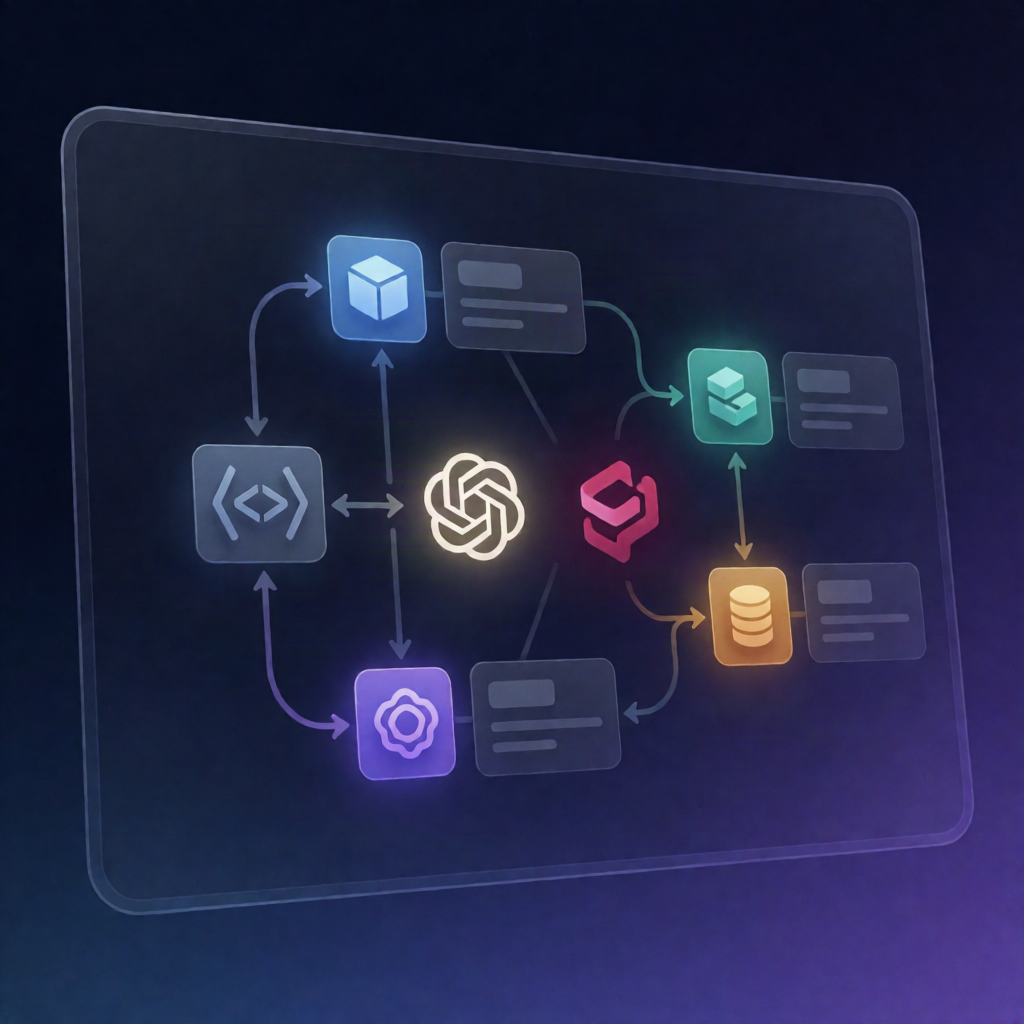
This n8n workflow fetches your public help center pages (or built-in demo docs), converts them to text, generates OpenAI embeddings, and upserts the resulting vectors into a Pinecone index—so you can power retrieval-based support and chat.
What this workflow does
- Runs on demand: starts when you manually trigger it in n8n.
- Selects source content: reads configuration to load URLs from DOC_URLS or use the built-in demo knowledge base.
- Fetches and cleans documents: retrieves each public document URL (with retries), converts HTML to plain text, and records pages that fail or contain too little text.
- Chunks text for embeddings: splits each document into overlapping text chunks using stable chunk IDs, so re-running updates existing vectors instead of duplicating them.
- Supports preview mode behavior: if OpenAI/Pinecone loading isn’t enabled (e.g., missing configuration), it outputs the chunks that would be embedded/upserted without writing anything.
- Embeds in batches and retries: calls the OpenAI Embeddings API in batches, skipping any batches that still fail after retries.
- Upserts into Pinecone: writes each successfully embedded batch to Pinecone, storing title, source, and chunk text as metadata and reporting upsert counts or Pinecone errors.
Use cases
- Enable RAG-style customer support: retrieve the most relevant help center chunks during chat or ticket triage.
- Keep embeddings fresh: re-run after updating documentation to update the same chunk vectors via stable IDs.
- Bootstrap a knowledge base from demo docs, then switch to your real DOC_URLS when ready.
Technical details
- n8n nodes: Manual Trigger, HTTP Request, Code, IF, and Sticky Note.
- OpenAI: add an OpenAI API credential in n8n and set USE_OPENAI to true.
- Pinecone: create an index with dimensions matching EMBED_DIMENSIONS, configure Pinecone HTTP Header Auth (Api-Key), and set PINECONE_INDEX_HOST and PINECONE_NAMESPACE.