Log DummyJSON Product Checks to Google Sheets + Gmail Alerts
Log DummyJSON Product Checks to Google Sheets + Gmail Alerts
Regular price
£37.99
Regular price
£37.99
Sale price
Unit price
per
⬇
Instant Digital Download
∞
Unlimited Downloads
★
Lifetime Access in Your Account
Couldn't load pickup availability
🔥
128+ Sold
Popular with n8n builders
⚡
23 people viewing
High interest right now
✅
9 added today
Fast-moving digital product

Log DummyJSON Product Checks to Google Sheets + Gmail Alerts
Regular price
£37.99
Regular price
£37.99
Sale price
Unit price
per
Automatically monitor DummyJSON product responses and log results in Google Sheets—or alert your inbox via Gmail
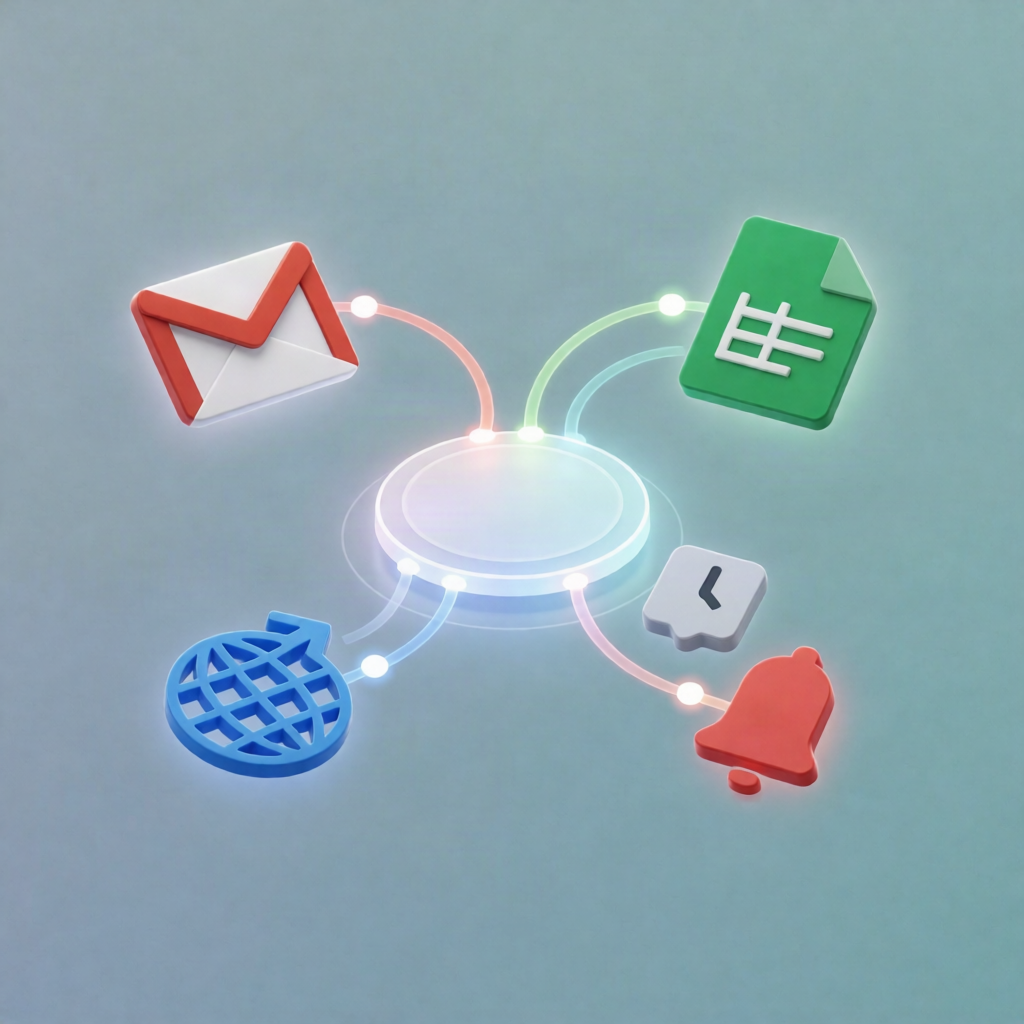
This n8n workflow checks the DummyJSON products endpoint on a schedule. If the first product includes a non-empty title, it appends a row to Google Sheets. If the title is missing, it immediately sends a Gmail email alert—so you can spot endpoint issues or unexpected API changes fast.
What this workflow does
- Runs on a scheduled trigger to perform periodic health-style checks.
-
Calls DummyJSON Products API using an HTTP Request node:
https://dummyjson.com/products. - Validates the response by checking whether the first returned product contains a non-empty title field.
- If the title is present: appends a record to your selected Google Sheets worksheet.
- If the title is missing: sends an email using Gmail with the configured recipient, subject, and message content.
Use cases
- SaaS operators verifying that an upstream dummy data feed still matches expected structure.
- Automation engineers testing conditional flows: log to Google Sheets when valid, notify via Gmail when invalid.
- QA / data validation tasks that need quick visibility when a third-party API response changes or becomes incomplete.
- Near-real-time monitoring by running every few minutes, or routine checks by running hourly/daily.
Technical details
- Schedule Trigger for timed execution.
-
HTTP Request to fetch product data from
https://dummyjson.com/products. - IF node to check whether the first product’s title is non-empty.
- Google Sheets node to append rows to the specified spreadsheet and worksheet.
- Gmail node to send alerts when the title is missing.
- Sticky Note included for workflow clarity/documentation.
Set it up with your Google Sheets OAuth2 and Gmail credentials, configure the sheet and email details, and choose the schedule interval that matches your monitoring needs.