Master TradingView Chart Analysis with n8n & Chrome Extension
Master TradingView Chart Analysis with n8n & Chrome Extension
Couldn't load pickup availability

Master TradingView Chart Analysis with n8n & Chrome Extension
Streamline Your TradingView Chart Analysis with n8n & Chrome Extension
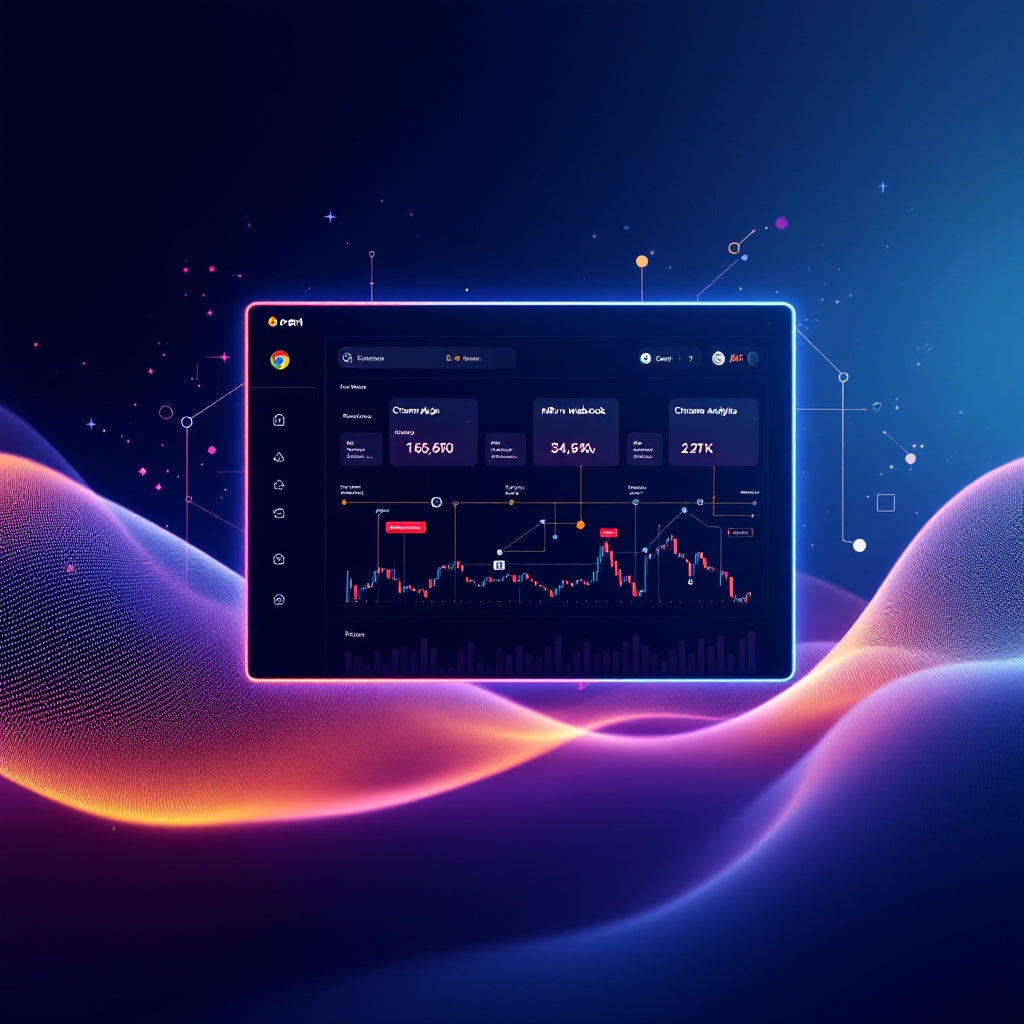
Unlock the potential of automated chart analysis with the powerful synergy of an n8n workflow and a bespoke Chrome Extension. Specifically crafted for n8n developers, this innovative flow leverages OpenAI's image analytics capabilities to provide insightful interpretations of screenshots from TradingView crypto charts, all made seamless through a Chrome plugin developed with Cursor AI. Transform complex chart data into actionable intelligence effortlessly!
What This Workflow Does
This n8n workflow integrates a variety of powerful tools to offer automated chart analysis:
- Webhook Trigger: Initiates the workflow upon receiving a screenshot from the Chrome extension.
- OpenAI Node Evaluation: Utilizes GPT-4O-MINI with the "Analyze Image" option selected to process and interpret chart data from the screenshot.
- Response Node: Delivers the analyzed text back to the user, providing clear insights into the data portrayed in the chart.
By employing this workflow, developers can witness firsthand how integrating n8n with Chrome extensions can automate the identification and analysis of market trends.
Use Cases
- Cryptocurrency traders: Quickly comprehend complex chart data without manual analysis, making informed trading decisions faster.
- n8n Automation Engineers: Learn to develop integrated workflows that harness the power of AI for advanced data analysis.
- SaaS Operators: Embed this solution into existing platforms to enhance user experience with AI-driven analytics.
Technical Details
This solution requires:
- An active OpenAI API key to access the AI's image processing capabilities.
- Installation of the Cursor AI-powered Chrome extension, available for download here.
- The n8n JSON code necessary for setting up the backend service, accessible here.
Integrate this ground-breaking workflow and watch as it elevates your chart analysis process, delivering precise, AI-enriched data interpretations right from your browser.