n8n After-Hours WhatsApp Support Agent with OpenAI & Google Calendar
n8n After-Hours WhatsApp Support Agent with OpenAI & Google Calendar
Regular price
£7.99
Regular price
£7.99
Sale price
Unit price
per
⬇
Instant Digital Download
∞
Unlimited Downloads
★
Lifetime Access in Your Account
Couldn't load pickup availability
🔥
128+ Sold
Popular with n8n builders
⚡
23 people viewing
High interest right now
✅
9 added today
Fast-moving digital product

n8n After-Hours WhatsApp Support Agent with OpenAI & Google Calendar
Regular price
£7.99
Regular price
£7.99
Sale price
Unit price
per
Answer WhatsApp questions after hours with an OpenAI agent + Google Calendar inside n8n
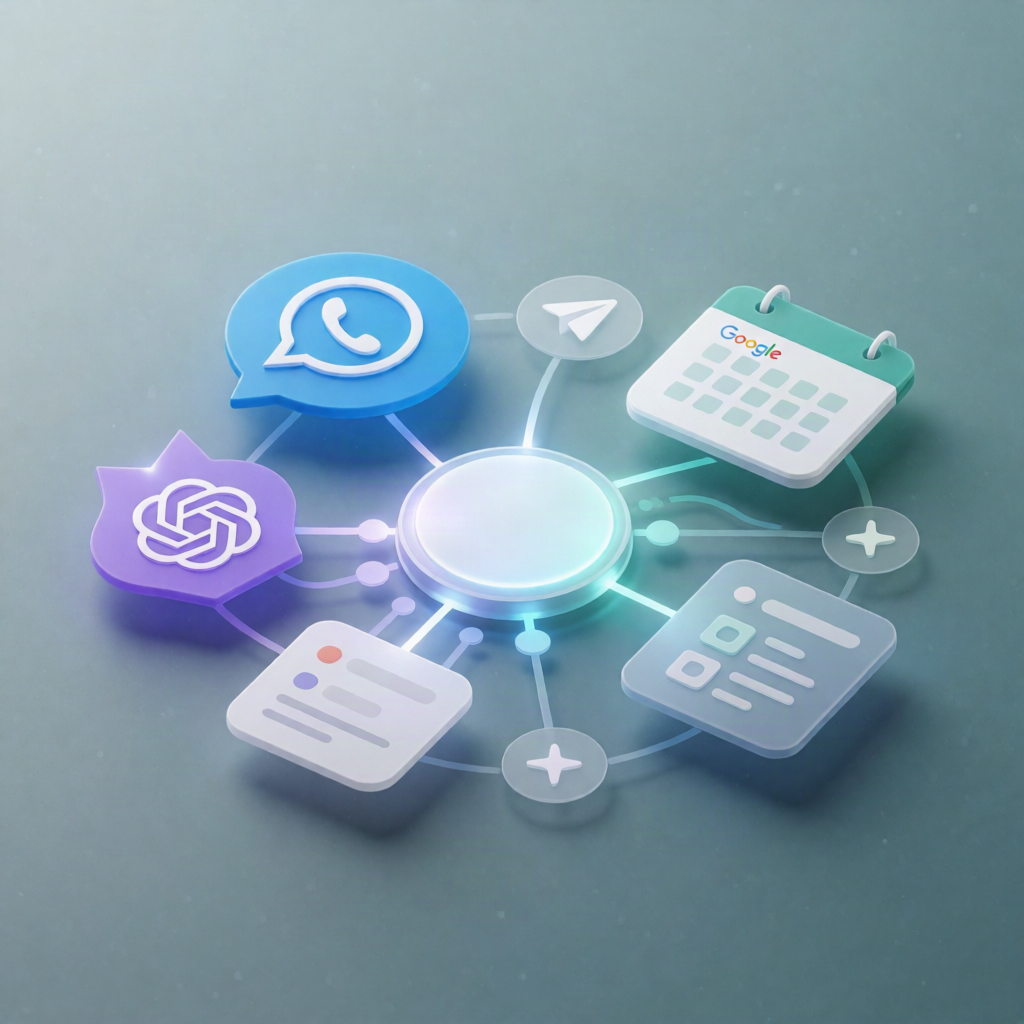
This n8n workflow automatically listens for incoming NUACOM WhatsApp messages, checks whether it’s outside business hours (Europe/Dublin), and—when appropriate—responds with an OpenAI-powered agent that can also manage appointments via Google Calendar. If the customer requests a human, it can hand off the chat to a NUACOM group for follow-up.
What this workflow does
- Triggers on NUACOM WhatsApp messages and normalizes key fields (sender number, message text, message ID).
- Filters to only process messages sent to your configured WhatsApp receiver number (optional: adjust or remove the filter).
- Checks business hours using the current time in Europe/Dublin against configured opening/closing times.
- If outside hours, assigns the conversation to a designated NUACOM AI user and sends the message (including recent conversation context) to an OpenAI chat model.
- The agent answers by first querying an n8n Data Table knowledge base, and can check, book, reschedule, or cancel appointments by calling Google Calendar.
- If the customer explicitly agrees to a human handoff, the workflow assigns the conversation to a designated NUACOM human group.
- Sends the agent’s reply back over WhatsApp via NUACOM.
Use cases
- After-hours FAQs: pricing, services, and availability questions answered instantly.
- Appointment scheduling: customers book, reschedule, or cancel without waiting for business hours.
- Escalation: when a user asks for a person, the workflow hands the conversation to a human NUACOM team.
Technical details
- NUACOM WhatsApp trigger and messaging
- Time logic via if + configuration for Europe/Dublin business hours
- Data handling with set, filter, and no op where applicable
- OpenAI agent with an n8n Data Table knowledge base tool
- Google Calendar tools for appointment operations
- Conversation assignment for an AI user and optional NUACOM human group
Setup: add NUACOM API credentials, confirm WhatsApp is enabled on your NUACOM number, set assignees (AI user ID + human group), configure the receiver number filter, and set business hours/timezone.