n8n AI Finance Chatbot Workflow with Ollama + Calculator Tool
n8n AI Finance Chatbot Workflow with Ollama + Calculator Tool
Regular price
£47.99
Regular price
£47.99
Sale price
Unit price
per
⬇
Instant Digital Download
∞
Unlimited Downloads
★
Lifetime Access in Your Account
Couldn't load pickup availability
🔥
128+ Sold
Popular with n8n builders
⚡
23 people viewing
High interest right now
✅
9 added today
Fast-moving digital product

n8n AI Finance Chatbot Workflow with Ollama + Calculator Tool
Regular price
£47.99
Regular price
£47.99
Sale price
Unit price
per
Chat with an AI finance assistant—powered by Ollama, with built-in calculations
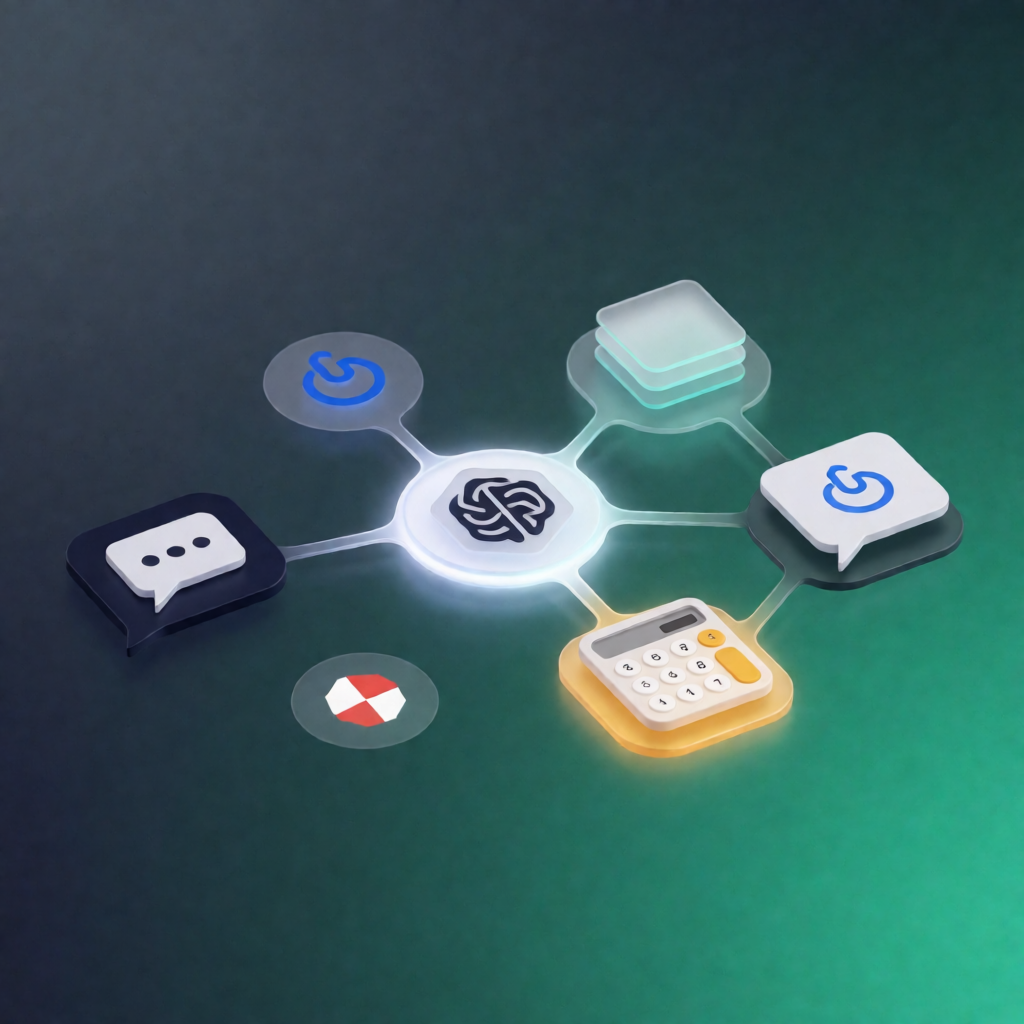
This n8n AI Finance Chatbot Workflow exposes a public chat endpoint that routes messages to an Ollama-powered agent with short-term memory. It can also use an integrated Calculator tool to compute requested arithmetic and return finance-relevant answers with results included.
What this workflow does
- Receives user messages through an n8n Chat trigger (public webhook endpoint).
- Sends the message to an AI agent configured as a financial assistant.
- Uses the Ollama Chat Model (qwen2.5:3b) to generate responses and determine when a tool should be called.
- Performs arithmetic via the Calculator tool and incorporates the computed values into the final reply.
- Maintains context by storing the last 10 turns using buffer window memory, helping follow-up questions stay coherent.
Use cases
- Ask questions like “What’s 12% of $5,000?” and get a precise computed result in the response.
- Run quick finance math for SaaS operations (growth rates, ROI-style calculations, scenario estimates) directly in chat.
- Prototype an internal finance Q&A assistant for automation engineers testing conversational flows in n8n.
Technical details
- Public chat endpoint: n8nn8n-nodes-langchainchat trigger (webhook-based).
- AI agent: n8nn8n-nodes-langchainagent.
- Ollama model: n8nn8n-nodes-langchainlm chat ollama using qwen2.5:3b.
- Calculator integration: n8nn8n-nodes-langchaintool calculator.
- Conversation memory: n8nn8n-nodes-langchainmemory buffer window (last 10 turns).
- Ollama Base URL: configure http://ollama:11434 as the Base URL.
Setup notes: Configure an Ollama API credential and confirm qwen2.5:3b is available in your Ollama instance. Copy the chat webhook URL from the Chat trigger to connect your chat client.
Recommended: Preferably n8n Starter Kit.