n8n AI Human Fallback Workflow: Slack Escalation for GPT-4
n8n AI Human Fallback Workflow: Slack Escalation for GPT-4
Regular price
£48.99
Regular price
£48.99
Sale price
Unit price
per
⬇
Instant Digital Download
∞
Unlimited Downloads
★
Lifetime Access in Your Account
Couldn't load pickup availability
🔥
128+ Sold
Popular with n8n builders
⚡
23 people viewing
High interest right now
✅
9 added today
Fast-moving digital product

n8n AI Human Fallback Workflow: Slack Escalation for GPT-4
Regular price
£48.99
Regular price
£48.99
Sale price
Unit price
per
Answer with GPT-4—Escalate to Humans via Slack When It Can’t
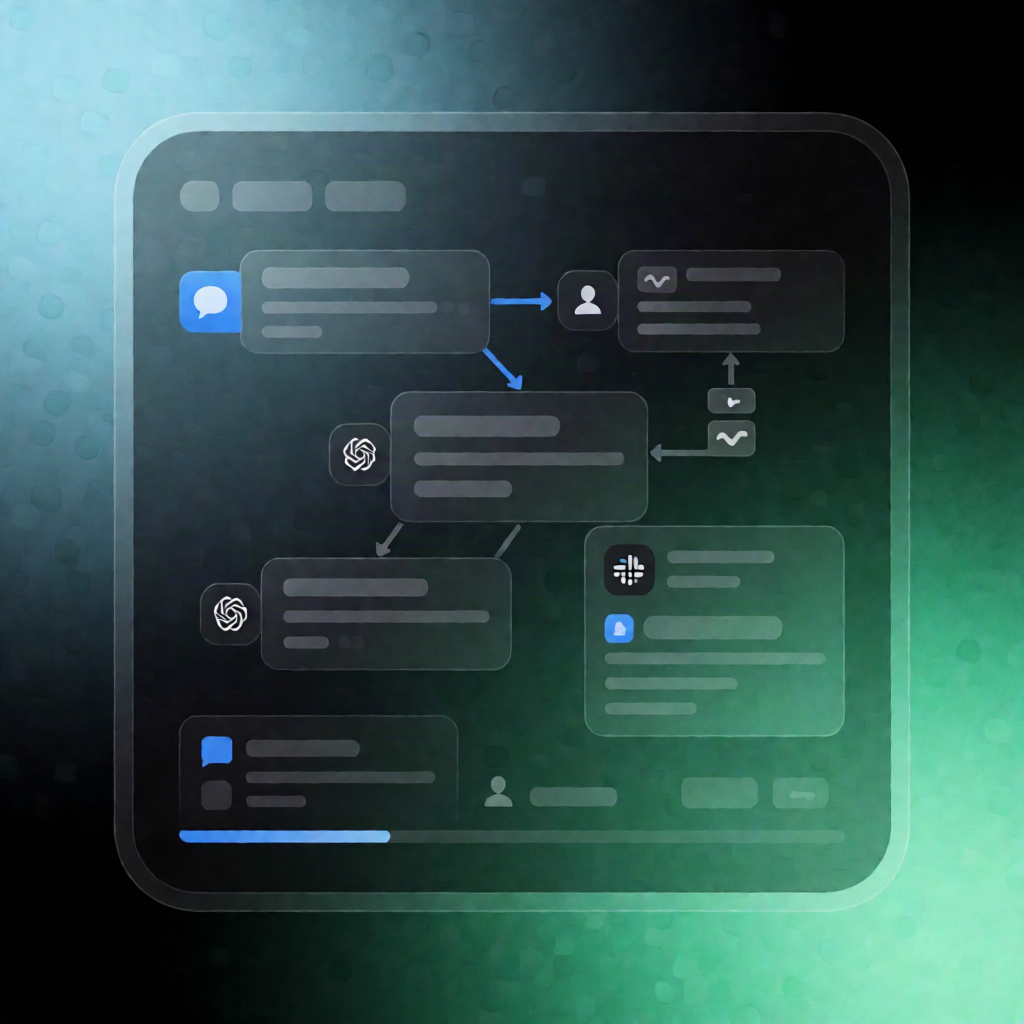
This n8n AI Human Fallback Workflow uses the standard GPT-4 model to try to answer user queries. If it can’t provide a satisfactory response, it automatically sends a message to Slack for human help, prompting the user to supply an email address so your team can follow up.
What this workflow does
- Runs an AI-driven attempt to answer the user’s question using the standard GPT-4 model.
- Uses logic (if) to determine whether GPT-4 can answer successfully.
- If the workflow can’t answer, it sends a Slack escalation requesting human assistance.
- Prompts the user to provide an email address (so the human support process has the contact info).
Use cases
- SaaS support escalation: Let GPT-4 handle common questions, but route complex or uncertain requests to your team through Slack.
- Customer onboarding help: When users need assistance that exceeds what the model can confidently answer, trigger a human fallback workflow.
- Internal tooling Q&A: Use AI for fast answers and seamlessly escalate exceptions to on-call experts in Slack.
Technical details
- n8nn8n-nodes-langchainagent and n8nn8n-nodes-langchainchat trigger to run the AI interaction.
- if logic to decide whether a fallback is required.
- slack node to send the human-help request in Slack.
- code node for workflow-specific logic, plus sticky note elements for guidance.
How to deploy
- Load the workflow into your n8n instance.
- Add the required credentials as prompted by the workflow notes.
- Configure the Slack node with your Slack details (or swap Slack for another service if desired).