n8n AI Recruiting Workflow: Mistral, Gemini, Google Sheets & Drive
n8n AI Recruiting Workflow: Mistral, Gemini, Google Sheets & Drive
Regular price
£56.99
Regular price
£56.99
Sale price
Unit price
per
⬇
Instant Digital Download
∞
Unlimited Downloads
★
Lifetime Access in Your Account
Couldn't load pickup availability
🔥
128+ Sold
Popular with n8n builders
⚡
23 people viewing
High interest right now
✅
9 added today
Fast-moving digital product

n8n AI Recruiting Workflow: Mistral, Gemini, Google Sheets & Drive
Regular price
£56.99
Regular price
£56.99
Sale price
Unit price
per
Automate AI candidate screening in n8n—end to end
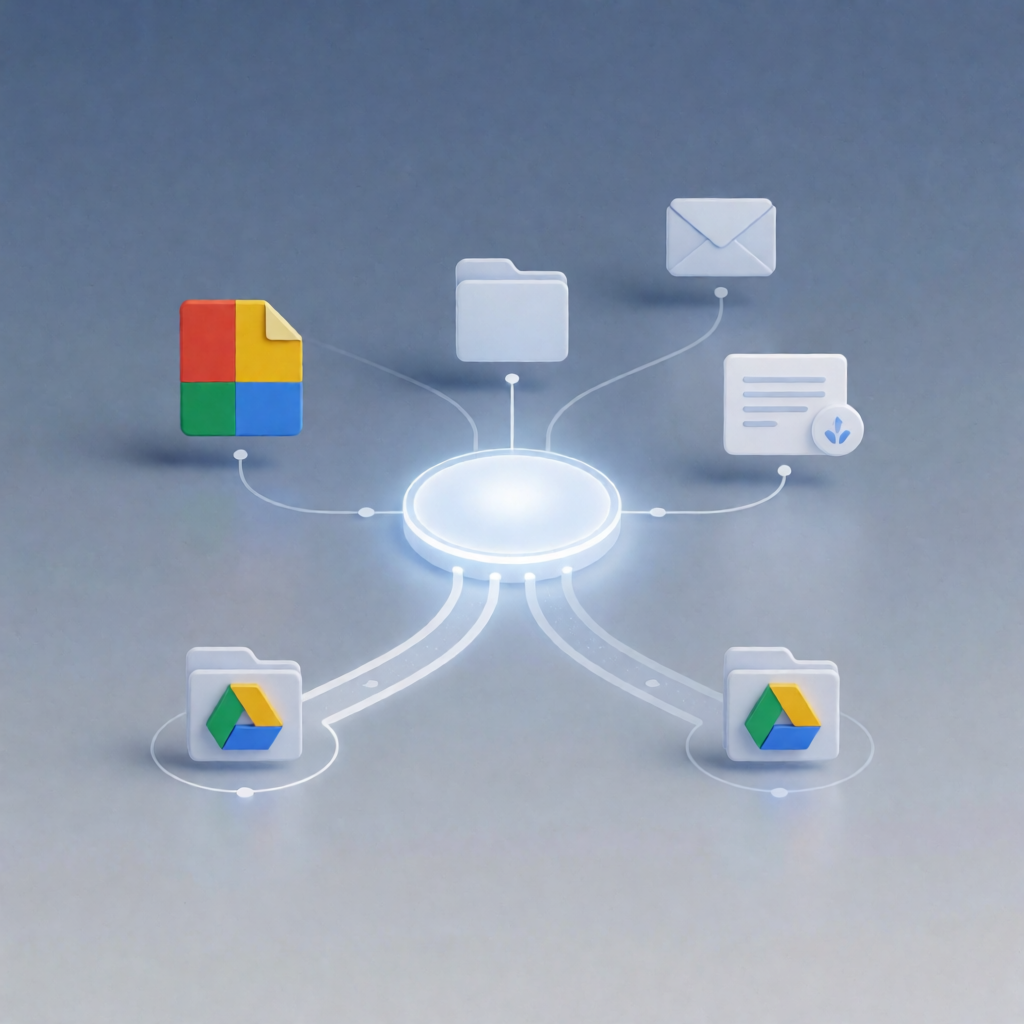
This n8n AI Recruiting Workflow collects job applications via an n8n form, extracts resume text with Mistral AI, matches candidates to roles from Google Sheets, scores fit with Google Gemini, and stores the CV plus an evaluation report in the right Google Drive folder (shortlisted or rejected).
What this workflow does
- Collects candidate submissions through an n8n form (name, email, CV upload, and department selection).
- Extracts resume text from the uploaded CV using Mistral AI.
- Loads open roles by department from Google Sheets (filtered by the selected department).
- If no open roles exist, displays a “no jobs available” completion page; otherwise shows a role dropdown for the candidate to choose.
- Fetches the full job description from Google Docs using the stored JD link for the selected role.
- Scores the resume against the job using Google Gemini via a LangChain LLM chain, returning structured JSON (scores, matched skills, missing requirements).
- Generates a text evaluation report by comparing overallScore to the role’s Min_Score.
- Uploads results to department folders in Google Drive, placing the CV and evaluation report into the appropriate folder for shortlisted or rejected candidates.
Use cases
- Hiring teams that need fast, consistent AI recruiting scoring across multiple departments.
- SaaS operators who want a repeatable workflow for application intake, role matching, and documentation storage.
- Automation engineers setting up n8n workflows combining LLM resume extraction and structured candidate evaluations.
Technical details
- Mistral AI: extracts plain text from the uploaded CV.
- Google Sheets: retrieves open job roles filtered by department.
- Google Docs: pulls the job description text via the role’s JD link.
- Google Gemini (PaLM) API: scores fit and outputs structured JSON evaluation.
- Google Drive: uploads CV and the generated evaluation report to department-specific folders.
- n8n nodes include: if, code, form, email send, mistral ai, and google docs (among the required steps).