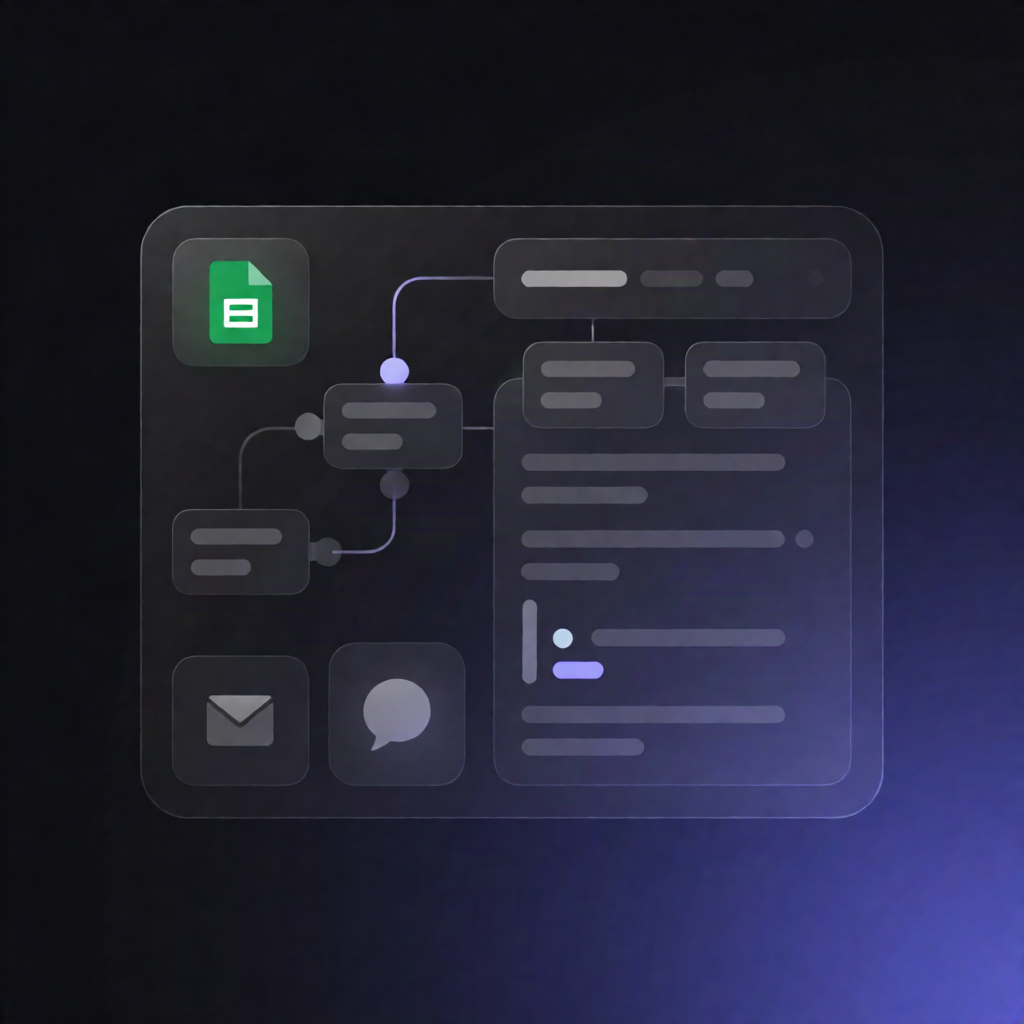
n8n Apartment Turnover Triage: Google Sheets & Gemini + Slack
n8n Apartment Turnover Triage: Google Sheets & Gemini + Slack
Regular price
£42.99
Regular price
£42.99
Sale price
Unit price
per
⬇
Instant Digital Download
∞
Unlimited Downloads
★
Lifetime Access in Your Account
Couldn't load pickup availability
🔥
128+ Sold
Popular with n8n builders
⚡
23 people viewing
High interest right now
✅
9 added today
Fast-moving digital product

n8n Apartment Turnover Triage: Google Sheets & Gemini + Slack
Regular price
£42.99
Regular price
£42.99
Sale price
Unit price
per
Turn apartment turnover condition reports into prioritized maintenance jobs—automatically
With n8n Apartment Turnover Triage: Google Sheets & Gemini + Slack, your team can submit turnover condition reports through an n8n Form, have the workflow triage and prioritize the work using Google Gemini, log everything in Google Sheets, and immediately notify the right technician via Gmail and Slack.
What this workflow does
- Captures a turnover report from an n8n Form submission (Unit ID + Condition Report).
- Normalizes the submission and pulls the unit profile and prior turnover history from Google Sheets.
- Uses Google Gemini to classify priority, select the appropriate trade, and return structured tasks, estimates, and risk flags.
- Creates a unique job ID and calculates an SLA due date based on the priority level.
- Writes results back to Google Sheets by appending the new job record to a “turnover jobs” tab.
- Finds an on-call technician from a “technicians details” tab by matching the selected trade.
- Notifies the technician via Gmail and posts the assignment summary to a Slack channel.
- Updates status in Google Sheets by appending an “Assigned” status update after notification.
Use cases
- Fast triage of move-out / turnover condition reports with consistent SLAs and risk flags.
- Reducing manual dispatch work by automatically generating maintenance job records and assigning technicians.
- Ops teams using Slack for real-time visibility while keeping authoritative job data in Google Sheets.
Technical details
- n8n nodes: form trigger, Google Sheets, Google Gemini, set, Gmail, Slack, sticky note.
- Data storage: Google Sheets tabs for units, “turnover jobs,” and “technicians details.”
- Outputs: structured job tasks + estimates + risk flags, SLA due date, Gmail email to technician, and Slack assignment post.
Watch the workflow in action: https://youtu.be/l5ElbsX1-zs