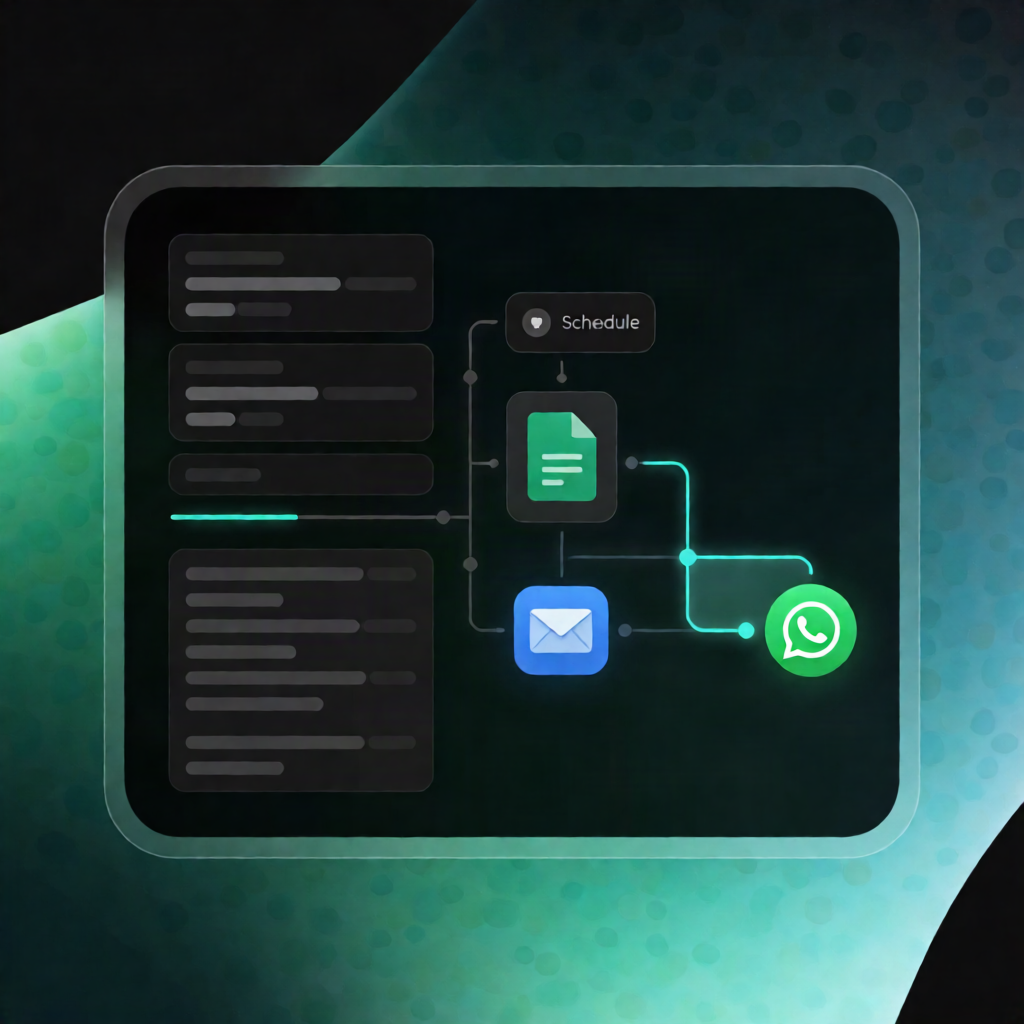
n8n Appointment Reminder Workflow: Google Sheets + WhatsApp/Email
n8n Appointment Reminder Workflow: Google Sheets + WhatsApp/Email
Regular price
£16.99
Regular price
£16.99
Sale price
Unit price
per
⬇
Instant Digital Download
∞
Unlimited Downloads
★
Lifetime Access in Your Account
Couldn't load pickup availability
🔥
128+ Sold
Popular with n8n builders
⚡
23 people viewing
High interest right now
✅
9 added today
Fast-moving digital product

n8n Appointment Reminder Workflow: Google Sheets + WhatsApp/Email
Regular price
£16.99
Regular price
£16.99
Sale price
Unit price
per
Send appointment reminders automatically—WhatsApp or email—just in time
This n8n Appointment Reminder Workflow checks upcoming appointments every 6 hours, generates the right reminder message (based on how soon the appointment starts), and routes same-day reminders into a separate priority dispatch lane for WhatsApp or email. Perfect for n8n users who want reliable, scheduled appointment nudges.
What this workflow does
- Runs on a schedule every 6 hours using a Schedule Trigger.
- Loads appointment records from the built-in demo data (or from Google Sheets when enabled).
- Filters appointments starting within the next 48 hours and prepares reminder content for each record.
- Uses shorter templates for urgent reminders—appointments within 3 hours receive a different, more immediate message.
-
Targets the correct channel per record using each item’s
channel_preference:- WhatsApp reminders go to the
phonefield - Email reminders go to the
emailfield
- WhatsApp reminders go to the
- Splits same-day vs upcoming reminders so you can handle urgent messages separately.
- Labels each reminder with a dispatch queue and timestamp so you can connect your WhatsApp and email sending steps cleanly.
Use cases
- Demo and test an appointment reminder flow in n8n using the built-in sample data.
- Drive reminders from a SaaS admin Google Sheets export (appointments, customer details, and timing).
- Ensure same-day appointment alerts receive special priority before sending via WhatsApp/Email integrations.
Technical details
- Schedule Trigger (runs every 6 hours)
- Google Sheets node (optional; requires credentials, spreadsheet ID, sheet name)
- if node (channel and time-window logic)
- code node (message preparation and routing metadata)
- sticky note (workflow documentation)
Google Sheets columns expected: appointment_id, customer_name, phone, email, starts_at (ISO), practitioner, treatment, channel_preference. Adjust reminder windows and message text in the message-building step to match your process.