n8n Background Checks: Searchbug API to Google Sheets
n8n Background Checks: Searchbug API to Google Sheets
Regular price
£4.99
Regular price
£4.99
Sale price
Unit price
per
⬇
Instant Digital Download
∞
Unlimited Downloads
★
Lifetime Access in Your Account
Couldn't load pickup availability
🔥
128+ Sold
Popular with n8n builders
⚡
23 people viewing
High interest right now
✅
9 added today
Fast-moving digital product

n8n Background Checks: Searchbug API to Google Sheets
Regular price
£4.99
Regular price
£4.99
Sale price
Unit price
per
Instant background lookup → Google Sheets row (powered by Searchbug & n8n Forms)
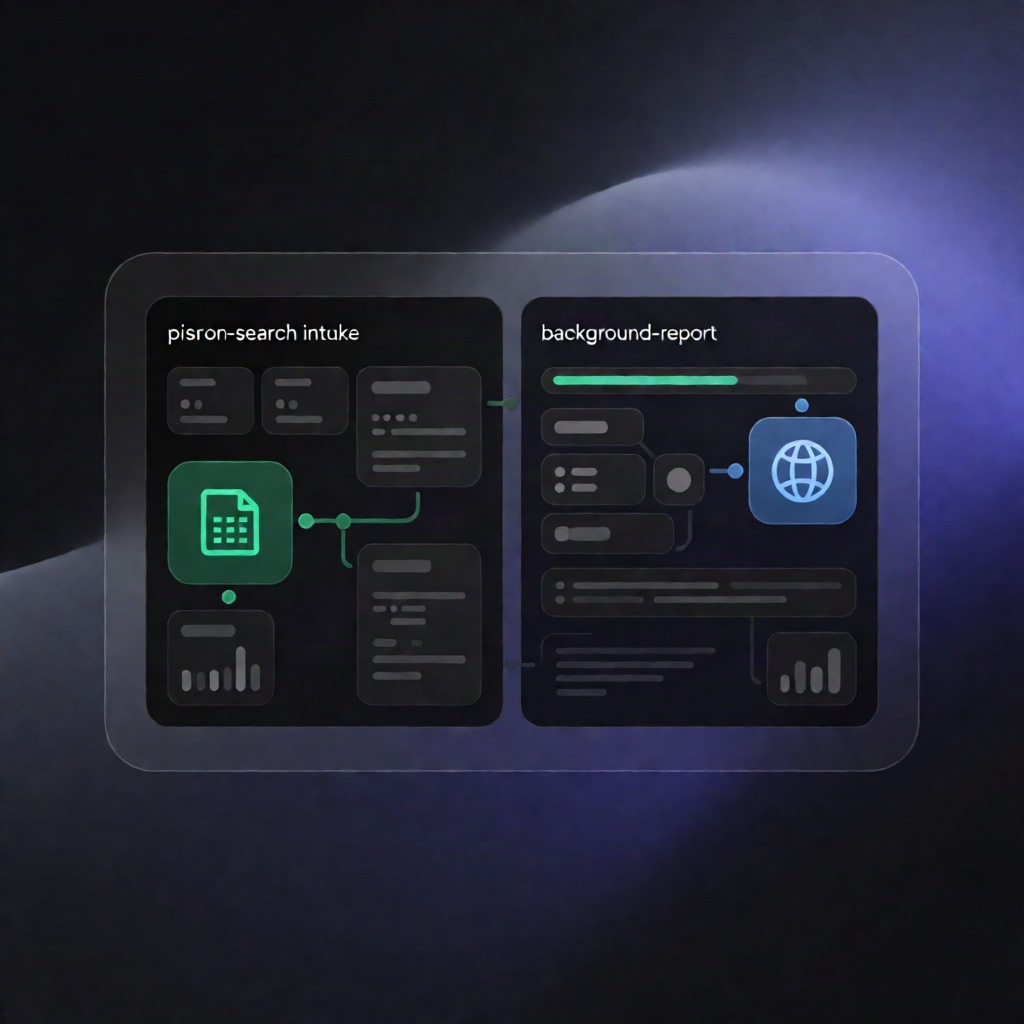
This n8n workflow captures a person’s details from an n8n Form, performs a two-step background check using the Searchbug API (People Search + Background Check), parses key fields, and automatically appends the results to a Google Sheets worksheet.
What this workflow does
- Collects inputs from an n8n Form: first name, last name, state, plus optional middle name and city.
- Runs Searchbug People Search (api_ppl) to find matching records and retrieve a reportToken.
- If no person is found, returns a “No people found” message as the form response.
- If a match is found, calls Searchbug Background Check (api_back) using the reportToken to retrieve the full report.
- Parses and flattens report fields such as: name, DOB, SSN, addresses, phones, emails, relatives, business associations, lien totals, and more.
- Appends a new row to the selected Google Sheets tab with parsed values.
Use cases
- Operators need a streamlined background-check request workflow that turns form submissions into structured Google Sheets records.
- SaaS teams building applicant screening intake can log key Searchbug report fields immediately for review.
- Automation engineers want a clear example of chaining Searchbug API calls and writing normalized data to Sheets.
Technical details
- Nodes / logic: Form Trigger, HTTP Request (Searchbug), if, set, code, sticky note.
-
Searchbug integrations:
- api_ppl (People Search) to obtain reportToken using CO_CODE and PASS.
- api_back (Background Check) to fetch the report using CO_CODE, PASS, and the reportToken.
- Google Sheets: OAuth connection + target spreadsheet ID + worksheet name; append action requires headers matching the written columns (e.g., REPORT_TOKEN, FULL_NAME, DOB, SSN, ADDRESS, CITY, STATE, ZIP, PHONES, EMAILS, RELATIVE_COUNT, RELATIVE_NAMES, BUSINESS_NAME, SHARED_SSN_NAME, LIEN_COUNT, TOTAL_LIEN_AMOUNT, SEARCH_DATE, RAW_RESPONSE).