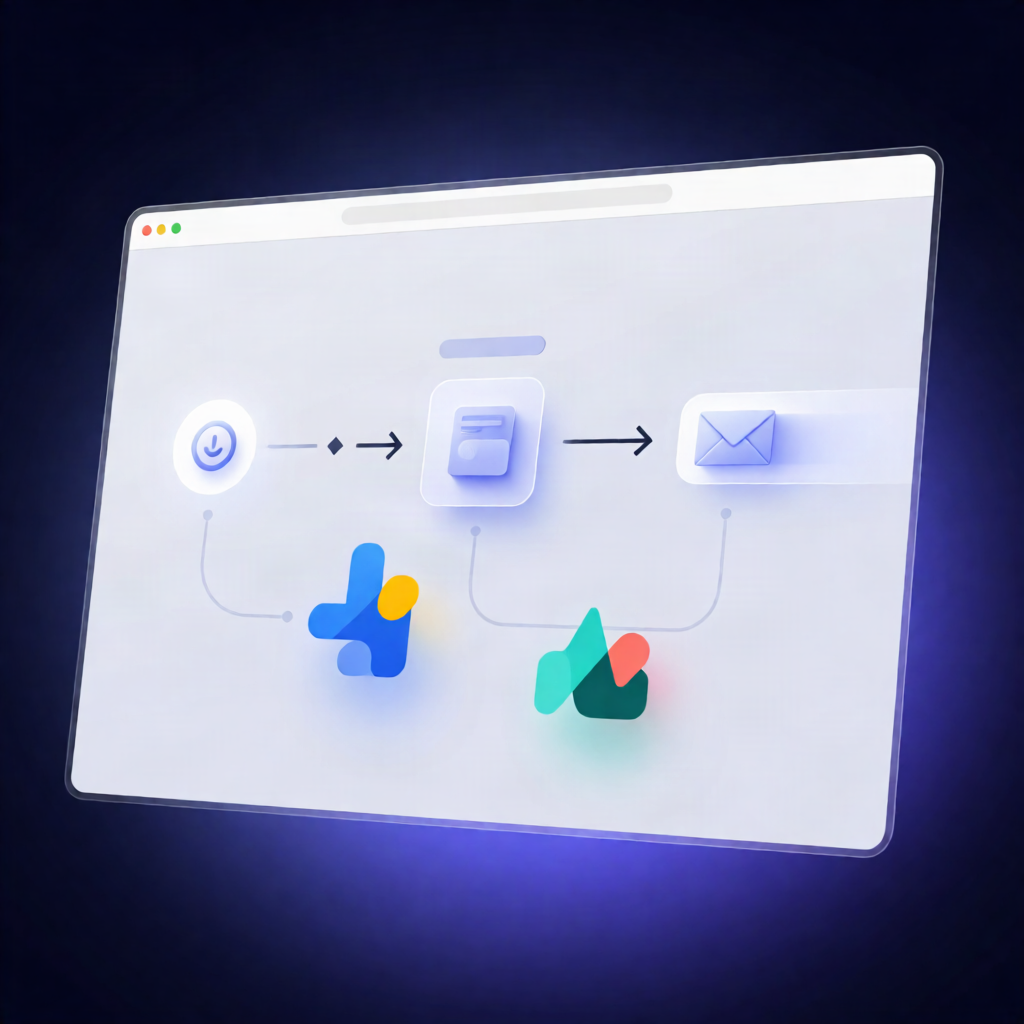
n8n BriefGate Workflow: Create Client Intakes from Won Deals Webhook
n8n BriefGate Workflow: Create Client Intakes from Won Deals Webhook
Regular price
£16.99
Regular price
£16.99
Sale price
Unit price
per
⬇
Instant Digital Download
∞
Unlimited Downloads
★
Lifetime Access in Your Account
Couldn't load pickup availability
🔥
128+ Sold
Popular with n8n builders
⚡
23 people viewing
High interest right now
✅
9 added today
Fast-moving digital product

n8n BriefGate Workflow: Create Client Intakes from Won Deals Webhook
Regular price
£16.99
Regular price
£16.99
Sale price
Unit price
per
Automatically create BriefGate client intakes the moment a deal is marked “Won”
This n8n workflow listens for a “deal won” webhook from your CRM and then uses the BriefGate API to create a client intake portal—requesting kickoff materials like your logo, brand colors, and website copy, and emailing the client their access link.
What this workflow does
- Receives a POST webhook when your CRM marks a deal as won.
- Extracts key details from the incoming JSON payload: deal_name, client_name, and client_email.
- Creates a new BriefGate intake using a predefined set of requested items (logo, brand colors, and website copy) and the default chase schedule.
- Sends the client the BriefGate portal link using BriefGate’s built-in email delivery.
- Supports setup and customization so you can adjust intake items (required fields, labels, and help text) to match what you collect at kickoff.
Use cases
- Your sales team closes a deal in a CRM, and you want the kickoff intake to launch instantly—without manual outreach.
- You want a consistent onboarding workflow that gathers brand assets (logo, brand colors, website copy) from every new client.
- You’re an automation engineer building SaaS operations workflows and need a reliable webhook-to-portal handoff using n8n and BriefGate.
Technical details
- n8n nodes used: Webhook, Sticky Note, and the n8n-nodes-briefgate (BriefGate) node.
-
Credential setup: Add a BriefGate API key from the BriefGate dashboard (use a
bg_test_…key while testing). - CRM configuration: Copy the Webhook node’s Production URL and configure your CRM (or tools like Zapier/Make) to POST when a deal is won.
- Field mapping: Ensure the payload includes deal_name, client_name, and client_email (or update mappings in the BriefGate node).