n8n Client Onboarding Workflow: Gmail, Calendar, Sheets & Slack
n8n Client Onboarding Workflow: Gmail, Calendar, Sheets & Slack
Regular price
£3.99
Regular price
£3.99
Sale price
Unit price
per
⬇
Instant Digital Download
∞
Unlimited Downloads
★
Lifetime Access in Your Account
Couldn't load pickup availability
🔥
128+ Sold
Popular with n8n builders
⚡
23 people viewing
High interest right now
✅
9 added today
Fast-moving digital product

n8n Client Onboarding Workflow: Gmail, Calendar, Sheets & Slack
Regular price
£3.99
Regular price
£3.99
Sale price
Unit price
per
Automate client onboarding end-to-end—email welcome, schedule kickoff, log intake, and run a 30-day survey
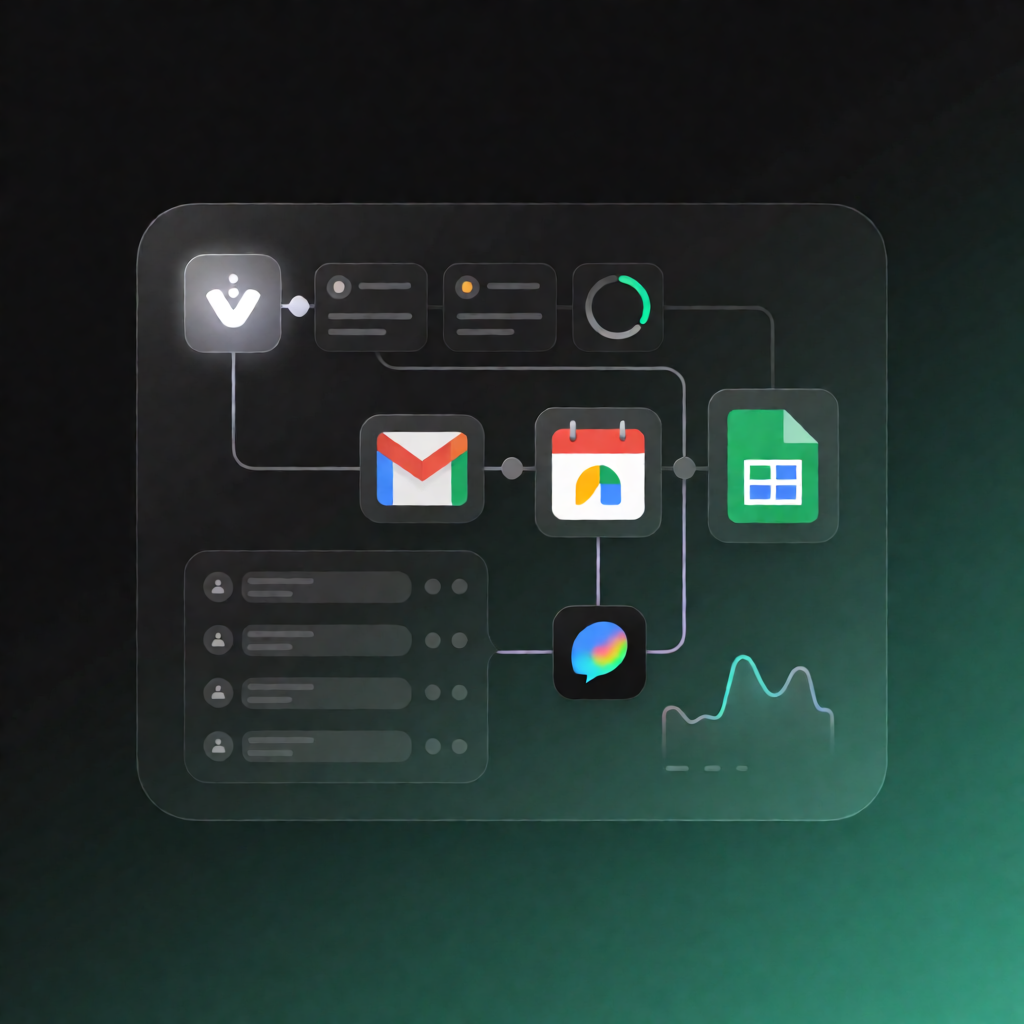
This n8n Client Onboarding Workflow automatically processes new onboarding form submissions via a webhook, then uses Gmail, Google Calendar, Google Sheets, and Slack to welcome the client, create a kickoff event, notify your team, track the lead, and send a 30-day satisfaction survey with follow-up updates.
What this workflow does
- Receives onboarding submissions: A new client submits your intake form and a POST request hits the workflow webhook; it immediately returns a 200 OK JSON response.
- Normalizes and enriches data: The workflow standardizes name, contact info, requested services, and description, and calculates key dates (onboarding, welcome call, and 30-day survey).
- Sends a branded welcome email: Uses Gmail to email the client.
- Schedules the welcome/call: Creates a Google Calendar event, invites the client, and sends calendar updates.
- Notifies internal teams: Posts a new-client alert to Slack for visibility.
- Logs everything to Sheets: Appends the client record to a Google Sheets tracker, then waits 30 days.
- Sends the 30-day satisfaction survey: After 30 days, emails the survey via Gmail, marks the row as “survey sent” in Google Sheets, and posts a Slack alert.
- Error handling with Slack alerts: If sending the welcome email, creating the calendar event, or posting the Slack onboarding message fails, it sends an error alert to a dedicated Slack channel.
Use cases
- Run a consistent onboarding experience for every form submission from your website/SaaS.
- Auto-schedule a kickoff call and ensure your team sees new clients in Slack.
- Track onboarding status in Google Sheets and trigger a 30-day satisfaction survey automatically.
Technical details
- Webhook for intake + immediate 200 OK response
- Gmail for welcome email and 30-day satisfaction survey
- Google Calendar to create the kickoff event and invite the client
- Google Sheets to append the client record and update survey status
- Slack for onboarding notifications and error alerts
- Includes nodes such as Set and Wait (plus a Sticky Note for clarity)
Setup: Connect credentials for Gmail, Google Calendar, Google Sheets, and Slack. Copy the production webhook URL and configure your intake form to POST JSON containing firstName, lastName, email, company, phone, services (array), and bizSize.