n8n Daily Property Match Email via Google Sheets & Gmail
n8n Daily Property Match Email via Google Sheets & Gmail
Regular price
£17.99
Regular price
£17.99
Sale price
Unit price
per
⬇
Instant Digital Download
∞
Unlimited Downloads
★
Lifetime Access in Your Account
Couldn't load pickup availability
🔥
128+ Sold
Popular with n8n builders
⚡
23 people viewing
High interest right now
✅
9 added today
Fast-moving digital product

n8n Daily Property Match Email via Google Sheets & Gmail
Regular price
£17.99
Regular price
£17.99
Sale price
Unit price
per
Daily property match emails from Google Sheets to leads—fully automated with n8n
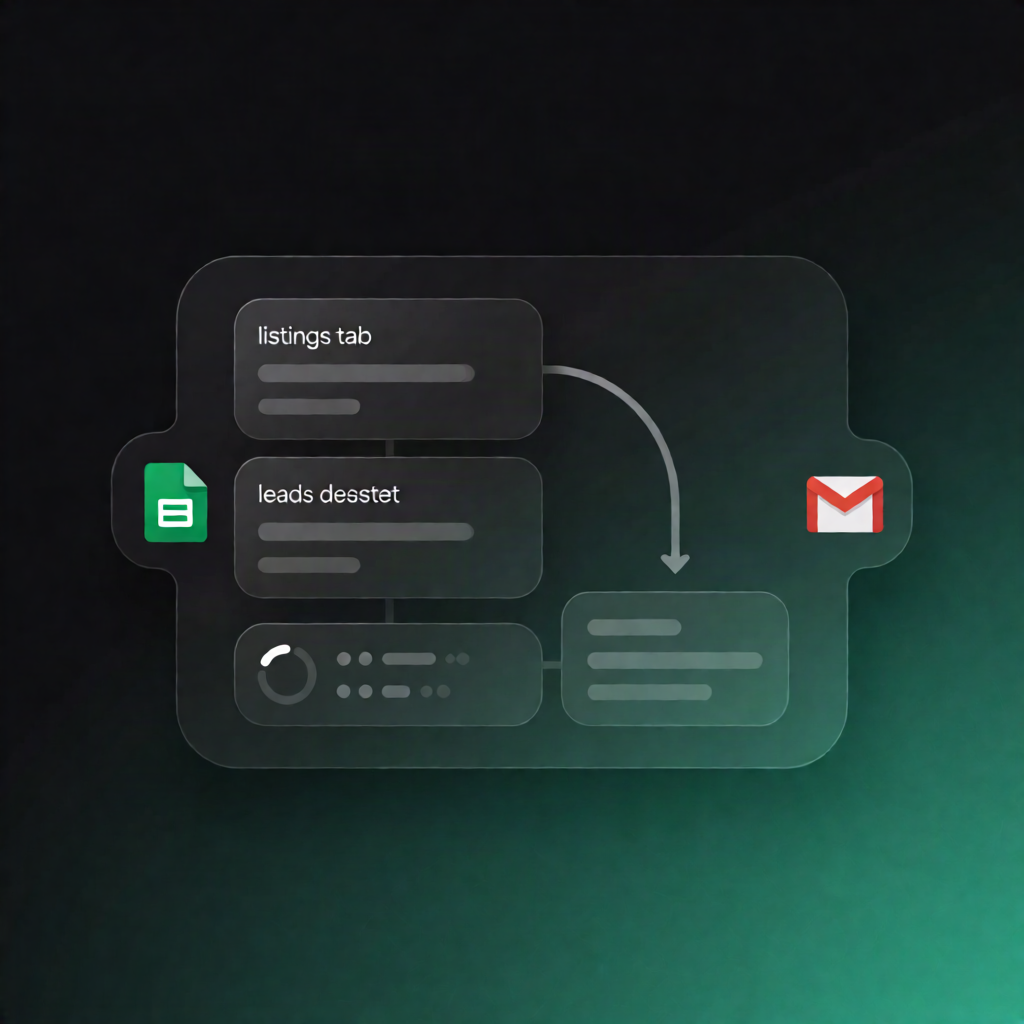
This n8n workflow reads new property listings and buyer/renter leads from a Google Sheet, matches each lead to the best available listings, and sends a single HTML digest email per lead via Gmail—then marks listings as alerted to prevent duplicate emails.
What this workflow does
- Runs daily at 8:00 AM using an n8n schedule trigger.
- Reads your Google Sheets document and processes two tabs: Listings and Leads.
- Selects only eligible records: it filters for available listings that have not yet been sent (via an “Alert Sent At” timestamp) and for active leads with valid email addresses and non-stop statuses.
-
Matches leads to listings based on:
- Intent (sale vs. rent)
- Budget, using a configurable price tolerance
- Preferred areas
- Minimum bedrooms
- Property type
- Ranks and limits results per lead, then generates a formatted HTML email digest with their best matches and a booking link.
- Sends via Gmail, then updates each processed listing’s “Alert Sent At” value in Google Sheets so it won’t be emailed again.
Use cases
- Agencies and property managers who want daily lead nurturing without manual searching.
- Automation engineers deploying a reliable n8n email digest workflow from Google Sheets data.
- SaaS operators who need a repeatable pattern for matching + deduping notifications across datasets.
Technical details
- Nodes / tech stack: schedule trigger, set, code, google sheets, gmail, and sticky note.
- Setup requirements: connect Google Sheets access, connect Gmail sending credentials, configure the Google Sheet ID, agency/agent details, booking link, currency symbol, price tolerance, and max listings per email.
- Expected columns: Listings (e.g., Listing Ref, Status, Alert Sent At) and Leads (e.g., Email, Intent, Budget, and preference fields).