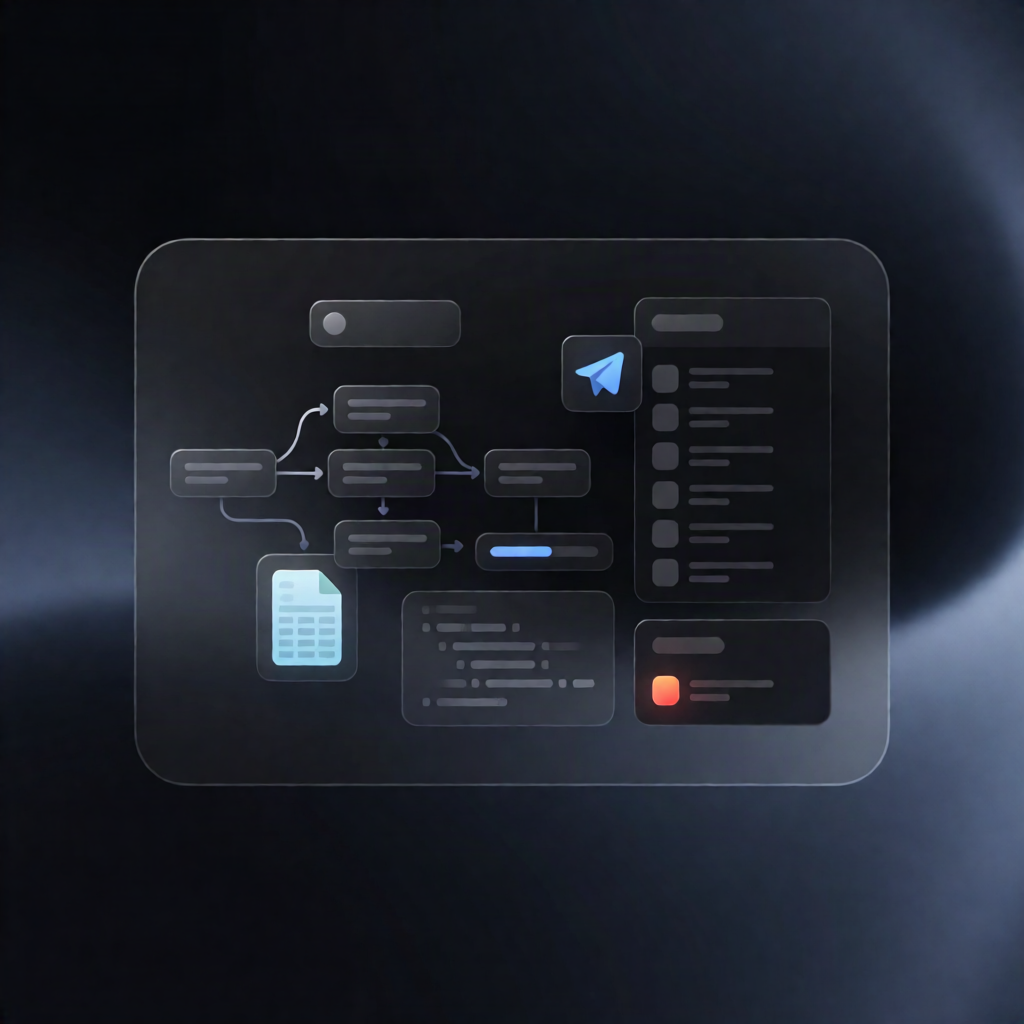
n8n Error Workflow: Log Failures to Google Sheets + Telegram
n8n Error Workflow: Log Failures to Google Sheets + Telegram
Regular price
£20.99
Regular price
£20.99
Sale price
Unit price
per
⬇
Instant Digital Download
∞
Unlimited Downloads
★
Lifetime Access in Your Account
Couldn't load pickup availability
🔥
128+ Sold
Popular with n8n builders
⚡
23 people viewing
High interest right now
✅
9 added today
Fast-moving digital product

n8n Error Workflow: Log Failures to Google Sheets + Telegram
Regular price
£20.99
Regular price
£20.99
Sale price
Unit price
per
Catch n8n failures instantly: log every error to Google Sheets and alert your team via Telegram
This n8n Error Workflow automatically captures failed executions, writes a structured error row to a Google Sheets “Error Log” tab, and sends a detailed Telegram notification with the failing node, error details, and an execution link—so you can troubleshoot fast and keep operations reliable.
What this workflow does
- Triggers on failure using the n8n Error Trigger, when the assigned workflow execution fails.
- Builds a standardized error record including the last executed node, error code/message, execution URL, and timestamp (and additional fields like correlation_id, status, stage, summary, entity info).
- Appends the error as a new row in the Google Sheets tab named “Error Log”.
- Sends a Telegram alert with a formatted failure summary and next-step guidance for investigation.
- Fallback notification: if the Google Sheets append fails, it sends an alternate Telegram message stating that the Error Log row was not written.
Use cases
- Monitor production n8n workflows and maintain a searchable Error Log for recurring incidents.
- Get immediate Telegram alerts when a key automation fails (e.g., webhook processing, API steps, or data sync runs).
- Improve incident response for SaaS operations by linking each alert to the exact execution URL.
Technical details
- Nodes / tools used: error trigger, set, code, google sheets, telegram, sticky note.
- Google Sheets requirements: OAuth credentials and an “Error Log” sheet tab with columns such as template, correlation_id, status, stage, summary, entity_type, entity_id, error_code, error_message, error_node, execution_url, timestamp.
- Telegram requirements: Telegram bot credentials and a configured chat ID in both Telegram message steps.
- Configuration: In the main workflow, set this workflow under Settings → Error Workflow so failures are routed here.
Customization
Change the template value in Prepare Error Record to reuse it for other workflows, and adjust the Telegram destination as needed while keeping the secondary alert for failed Google Sheets writes.