n8n Expense Audit Automation: GPT-4o, Slack & Google Sheets
n8n Expense Audit Automation: GPT-4o, Slack & Google Sheets
Regular price
£46.99
Regular price
£46.99
Sale price
Unit price
per
⬇
Instant Digital Download
∞
Unlimited Downloads
★
Lifetime Access in Your Account
Couldn't load pickup availability
🔥
128+ Sold
Popular with n8n builders
⚡
23 people viewing
High interest right now
✅
9 added today
Fast-moving digital product

n8n Expense Audit Automation: GPT-4o, Slack & Google Sheets
Regular price
£46.99
Regular price
£46.99
Sale price
Unit price
per
Automate Expense Audits in n8n—From Receipt OCR to Slack Review & Google Sheets Ledger
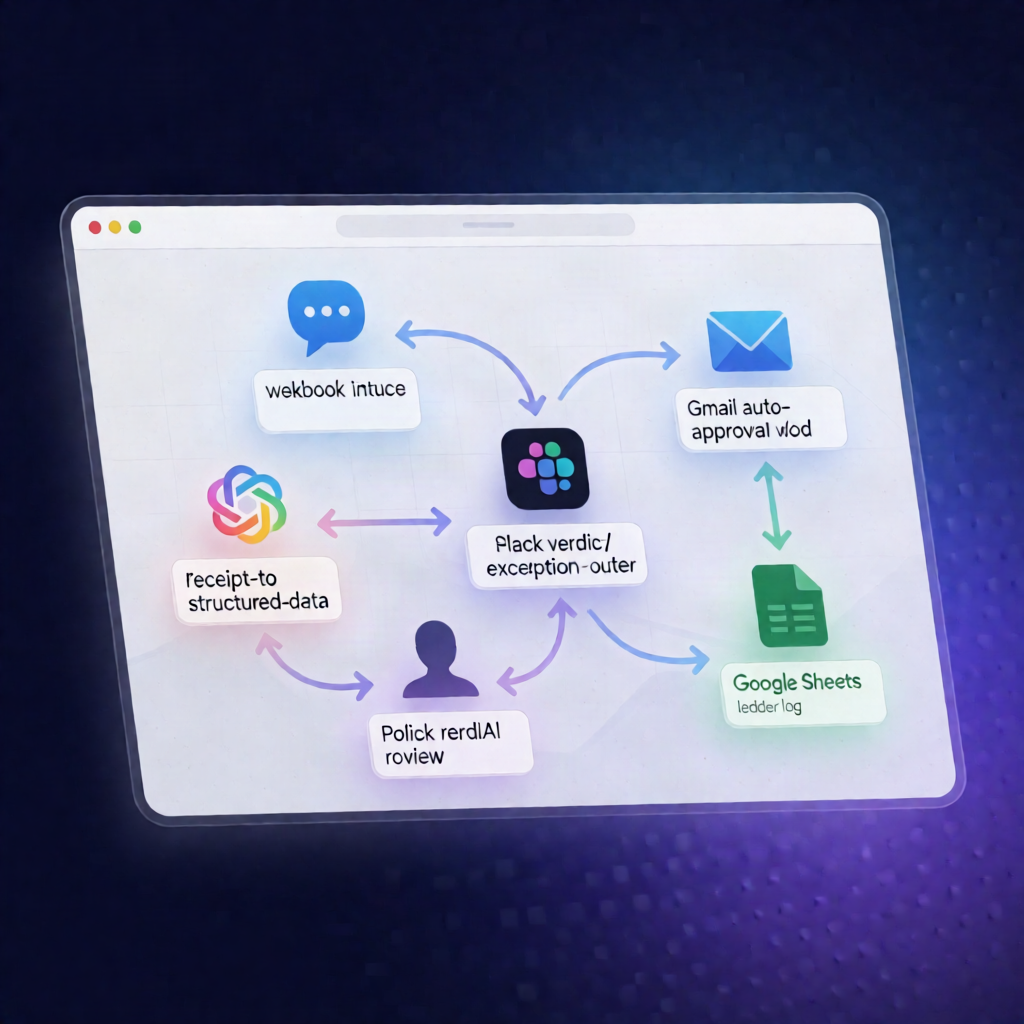
This n8n workflow automatically audits employee expense submissions using GPT-4o: it extracts receipt details, applies policy checks, sends exceptions to Slack for manager review, auto-approves compliant expenses via Gmail, and logs every outcome to Google Sheets.
What this workflow does
-
Receives submissions via a webhook with employee details and receipt OCR text (e.g., fields like
employeeandreceipt_textin the request body). - Uses OpenAI GPT-4o to extract structured data from the receipt OCR text—capturing vendor, amount, currency, category, date, and whether the receipt is itemized.
- Applies company policy rules to detect issues such as over-limit spending or missing itemization, and attaches clear violation reasons to the expense record.
- Generates an audit verdict with GPT-4o including approve/flag/reject status, risk level, and a short reviewer note.
-
Routes results automatically:
- If the verdict is not “approve”, it posts a flagged expense summary to a configured Slack channel (e.g.,
#expense-approvals). - If compliant, it sends an auto-approval email to the employee using Gmail.
- If the verdict is not “approve”, it posts a flagged expense summary to a configured Slack channel (e.g.,
- Logs everything to Google Sheets, appending expense details and the audit outcome to a ledger, then returns a JSON acknowledgment to the webhook caller.
Use cases
- Cut down manual expense review by routing only exceptions to Slack.
- Standardize receipt parsing and compliance decisions with GPT-4o-based extraction and verdicting.
- Maintain an auditable expense ledger in Google Sheets for reporting and reconciliation.
Technical details
- Integrations/nodes: Webhook, OpenAI (GPT-4o) via credentials, Slack, Gmail, Google Sheets, plus logic/control nodes (e.g., if, code, and a sticky note for guidance).
- Setup highlights: enable the webhook endpoint, configure OpenAI credentials for GPT-4o in both receipt extraction and compliance verdict steps, and set the Slack target channel.