n8n FulfillmentTools Order Confirmation via Gmail (EN/DE)
n8n FulfillmentTools Order Confirmation via Gmail (EN/DE)
Regular price
£6.99
Regular price
£6.99
Sale price
Unit price
per
⬇
Instant Digital Download
∞
Unlimited Downloads
★
Lifetime Access in Your Account
Couldn't load pickup availability
🔥
128+ Sold
Popular with n8n builders
⚡
23 people viewing
High interest right now
✅
9 added today
Fast-moving digital product

n8n FulfillmentTools Order Confirmation via Gmail (EN/DE)
Regular price
£6.99
Regular price
£6.99
Sale price
Unit price
per
Automated Order Confirmations from fulfillmenttools—Sent via Gmail (EN/DE)
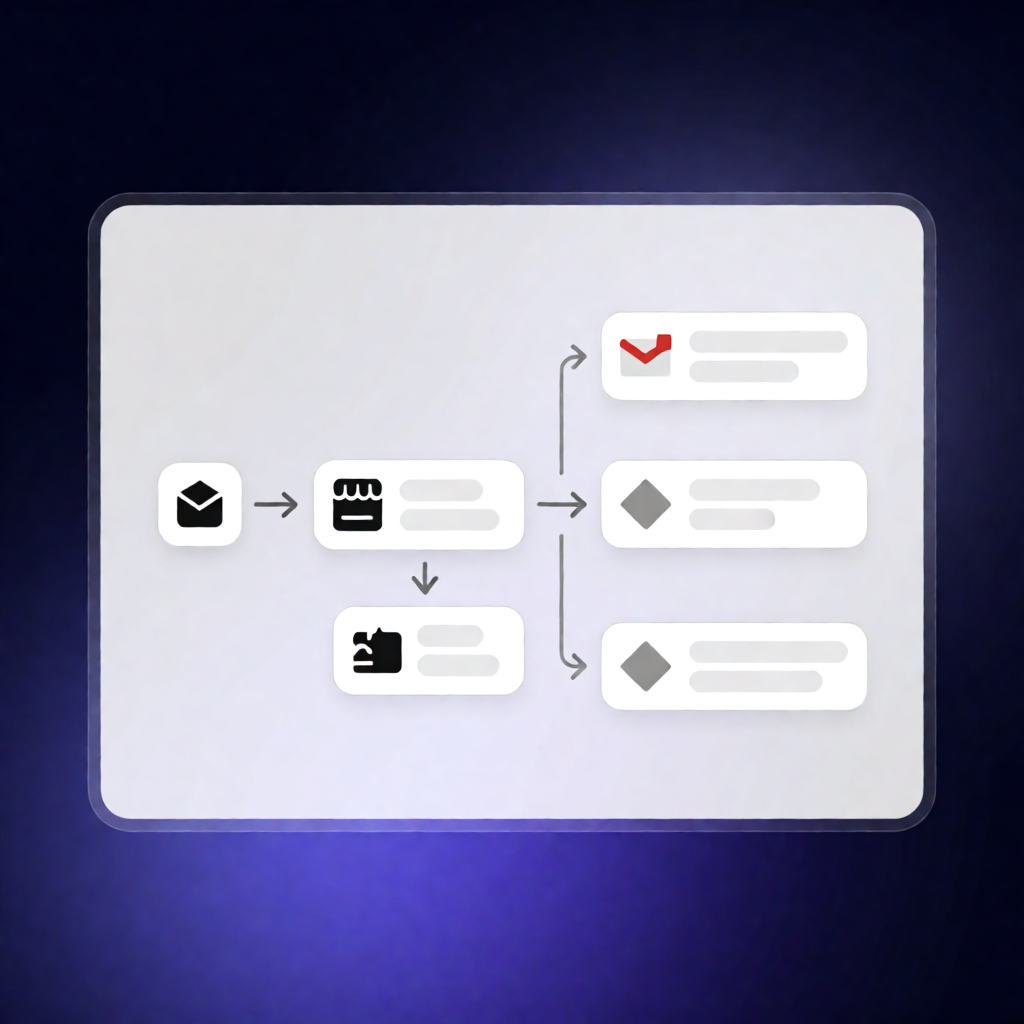
This n8n workflow automatically listens for newly created orders in fulfillmenttools, validates the order source and customer email, and then sends a personalized HTML order confirmation to the customer using Gmail in English or German—based on your order’s language settings.
What this workflow does
- Triggers on an ORDER_CREATED event from the fulfillmenttools n8n node.
- Validates the order:
- Confirms salesSource is set to “FFT_Shop”.
- Ensures the customer email exists and matches a valid email pattern (from consumer.addresses[0].email).
- Routes the email language using customAttributes.shopLanguage:
- en_US → sends the English version
- de_DE → sends the German version
- Sends a personalized HTML confirmation email via Gmail to the customer’s email address.
- If validation fails (wrong salesSource or missing/invalid email), it stops processing without sending anything.
Use cases
- Your store generates orders through fulfillmenttools and you want instant customer confirmation without manual emailing.
- You run international operations and need bilingual confirmations driven by customAttributes.shopLanguage.
- You want safer automation that only emails customers when the order originates from FFT_Shop and includes a valid email.
Technical details
- fulfillmenttools trigger: ORDER_CREATED subscription
- Validation logic: if, no op, and conditional routing
- Language selection: switch (en_US vs de_DE)
- Email sending: Gmail with OAuth2 credentials (HTML email)
- Includes a sticky note for workflow clarity
To use it, connect fulfillmenttools credentials for the trigger and add Gmail OAuth2 credentials to enable sending confirmation emails to your customers.