n8n Gmail AI Draft Replies: OpenAI Approval Before Send
n8n Gmail AI Draft Replies: OpenAI Approval Before Send
Regular price
£36.99
Regular price
£36.99
Sale price
Unit price
per
⬇
Instant Digital Download
∞
Unlimited Downloads
★
Lifetime Access in Your Account
Couldn't load pickup availability
🔥
128+ Sold
Popular with n8n builders
⚡
23 people viewing
High interest right now
✅
9 added today
Fast-moving digital product

n8n Gmail AI Draft Replies: OpenAI Approval Before Send
Regular price
£36.99
Regular price
£36.99
Sale price
Unit price
per
Get Gmail drafts you can approve—AI writes replies, but never sends them without you
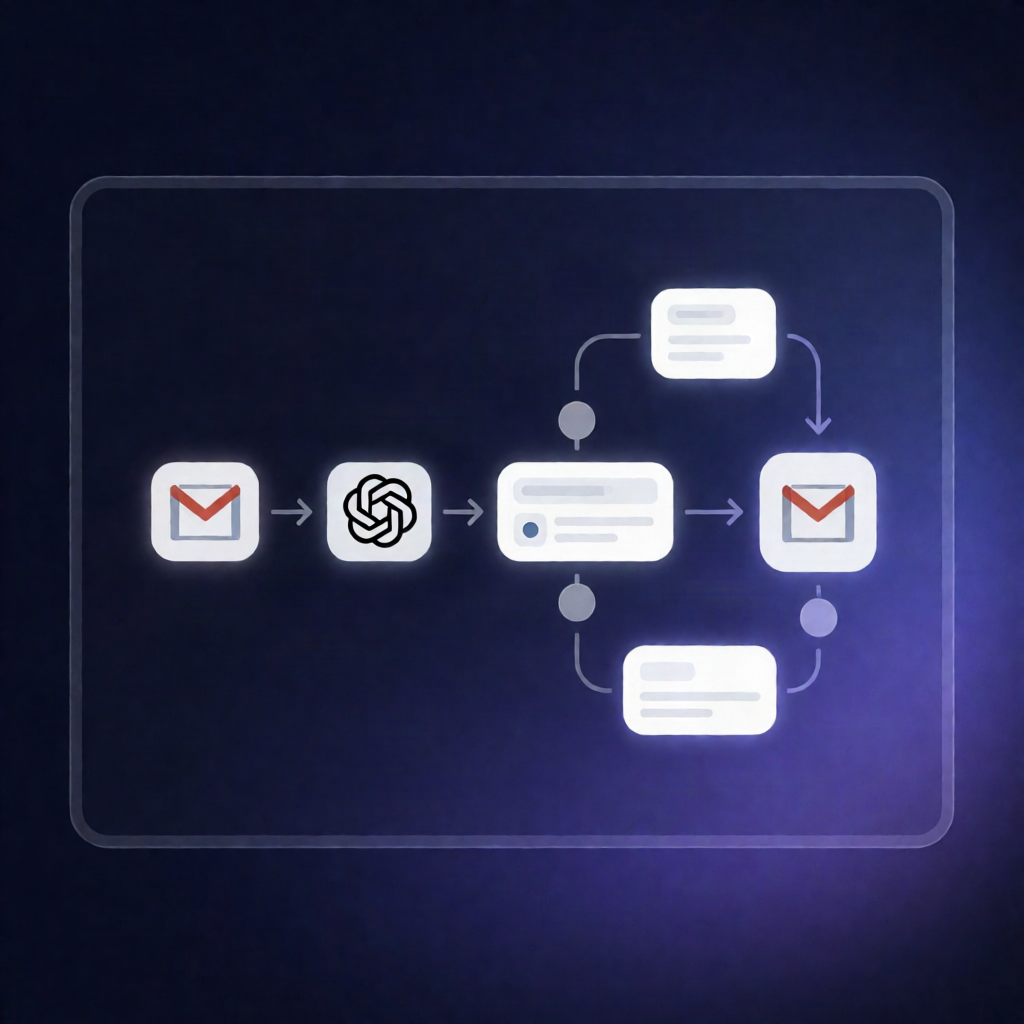
This n8n workflow scans your Gmail inbox for new unread messages, uses OpenAI to draft a fact-based response, and sends an approval request to you first. Only after you approve does it reply in the same Gmail thread—keeping control where it matters.
What this workflow does
- Monitors Gmail for new unread emails (every minute) and excludes messages from yourself, no-reply senders, and promotional/social/update/forum categories.
- Uses OpenAI to classify and draft a reply based on the email content plus your predefined business facts, in the tone and language you request.
- Validates the AI output with safety checks, flagging issues such as complaints, money-related topics, empty or overlong drafts, malformed responses, or suggested amounts that aren’t present in your business facts.
- Requests owner approval by emailing you a draft to review, then pauses up to 2 days for an approve/decline response.
- Responds only when approved by replying to the customer in the same Gmail thread using the suggested draft.
- If the draft is not safe, it sends you a “needs your answer” email containing the reason, the original message, and any suggested draft—without sending a reply to the customer.
Use cases
- SaaS operators who want AI-assisted Gmail customer support drafts with human approval.
- Automation engineers building n8n Gmail + OpenAI workflows for controlled communication.
- Teams handling high email volume while preventing risky or off-facts replies.
Technical details
- Integrations: Gmail (trigger, send approval email, and reply in the thread) and OpenAI.
- Workflow logic/nodes: if, set, code, no op, gmail, data table.
- Key setup: Gmail OAuth2 for Gmail steps, OpenAI API credentials + selected chat model, and owner email + “Your settings” business facts for allowed drafting.