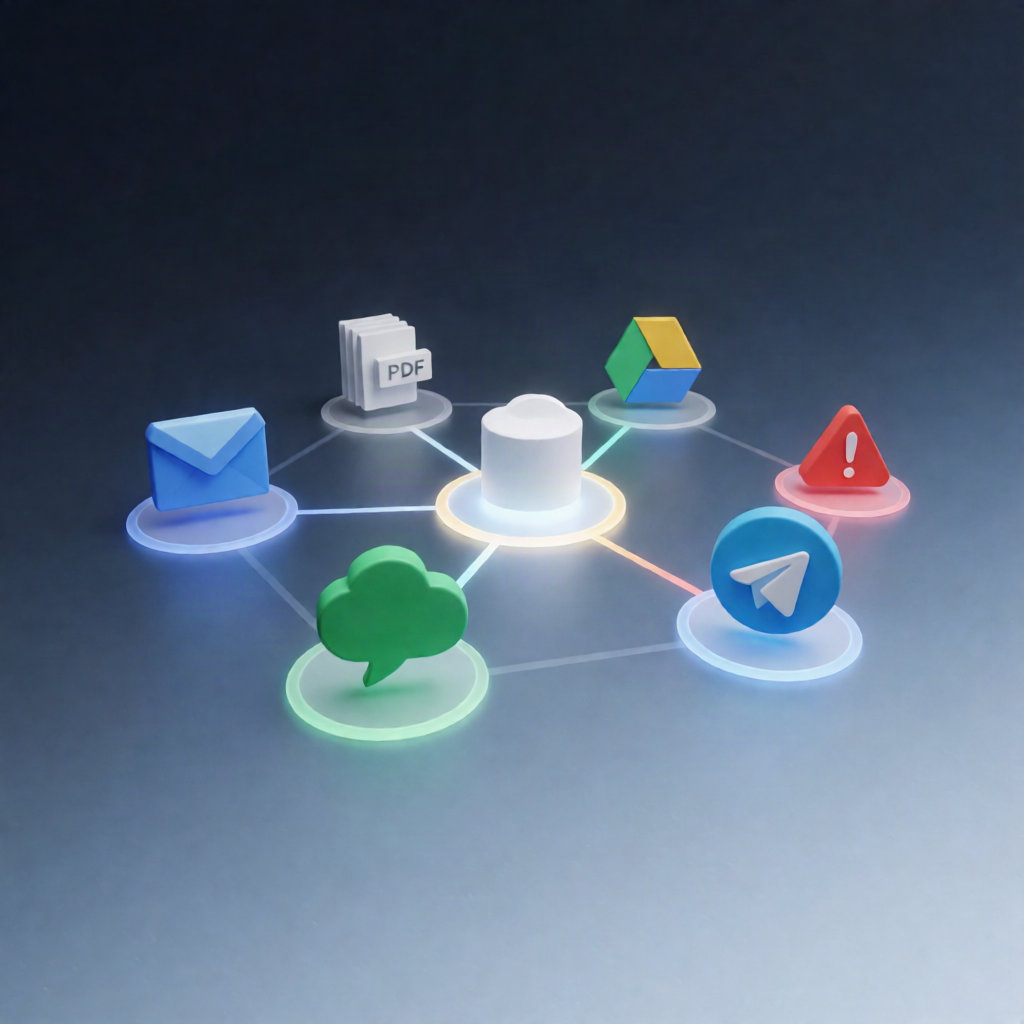
n8n Gmail → Google Drive: Auto-upload PDF + Slack/Telegram Alerts
n8n Gmail → Google Drive: Auto-upload PDF + Slack/Telegram Alerts
Regular price
£76.99
Regular price
£76.99
Sale price
Unit price
per
⬇
Instant Digital Download
∞
Unlimited Downloads
★
Lifetime Access in Your Account
Couldn't load pickup availability
🔥
128+ Sold
Popular with n8n builders
⚡
23 people viewing
High interest right now
✅
9 added today
Fast-moving digital product

n8n Gmail → Google Drive: Auto-upload PDF + Slack/Telegram Alerts
Regular price
£76.99
Regular price
£76.99
Sale price
Unit price
per
Auto-upload PDF attachments from Gmail to Google Drive—then notify Slack or Telegram
This n8n workflow scans your unread Gmail messages every day for PDF attachments that match a configured keyword, uploads the PDFs to Google Drive, and sends a single Slack or Telegram summary with links to the uploaded files.
What this workflow does
- Runs on a daily schedule using a scheduled trigger.
- Searches Gmail for unread emails with attachments where filenames include .pdf and contain your configured search_keyword, downloading attachments for processing.
- Normalizes each email into a consistent record (sender, subject, date) and keeps a filtered list of PDF-only attachments.
- Uploads each PDF to Google Drive (in the folder you specify) and aggregates results into a single per-run summary, including any partial upload failures.
- Formats a concise notification listing the sender/subject and providing Google Drive links for files that were uploaded.
- Posts the summary to Slack or Telegram based on your configuration, and sends an error notification via the same routing if the workflow fails.
Use cases
- Automatically archive PDFs like statements, reports, or documents into a dedicated Google Drive folder.
- Reduce manual inbox triage by only uploading PDFs from unread Gmail that match a specific keyword.
- Keep teams informed with a daily Slack or Telegram message containing upload links and upload status.
Technical details
- Scheduled Trigger (daily run)
- Gmail node for unread search + attachment downloading (with OAuth2)
- Google Drive node to upload PDFs to a configured folder ID (OAuth2)
-
Slack and/or Telegram notifications (OAuth2 for Slack; bot credentials for Telegram) with routing controlled by
notification_channel - Workflow logic using nodes such as if, set, code, switch
Setup tip: Provide Gmail and Google Drive OAuth2 credentials, set the target Drive folder ID, and choose Slack or Telegram with the correct channel/chat IDs.