n8n: Gmail LinkedIn Comment Replies with Mistral & Google Sheets
n8n: Gmail LinkedIn Comment Replies with Mistral & Google Sheets
Regular price
£15.99
Regular price
£15.99
Sale price
Unit price
per
⬇
Instant Digital Download
∞
Unlimited Downloads
★
Lifetime Access in Your Account
Couldn't load pickup availability
🔥
128+ Sold
Popular with n8n builders
⚡
23 people viewing
High interest right now
✅
9 added today
Fast-moving digital product

n8n: Gmail LinkedIn Comment Replies with Mistral & Google Sheets
Regular price
£15.99
Regular price
£15.99
Sale price
Unit price
per
Turn LinkedIn comment notifications into ready-to-review replies—automated with n8n + Mistral + Google Sheets
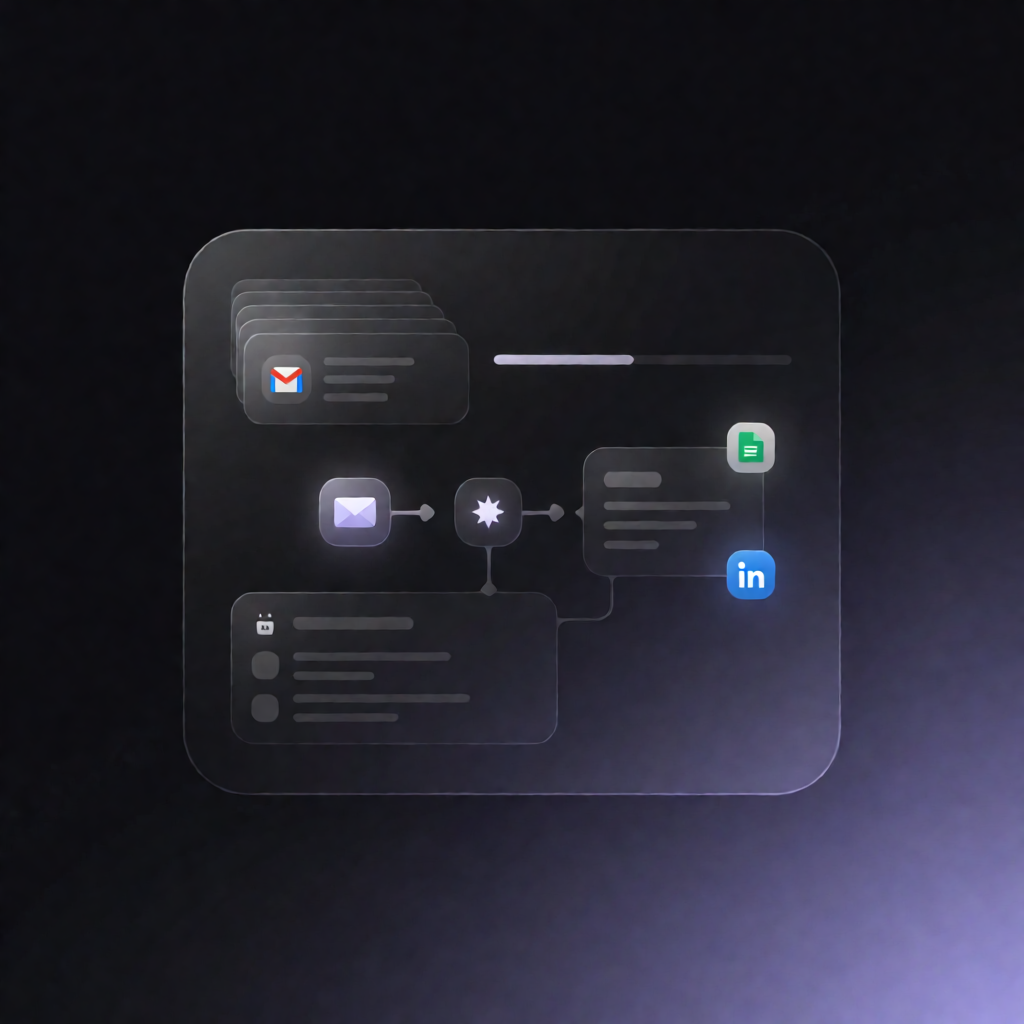
This n8n workflow scans your Gmail for LinkedIn comment notification emails every 30 minutes, extracts the commenter and comment details, drafts a short reply using Mistral AI, and logs everything into Google Sheets as a human-in-the-loop inbox for review.
What this workflow does
- Runs on a schedule: the workflow executes every 30 minutes.
- Searches Gmail for LinkedIn comment notifications: it looks for recent emails with English and German subjects related to comments or replies.
- Parses each email: it extracts the commenter name, comment text, post preview, post URL, message ID, and received timestamp.
- Avoids duplicates: it reads previously logged items from Google Sheets and keeps only comments where the Gmail message ID hasn’t been recorded yet.
- Drafts a reply with Mistral: it sends the post and comment context to the Mistral chat completions API to generate a short reply draft in your configured persona.
- Appends to Google Sheets: it writes the parsed fields plus the AI draft into a designated sheet so you can review and respond.
Use cases
- Handle higher volumes of LinkedIn engagement without missing new comment threads.
- Maintain consistent tone with an AI persona while keeping control via a Google Sheets review queue.
- Give SaaS teams a simple workflow to triage and draft responses to inbound LinkedIn comments.
Technical details
- n8n schedule (every 30 minutes)
- Gmail (OAuth2) to fetch LinkedIn comment notification emails
- Google Sheets (OAuth2) to store fields like received_at, commenter_name, comment_text, post_title, post_url, mail_message_id, and the AI draft
- Mistral AI via HTTP Request using a Mistral API key (Bearer Auth)
- Workflow nodes include: set, code, gmail, sticky note, http request, google sheets