n8n Google Drive to Google Sheets Call Log w/ Palatine Speech
n8n Google Drive to Google Sheets Call Log w/ Palatine Speech
Regular price
£11.99
Regular price
£11.99
Sale price
Unit price
per
⬇
Instant Digital Download
∞
Unlimited Downloads
★
Lifetime Access in Your Account
Couldn't load pickup availability
🔥
128+ Sold
Popular with n8n builders
⚡
23 people viewing
High interest right now
✅
9 added today
Fast-moving digital product

n8n Google Drive to Google Sheets Call Log w/ Palatine Speech
Regular price
£11.99
Regular price
£11.99
Sale price
Unit price
per
Automatically turn new Google Drive call recordings into a searchable Google Sheets call log—transcribed, sentiment-analyzed, and summarized with Palatine Speech
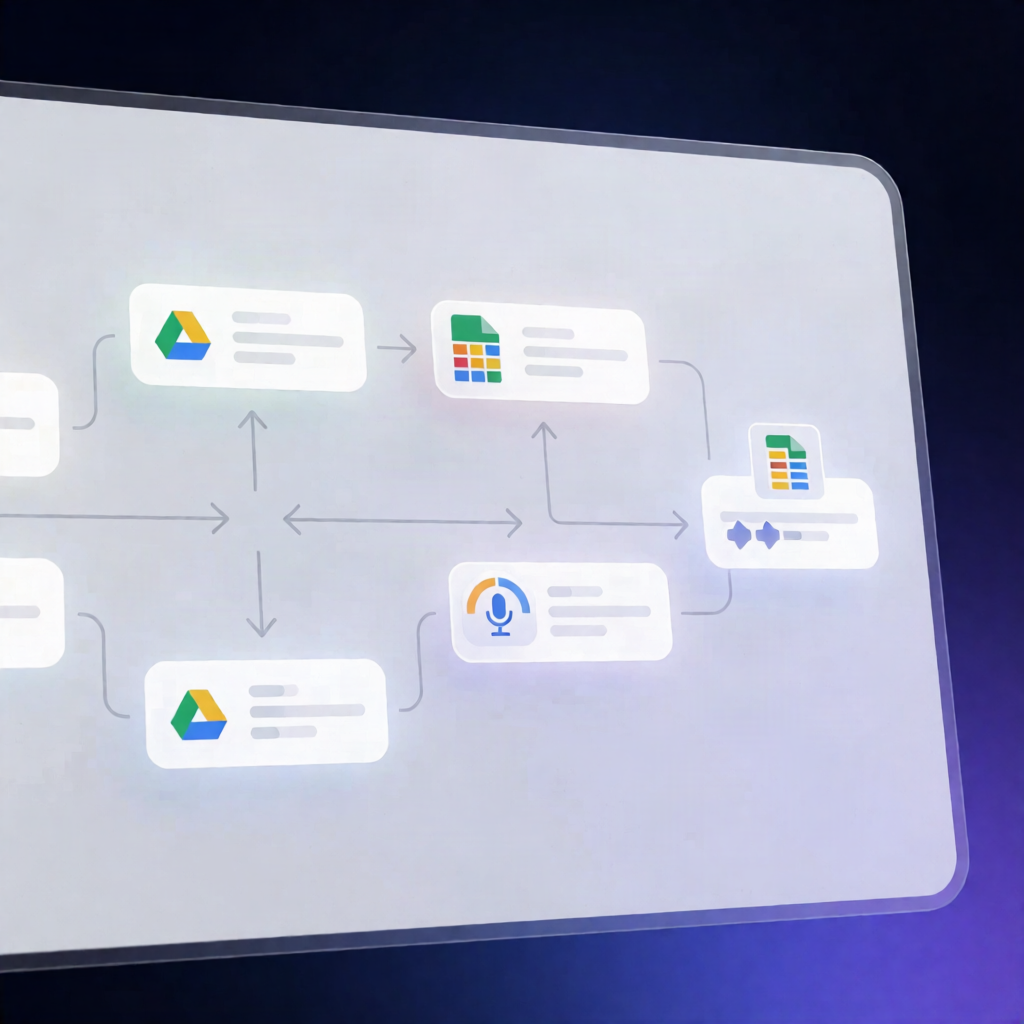
This n8n workflow monitors a specified Google Drive folder for newly uploaded call recordings, then transcribes and analyzes them with Palatine Speech. It compiles the results—date, filename, transcript, sentiment, and a meeting-style summary—and appends everything as a new row in your Google Sheets call log.
What this workflow does
- Triggers on new files in a chosen Google Drive folder.
- Filters audio/video files by MIME type and/or file extension, so only call recordings proceed.
- Downloads the recording from Google Drive.
- Runs Palatine Speech in parallel to generate a transcription and perform sentiment analysis.
- Combines transcript + sentiment, then asks Palatine Speech to produce a meeting summary from the transcript.
- Appends a new Google Sheets row containing: Date, original File name, Summary, Sentiment (as JSON), and the full Transcript.
Use cases
- Sales and support teams logging every call automatically for review and QA.
- Customer success operators tracking call sentiment over time in a dedicated Sheets dashboard.
- Automation engineers building an evidence-based call history (transcript + summary + sentiment) without manual effort.
- Teams that store call recordings in Google Drive and need centralized reporting in Google Sheets.
Technical details
- n8n nodes/workflow components: Set, Merge, Filter, Sticky Note, Google Drive, Google Sheets.
-
Palatine Speech integration: Uses
n8n-nodes-palatine-speech(self-hosted) or the verified package in n8n Cloud. - Google Sheets headers required: Date, File, Summary, Sentiment, Transcript.
- Writes Sentiment as JSON and stores the full transcript in the log.
Built for reliable call logging with Palatine Speech + n8n—set it up once, and your Google Drive uploads instantly become a structured Google Sheets call history.