n8n Google Drive Transcript Transcriber to .TXT (Palatine Speech)
n8n Google Drive Transcript Transcriber to .TXT (Palatine Speech)
Regular price
£40.99
Regular price
£40.99
Sale price
Unit price
per
⬇
Instant Digital Download
∞
Unlimited Downloads
★
Lifetime Access in Your Account
Couldn't load pickup availability
🔥
128+ Sold
Popular with n8n builders
⚡
23 people viewing
High interest right now
✅
9 added today
Fast-moving digital product

n8n Google Drive Transcript Transcriber to .TXT (Palatine Speech)
Regular price
£40.99
Regular price
£40.99
Sale price
Unit price
per
Automatically transcribe Google Drive audio/video into .TXT using Palatine Speech
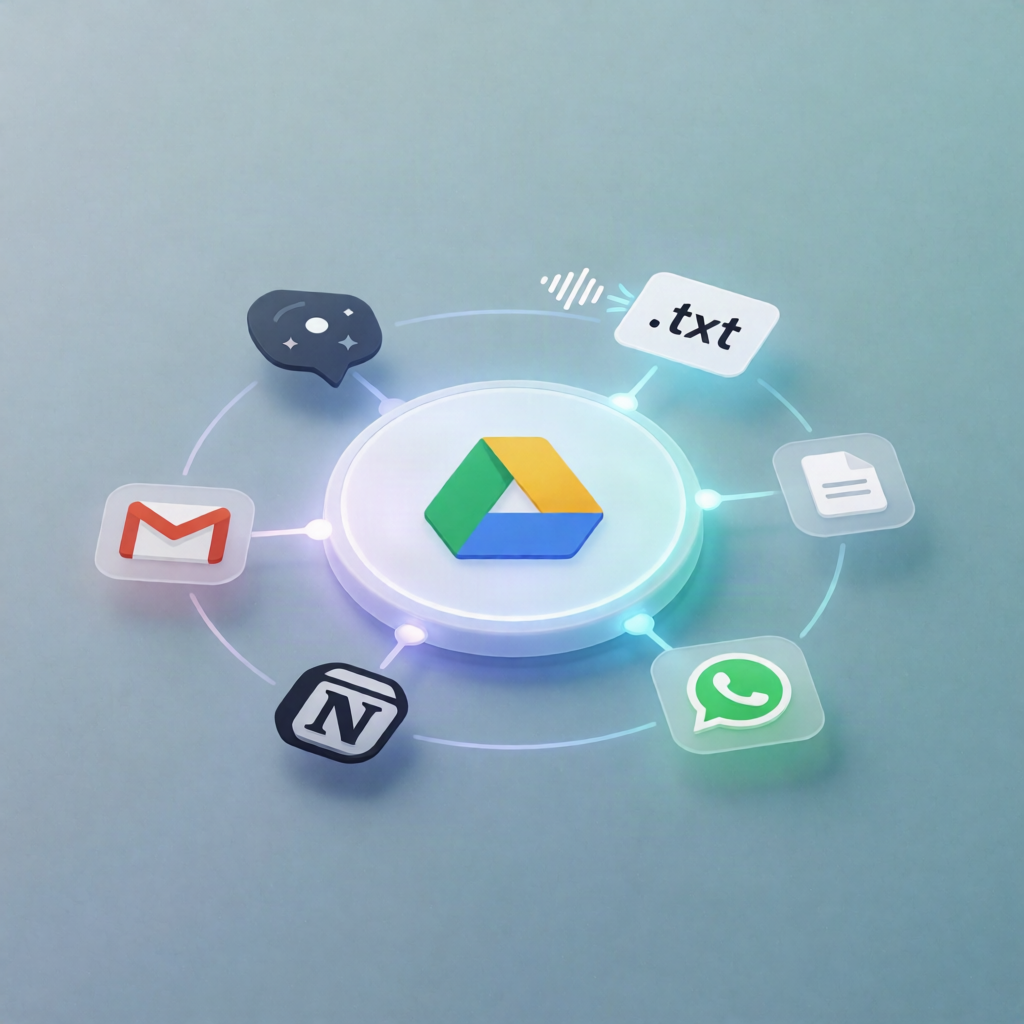
Turn every new recording dropped into your Google Drive folder into a ready-to-read text transcript. This n8n workflow monitors a specified Drive location, transcribes each audio/video file with Palatine Speech, saves the result as a .txt file, and uploads it back to Google Drive—no manual work required.
What this workflow does
- Watches a Google Drive folder for newly created files.
- Filters incoming items so only audio and video files pass through (by MIME type and/or extension), skipping non-media files.
- Downloads the new recording from Google Drive.
-
Transcribes the audio/video using the community node
n8n-nodes-palatine-speech(Palatine Speech). - Converts the transcription into a plain-text .txt file named after the original recording.
- Uploads the transcript back to a chosen Google Drive folder for transcripts.
Use cases
- Auto-generate transcripts for meeting recordings stored in a Google Drive “Recordings” folder.
- Create searchable text versions of training videos or recorded calls for your team.
- Build an internal workflow for SaaS operations: recordings land in Drive → transcripts are produced and saved back to Drive.
Technical details
- Trigger: Google Drive trigger (new file in selected folder).
- Processing: filter (audio/video only), download, n8n-nodes-palatine-speech transcription, convert to file (.txt).
- Output: Google Drive upload to the configured transcript destination folder.
Setup requirements
You’ll need Google Drive OAuth2 credentials and Palatine Speech API credentials, plus installation of n8n-nodes-palatine-speech. After confirming the correct destination folder, activate the workflow and start processing new recordings.