n8n Invoice OCR to CSV & Google Sheets via Webhook
n8n Invoice OCR to CSV & Google Sheets via Webhook
Regular price
£20.99
Regular price
£20.99
Sale price
Unit price
per
⬇
Instant Digital Download
∞
Unlimited Downloads
★
Lifetime Access in Your Account
Couldn't load pickup availability
🔥
128+ Sold
Popular with n8n builders
⚡
23 people viewing
High interest right now
✅
9 added today
Fast-moving digital product

n8n Invoice OCR to CSV & Google Sheets via Webhook
Regular price
£20.99
Regular price
£20.99
Sale price
Unit price
per
Turn Invoice PDFs/Images into CSV + Google Sheets in One Webhook
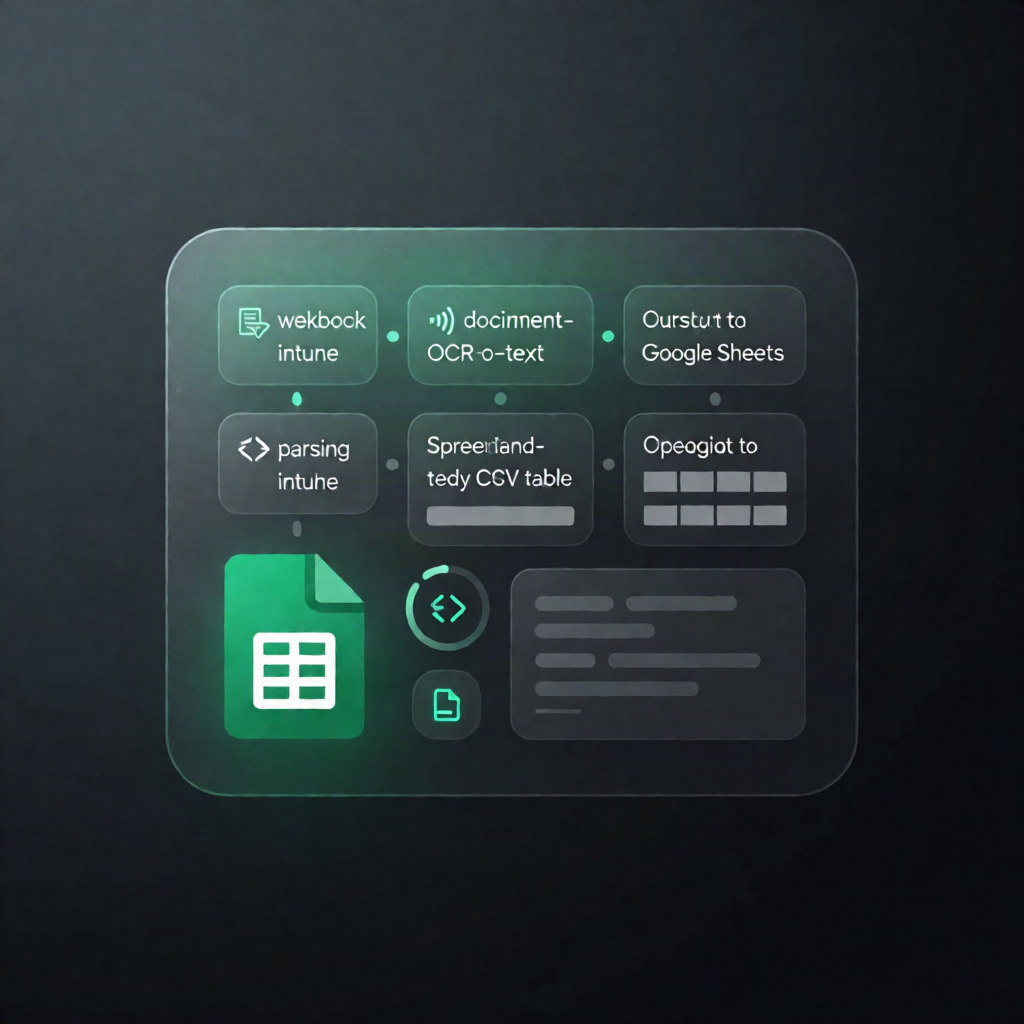
Send an invoice file to an n8n webhook, and this workflow will extract key invoice fields using OCR.space, parse line items with deterministic rules, then return the results as JSON—while also generating a CSV and (optionally) appending the record to Google Sheets.
What this workflow does
- Accepts uploads via HTTP POST: receive an invoice PDF/image in a binary field named invoice.
- Runs OCR with OCR.space: forwards the file to the OCR.space API to extract text.
- Handles OCR failures: if OCR.space does not succeed, the workflow returns a 422 JSON error response.
- Parses invoice data: extracts vendor, invoice number, invoice date, subtotal, tax, and total, plus line items using deterministic rules.
- Adds validation flags: generates flags for missing fields and line-item calculation mismatches.
- Generates a CSV: converts extracted fields into a CSV file and writes it to disk (default path: ./output/).
- Optionally updates Google Sheets: appends the extracted record to a worksheet.
- Returns extracted results: responds with the extracted invoice data, including flags and raw OCR text.
Use cases
- Automate AP data capture by converting invoice PDFs into structured records for finance workflows.
- Centralize invoicing data in Google Sheets for visibility and lightweight reporting.
- Build an internal tool that uploads invoices to an n8n webhook and immediately receives parsed JSON.
Technical details
- OCR.space integration via HTTP request (header auth uses apikey).
- Uses webhook, http request, if, code, and Google Sheets nodes (plus sticky note documentation).
- Requires write access to the configured CSV output path (default: ./output/).