n8n Invoice Receipt Automation: Gmail PDFs to Google Drive
n8n Invoice Receipt Automation: Gmail PDFs to Google Drive
Regular price
£54.99
Regular price
£54.99
Sale price
Unit price
per
⬇
Instant Digital Download
∞
Unlimited Downloads
★
Lifetime Access in Your Account
Couldn't load pickup availability
🔥
128+ Sold
Popular with n8n builders
⚡
23 people viewing
High interest right now
✅
9 added today
Fast-moving digital product

n8n Invoice Receipt Automation: Gmail PDFs to Google Drive
Regular price
£54.99
Regular price
£54.99
Sale price
Unit price
per
Automatically collect Gmail invoice PDFs and store them in Google Drive—instantly classified as receipts or invoices
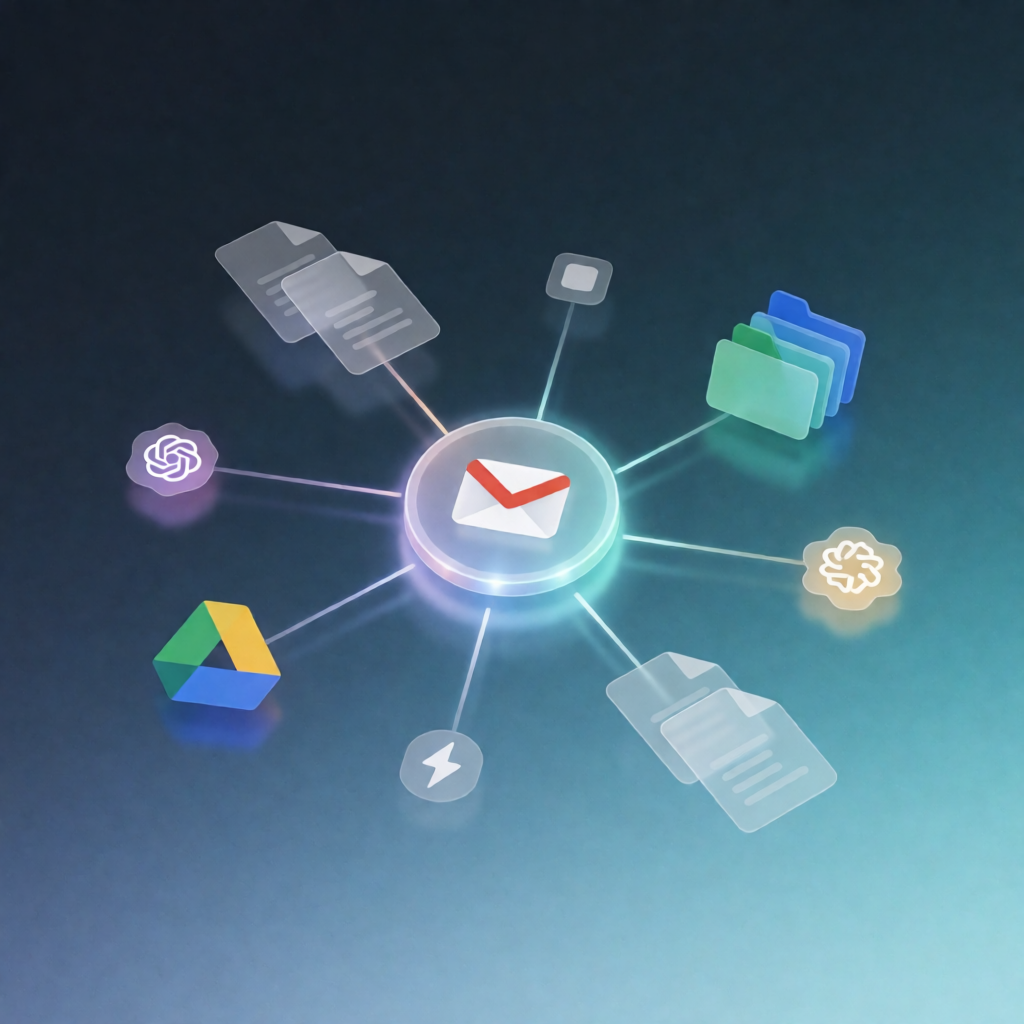
This n8n workflow scans your Gmail mailbox for PDF attachments, uses AI to determine whether each PDF is an invoice or a receipt, and uploads them into a dedicated Google Drive folder. Optionally, it can email the attachments to your accountant—so your bookkeeping stays organized with minimal effort.
What this workflow does
- Creates a Google Drive folder for the upload and returns a Webhook response containing the folder URL.
- Fetches emails with attachments from a specified Gmail mailbox.
- (Optional) Filters emails—for example, exclude messages sent to specific addresses.
- Filters attachments to PDFs only, ignoring non-PDF files.
- Classifies each PDF with AI to determine whether it’s a receipt or an invoice.
- Uploads classified documents (receipts and invoices) into the created Google Drive folder.
- Optionally sends an email with the attachments to sendInvoicesTo (e.g., your accountant).
Use cases
- Freelancers who need to centralize client invoices and receipts without manually downloading PDFs.
- Small business owners who want a reliable system to keep tax documents in Google Drive.
- Accounting handoffs where attachments are forwarded to an accountant automatically after upload.
Technical details
- Webhook trigger to start the process and respond with the created Drive folder URL.
- Gmail integration to search emails with attachments.
- Google Drive integration to create folders and upload PDFs.
- OpenAI-powered classification to identify receipts vs invoices from PDF contents.
- Uses n8n nodes such as if, set, code, no op, gmail, and merge to control logic and routing.
Pre-conditions
- Gmail and Google Drive accounts
- Google Cloud OAuth 2.0 Client ID (or a service account) with Gmail and Drive APIs enabled
- OpenAI API account and API key