n8n Job Tracker: Monitor Indeed & LinkedIn to Google Sheets
n8n Job Tracker: Monitor Indeed & LinkedIn to Google Sheets
Regular price
£71.99
Regular price
£71.99
Sale price
Unit price
per
⬇
Instant Digital Download
∞
Unlimited Downloads
★
Lifetime Access in Your Account
Couldn't load pickup availability
🔥
128+ Sold
Popular with n8n builders
⚡
23 people viewing
High interest right now
✅
9 added today
Fast-moving digital product

n8n Job Tracker: Monitor Indeed & LinkedIn to Google Sheets
Regular price
£71.99
Regular price
£71.99
Sale price
Unit price
per
Automatically track new jobs from Indeed and LinkedIn into Google Sheets
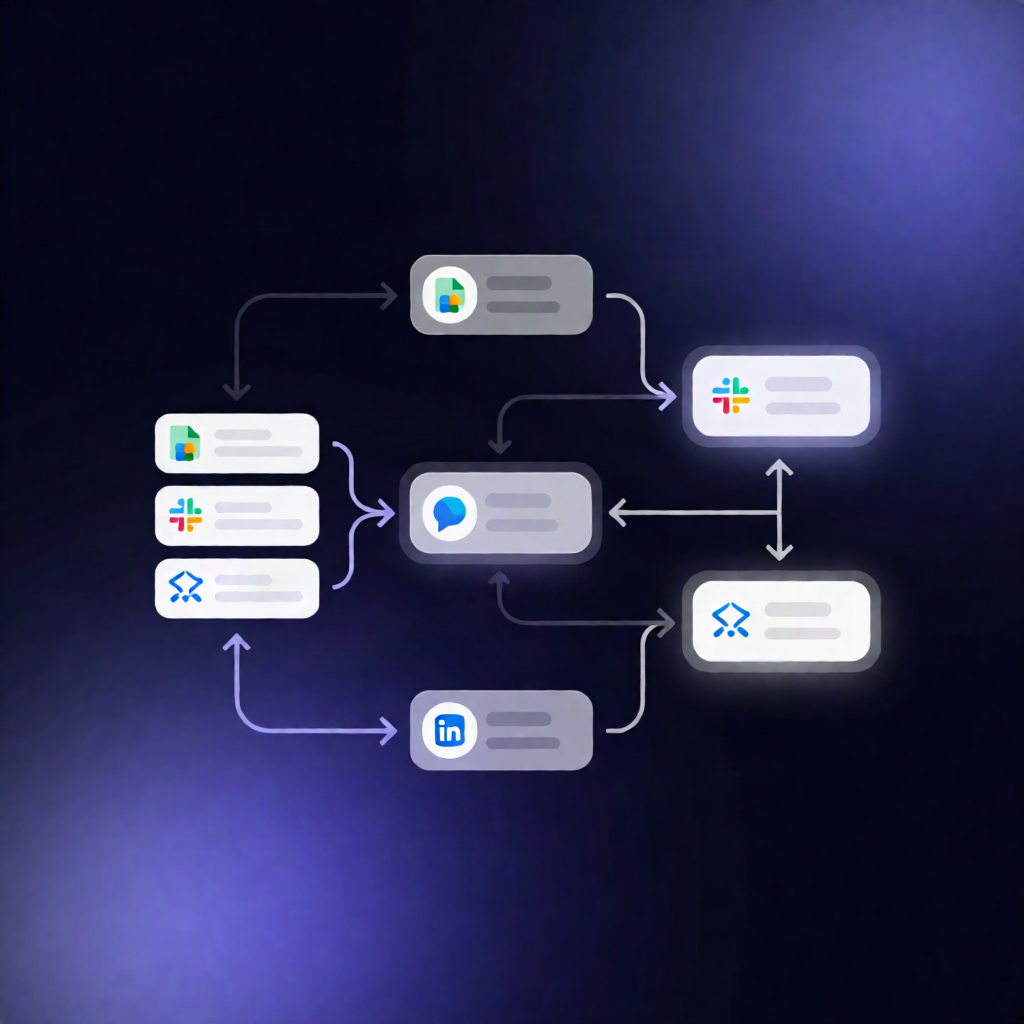
This n8n workflow monitors Indeed and/or LinkedIn for job postings, deduplicates results against your existing Google Sheets “Jobs” tab, and then appends (or updates) job URLs with key metadata—so you always know what’s newly posted.
What this workflow does
- Runs on demand or on schedule: You can trigger it manually, or set a daily cron schedule at 09:00 UTC.
- Loads your configuration: It reads your search term, location, target Google Sheet ID, and selected job boards (Indeed, LinkedIn, or both).
- Checks what you already saved: It reads existing rows from the Google Sheets “Jobs” tab and collects already-saved jobUrl values.
- Scrapes fresh listings via Apify: It calls the Apify Multi Job Board Scraper actor using an HTTP request to fetch up to 20 job listings.
- Sanitizes and deduplicates: It validates the Apify response, sanitizes text fields, and removes any jobs whose jobUrl already exists in the sheet.
- Saves results to Google Sheets: It appends new jobs (or updates by matching on jobUrl) with title, company, location, jobBoard, and collectedAt.
Use cases
- Job seekers who want a lightweight job tracker without manually copying links from Indeed/LinkedIn.
- SaaS operators building an internal pipeline to keep leads updated from multiple boards automatically.
- Automation engineers who need an n8n + Google Sheets workflow for recurring job scraping and deduplication.
Technical details
- n8n nodes used: Manual Trigger, Set, Code, Sticky Note, HTTP Request, Google Sheets.
-
Apify integration: Uses an n8n HTTP Header Auth credential with
Authorization: Bearer <YOUR_APIFY_TOKEN>. -
Google Sheets: Requires a tab named “Jobs” with headers:
jobUrl,title,company,location,jobBoard,collectedAt.