n8n Mechanics Lien Deadline Tracker: Google Sheets + Gmail
n8n Mechanics Lien Deadline Tracker: Google Sheets + Gmail
Regular price
£27.99
Regular price
£27.99
Sale price
Unit price
per
⬇
Instant Digital Download
∞
Unlimited Downloads
★
Lifetime Access in Your Account
Couldn't load pickup availability
🔥
128+ Sold
Popular with n8n builders
⚡
23 people viewing
High interest right now
✅
9 added today
Fast-moving digital product

n8n Mechanics Lien Deadline Tracker: Google Sheets + Gmail
Regular price
£27.99
Regular price
£27.99
Sale price
Unit price
per
Never miss a mechanics lien deadline—automated with n8n, Google Sheets, and Gmail
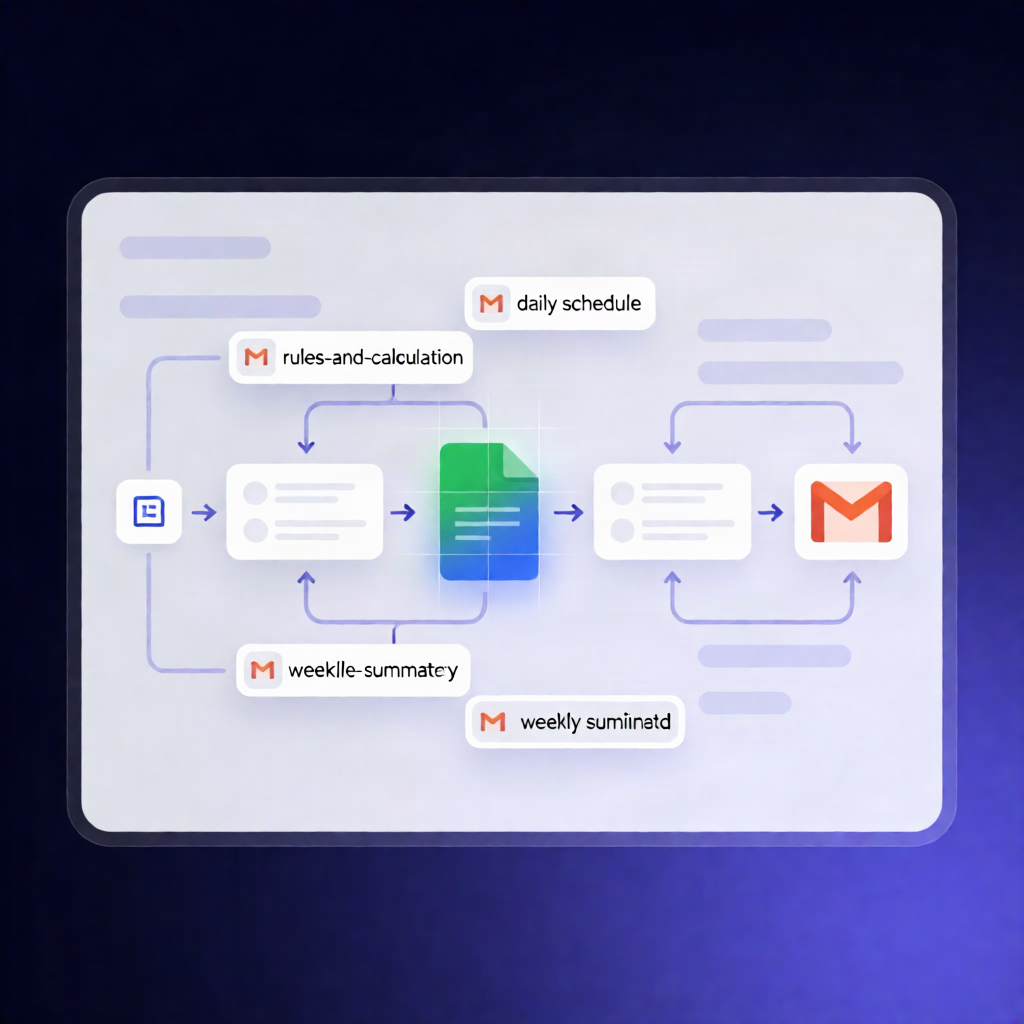
This n8n workflow tracks mechanics lien notice and filing deadlines per job. It calculates due dates from your configurable Rules in Google Sheets, keeps a live Deadlines tab updated, and emails you new-job deadline lists plus daily and weekly alerts via Gmail.
What this workflow does
Built around n8n Forms and your spreadsheet data, it works like this:
- Add a job: When you submit the “Add a job” form, the workflow generates a unique job ID, saves the job to Google Sheets (including an initial work-log entry), calculates applicable deadlines from the Rules tab, writes them to the Deadlines tab, and emails you a deadline table for that job.
- Update a job: When you submit the “Update a job” form, it finds the matching job in Google Sheets, logs work/completion/recorded notices/lien/payment (or marks steps as done/skip), recalculates deadlines while preserving done/skip statuses, updates Google Sheets, and emails what remains open.
- Daily schedule: Each morning, it recalculates deadlines for every open job, refreshes the Deadlines tab, and compiles alerts for deadlines that match configured warning-day offsets, are due today, or are marked as missed.
- Email reporting: It sends the compiled alert email(s) via Gmail and also emails a 60-day summary on your configured weekday.
Use cases
- Track mechanics lien notice and filing timelines for multiple ongoing projects in one place.
- Reduce missed deadlines by getting automated daily alerts and “what’s left” updates after job status changes.
- Maintain audit-friendly records in Google Sheets, including a work log and a continuously updated deadlines table.
Technical details
- Integrations/Nodes: set, code, gmail, switch, sticky note, and form trigger.
- Data source: Google Sheets tabs for Jobs, Rules, Work log, and Deadlines.
- Configurable inputs: email settings, spreadsheet ID, warning-day offsets, timezone, and the n8n base URL.