n8n Monthly Customer Statement Automation: Google Sheets + Gmail
n8n Monthly Customer Statement Automation: Google Sheets + Gmail
Regular price
£73.99
Regular price
£73.99
Sale price
Unit price
per
⬇
Instant Digital Download
∞
Unlimited Downloads
★
Lifetime Access in Your Account
Couldn't load pickup availability
🔥
128+ Sold
Popular with n8n builders
⚡
23 people viewing
High interest right now
✅
9 added today
Fast-moving digital product

n8n Monthly Customer Statement Automation: Google Sheets + Gmail
Regular price
£73.99
Regular price
£73.99
Sale price
Unit price
per
Automate Monthly Customer Statements in n8n—Google Sheets + Gmail
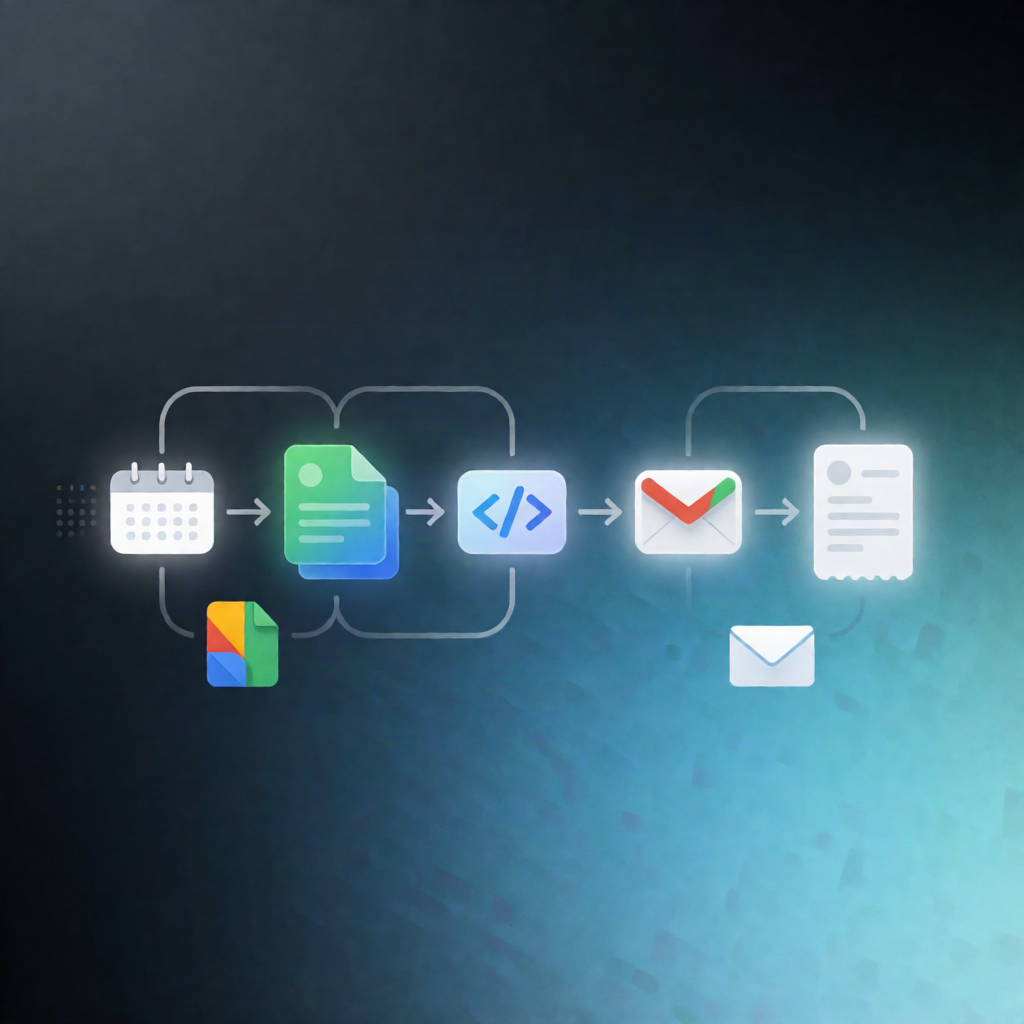
Send a consolidated, branded monthly account statement to each customer automatically on the 1st of every month. This n8n workflow reads open invoices from Google Sheets, generates ageing totals, emails statements through Gmail, and records a send log back into Sheets to prevent duplicates and handle retries safely.
What this workflow does
The workflow runs on a schedule at 09:00 on the 1st day of each month. It then:
- Loads configuration values (including sheetUrl, business details, currency symbol, and optional minBalanceToSend) to generate the statements.
- Reads invoice rows from the invoices tab and prior send history from the statement_log tab.
- Filters invoices to exclude closed items, invalid emails, unreadable due dates, non-positive amounts, and duplicate invoice IDs.
- Groups remaining open invoices by customer email.
- Skips customers already marked as sent for the current statement period.
- Generates an HTML statement with invoice lines and ageing buckets, then emails one message per customer via Gmail.
- Appends a log entry per attempted send to statement_log, marking it sent when a Gmail message ID is returned, otherwise failed.
Use cases
- SaaS and services teams emailing monthly account statements based on invoice status.
- Operations teams that need ageing totals and consistent customer communication every month.
- Businesses migrating from manual statement emails to a reliable n8n automation with duplicate protection.
Technical details
- Schedule Trigger: runs monthly at 09:00 on the 1st.
- Google Sheets: reads invoices + statement_log, appends send results.
- Gmail: sends one consolidated statement email per customer and captures message IDs.
- Uses n8n nodes including Set, Code, Sticky Note, and Google Sheets for logic and readability.
Setup tip: Ensure your spreadsheet includes an invoices sheet, and update sheetUrl, business name, your name, reply-to email, currency symbol, and minBalanceToSend in the Settings step.