n8n OCR Invoice Extractor: Google Drive to Sheets + Ollama
n8n OCR Invoice Extractor: Google Drive to Sheets + Ollama
Regular price
£16.99
Regular price
£16.99
Sale price
Unit price
per
⬇
Instant Digital Download
∞
Unlimited Downloads
★
Lifetime Access in Your Account
Couldn't load pickup availability
🔥
128+ Sold
Popular with n8n builders
⚡
23 people viewing
High interest right now
✅
9 added today
Fast-moving digital product

n8n OCR Invoice Extractor: Google Drive to Sheets + Ollama
Regular price
£16.99
Regular price
£16.99
Sale price
Unit price
per
Automate invoice OCR + extraction from Google Drive straight into Google Sheets (with Ollama)
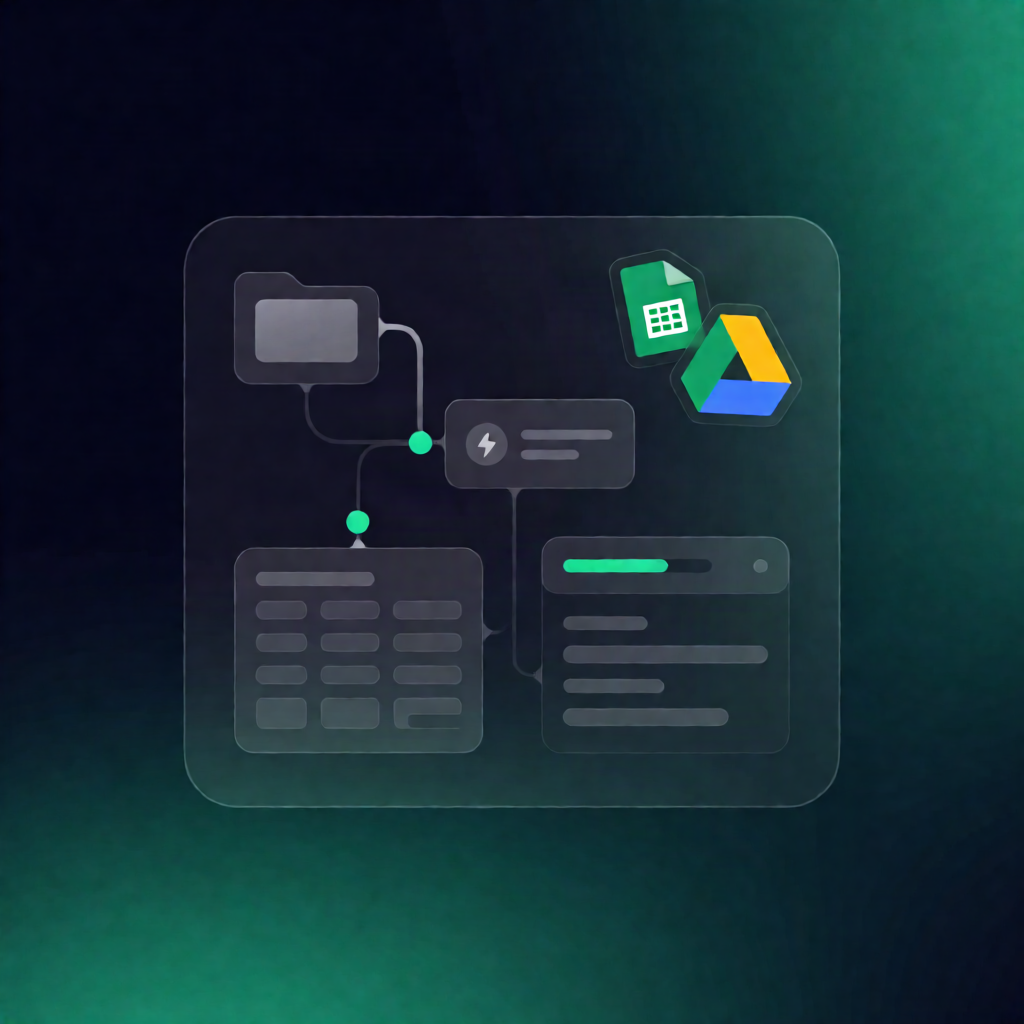
This n8n workflow watches a Google Drive folder for new invoice files, runs OCR through a local HTTP endpoint, uses an Ollama LLM to extract structured invoice fields, and appends the results to your Google Sheet—automatically avoiding duplicates by tracking processed Drive file IDs.
What this workflow does
Built for invoice data capture, it follows this flow:
- Triggers manually or when a new file is created in a configured Google Drive folder.
- Discovers inputs by listing files in the target folder and reading the header row from a specified Google Sheets worksheet to know which fields to extract.
- Prevents re-processing by reading existing Google Sheets rows, collecting previously processed Drive file IDs, and filtering out already recorded files.
- Downloads and OCRs each unprocessed invoice from Google Drive, sending the file to a local OCR HTTP API using a multipart request to obtain extracted text.
- Extracts structured data by sending the OCR text to an Ollama chat model with instructions to return raw JSON for the requested headers.
- Writes back results by parsing/normalizing the JSON output, reattaching the Drive file ID and filename, and appending the new row(s) to the same Google Sheet.
Use cases
- Capture invoice line headers and metadata from scanned PDFs into Google Sheets for reporting.
- Turn a shared “Invoices” folder into a lightweight invoice ingestion pipeline for SaaS operators.
- Automate back-office extraction without manual copy/paste from OCR to spreadsheets.
Technical details
- Integrations / nodes: code, merge, sticky note, Google Drive, HTTP Request, Google Sheets.
- OCR endpoint: requires a reachable local OCR HTTP service that returns extracted text from multipart uploads.
- Google Sheets schema: first header cell must be exactly “Id”, with additional column headers for every field the LLM should extract.
- LLM layer: Ollama produces raw JSON, which the workflow parses and appends to Sheets.