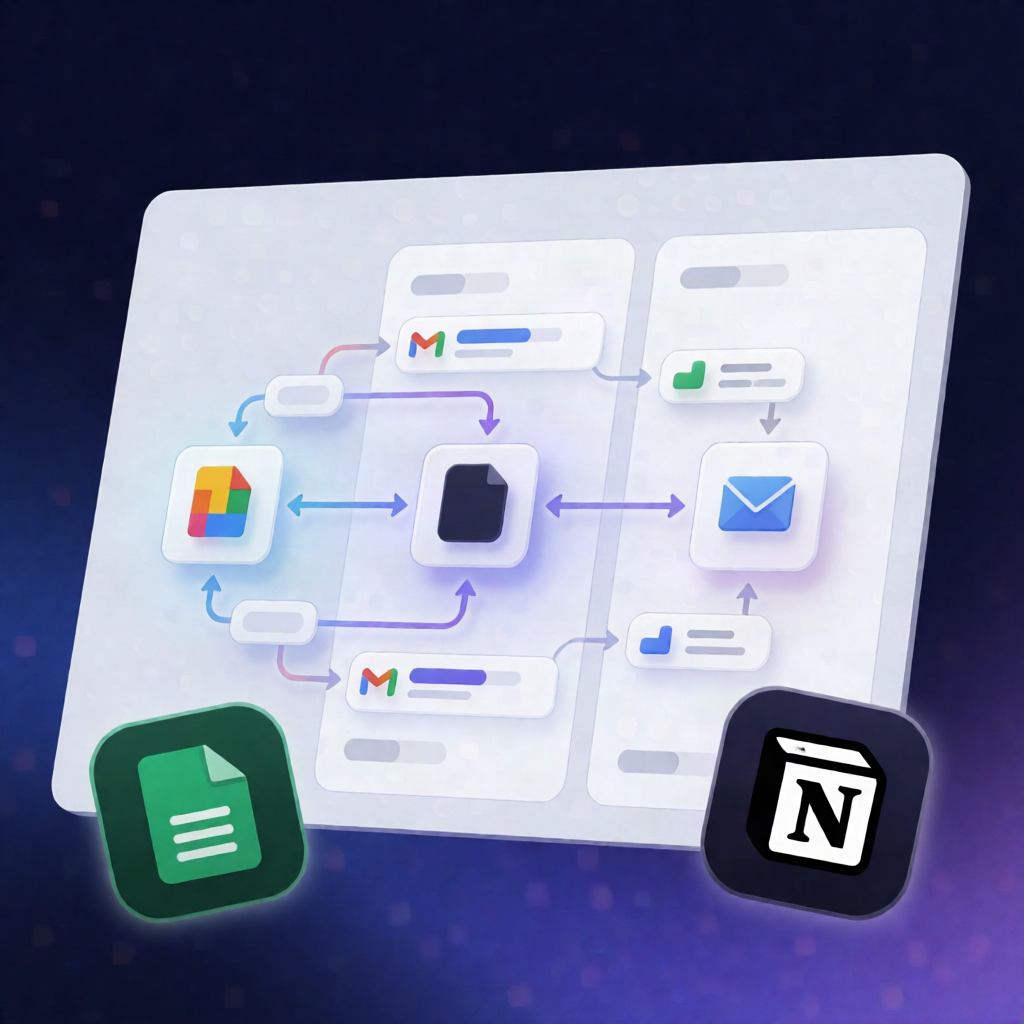
n8n Recruitment Automation: Google Sheets + Notion + Gmail
n8n Recruitment Automation: Google Sheets + Notion + Gmail
Regular price
£53.99
Regular price
£53.99
Sale price
Unit price
per
⬇
Instant Digital Download
∞
Unlimited Downloads
★
Lifetime Access in Your Account
Couldn't load pickup availability
🔥
128+ Sold
Popular with n8n builders
⚡
23 people viewing
High interest right now
✅
9 added today
Fast-moving digital product

n8n Recruitment Automation: Google Sheets + Notion + Gmail
Regular price
£53.99
Regular price
£53.99
Sale price
Unit price
per
Automate your recruiting pipeline with n8n + Google Sheets, Notion, and Gmail
This n8n recruitment automation template connects your Google Forms submissions to a Notion Applicant Tracking System (ATS) and automatically sends personalized Gmail emails whenever a candidate’s recruitment status changes—so you spend less time on manual follow-ups and more time hiring.
What this workflow does
- Collect applications: New applications submitted through Google Forms are stored in a Google Sheets spreadsheet.
- Detect new candidates: n8n periodically checks for new rows and identifies candidates who haven’t yet been added to Notion.
- Create candidates in Notion: Each new candidate is added to the provided Notion Candidates Tracker, including name, email, phone number, role, CV/resume, and an initial status.
- Manage stages in Notion: Recruiters can update a candidate’s recruitment stage directly from Notion.
- Send status-change emails: When a candidate’s status changes, n8n detects the change, selects the configured email template for that status, and sends the email via Gmail.
- Personalize automatically: Email templates support dynamic placeholders such as [Name] to personalize messages.
Use cases
- Turn every Google Forms application into an ATS entry in Notion without manual copying.
- Send automated “next steps” or “interview scheduled” updates as candidates move through stages.
- Standardize recruitment communications by maintaining stage-specific email templates in n8n.
Technical details
- Integrations: Google Sheets, Notion, Gmail
-
Core n8n components/nodes:
if,code,gmail,notion,switch,data table - Workflow concept: conditionally add new candidates and trigger emails based on Notion status changes using status-to-template mapping
Set up the Notion recruitment/applicant tracking template, connect your Google Sheets responses, configure recruitment stages and email templates, link your Gmail account, and activate your n8n workflow.