n8n Stale Workflow Alerts via API & Gmail (HTTP Request)
n8n Stale Workflow Alerts via API & Gmail (HTTP Request)
Regular price
£37.99
Regular price
£37.99
Sale price
Unit price
per
⬇
Instant Digital Download
∞
Unlimited Downloads
★
Lifetime Access in Your Account
Couldn't load pickup availability
🔥
128+ Sold
Popular with n8n builders
⚡
23 people viewing
High interest right now
✅
9 added today
Fast-moving digital product

n8n Stale Workflow Alerts via API & Gmail (HTTP Request)
Regular price
£37.99
Regular price
£37.99
Sale price
Unit price
per
Stay on top of failed and “stale” n8n workflows—automatically alert via Gmail
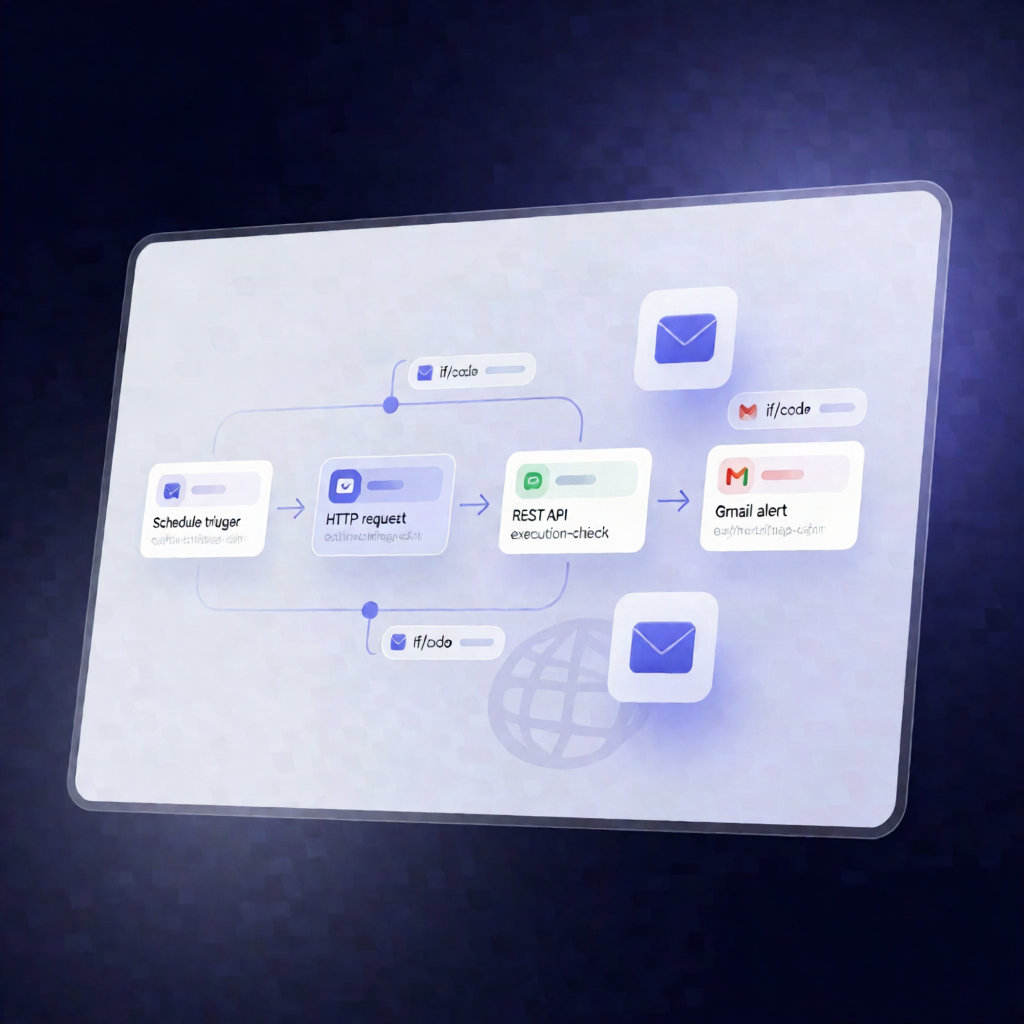
This n8n workflow monitors a specific workflow’s latest execution using the n8n REST API and sends a Gmail alert when the run fails or hasn’t successfully completed within the expected time window. Designed to help SaaS operators and automation engineers catch issues early—every 6 hours.
What this workflow does
- Runs on a 6-hour schedule using a schedule trigger.
- Fetches the latest execution for your configured workflow ID by calling the n8n REST API via an HTTP Request node.
- Detects “stale” executions by calculating the number of hours since the last execution finished (or started), then comparing it against the expected run interval plus a grace period.
-
Determines whether attention is needed when either:
- the latest execution status is non-success, or
- the execution is considered stale (didn’t succeed in the defined time window).
- Sends a Gmail alert when the monitor status indicates attention is required.
Use cases
- Alert your team when a critical automation pipeline in n8n fails (e.g., data sync, provisioning, reporting jobs).
- Detect silent failures where a workflow stops running or lags behind its expected schedule.
- Keep operational visibility for multi-workflow n8n setups by monitoring one workflow at a time via workflow ID.
Technical details
- Schedule Trigger: runs every 6 hours.
-
HTTP Request: calls the n8n REST API (use your
YOUR_N8N_API_KEYand setYOUR_WORKFLOW_ID). - Code: calculates elapsed hours since the last execution and evaluates stale conditions.
- If: applies logic to decide whether to alert based on status and staleness.
- Gmail: sends the email using Gmail OAuth2; configure the recipient in the Gmail node’s sendTo field.
Set up the n8n instance URL (currently http://localhost:5678) so the HTTP Request node can reach it from where this workflow runs.