n8n Telegram Bot: Summarize Links & Transcribe Voice Notes
n8n Telegram Bot: Summarize Links & Transcribe Voice Notes
Regular price
£19.99
Regular price
£19.99
Sale price
Unit price
per
⬇
Instant Digital Download
∞
Unlimited Downloads
★
Lifetime Access in Your Account
Couldn't load pickup availability
🔥
128+ Sold
Popular with n8n builders
⚡
23 people viewing
High interest right now
✅
9 added today
Fast-moving digital product

n8n Telegram Bot: Summarize Links & Transcribe Voice Notes
Regular price
£19.99
Regular price
£19.99
Sale price
Unit price
per
Turn Telegram voice notes into text—and get short summaries of links automatically
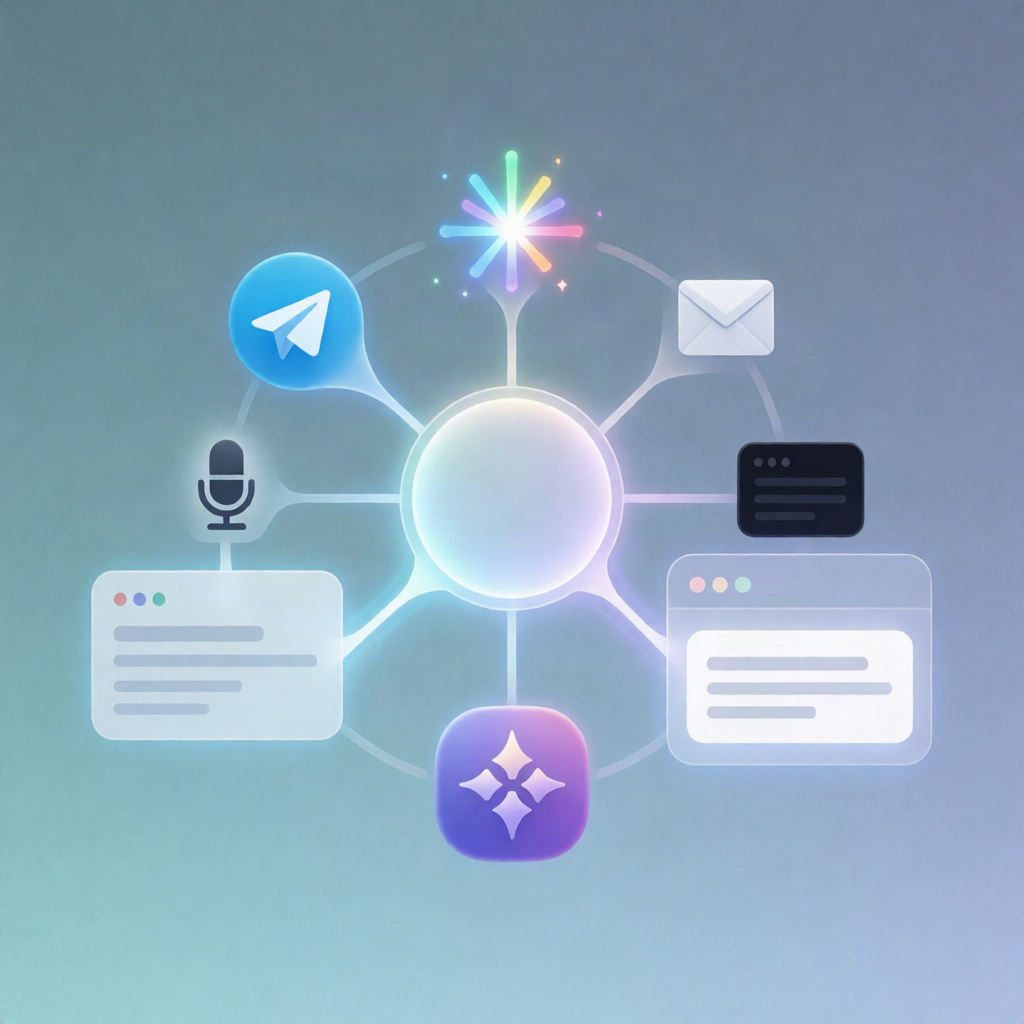
This n8n workflow connects a Telegram bot with Google Gemini to transcribe voice notes and summarize web pages directly in your Telegram chat. Send a voice note or a URL to the bot, and it responds with extracted text or a concise ~30-second English summary.
What this workflow does
- Listens for new Telegram messages via the Telegram Trigger.
- Locks access to your chat by checking the message chat ID against the configured allowed chat ID. If none is set, the bot replies with your chat ID so you can restrict it to yourself.
- Transcribes voice notes/audio files: when the message contains a voice note or audio, the workflow downloads the audio from Telegram and sends it to Google Gemini for transcription, then returns the extracted text to Telegram.
- Summarizes URLs: when the message includes a URL, the workflow fetches the page using HTTP Request, strips HTML down to readable plain text, truncates the content, and sends it to Google Gemini to produce an English summary intended to be ~30 seconds long. If the page can’t be read, it returns an error message in Telegram.
Use cases
- Convert meeting voice notes into searchable text without leaving Telegram.
- Ask the bot to summarize articles, docs, or landing pages you share in chat.
- For SaaS operators: quickly digest updates from links and internal notes using the same channel.
Technical details
- Telegram: Telegram Trigger + message handling for voice/audio and URLs.
- Google Gemini (PaLM): used for transcription and generating summaries.
- HTTP Request: fetches the URL content.
- Code / if / set: chat ID validation, content handling, and truncation logic.
- Sticky Note: included for workflow documentation.
Setup: Create a Telegram bot (BotFather), add Telegram API credentials in n8n, add a Google AI Studio (Gemini) API key as a “Google Gemini (PaLM)” credential, run once to obtain your chat ID, set it in mi_chat_id, and republish.