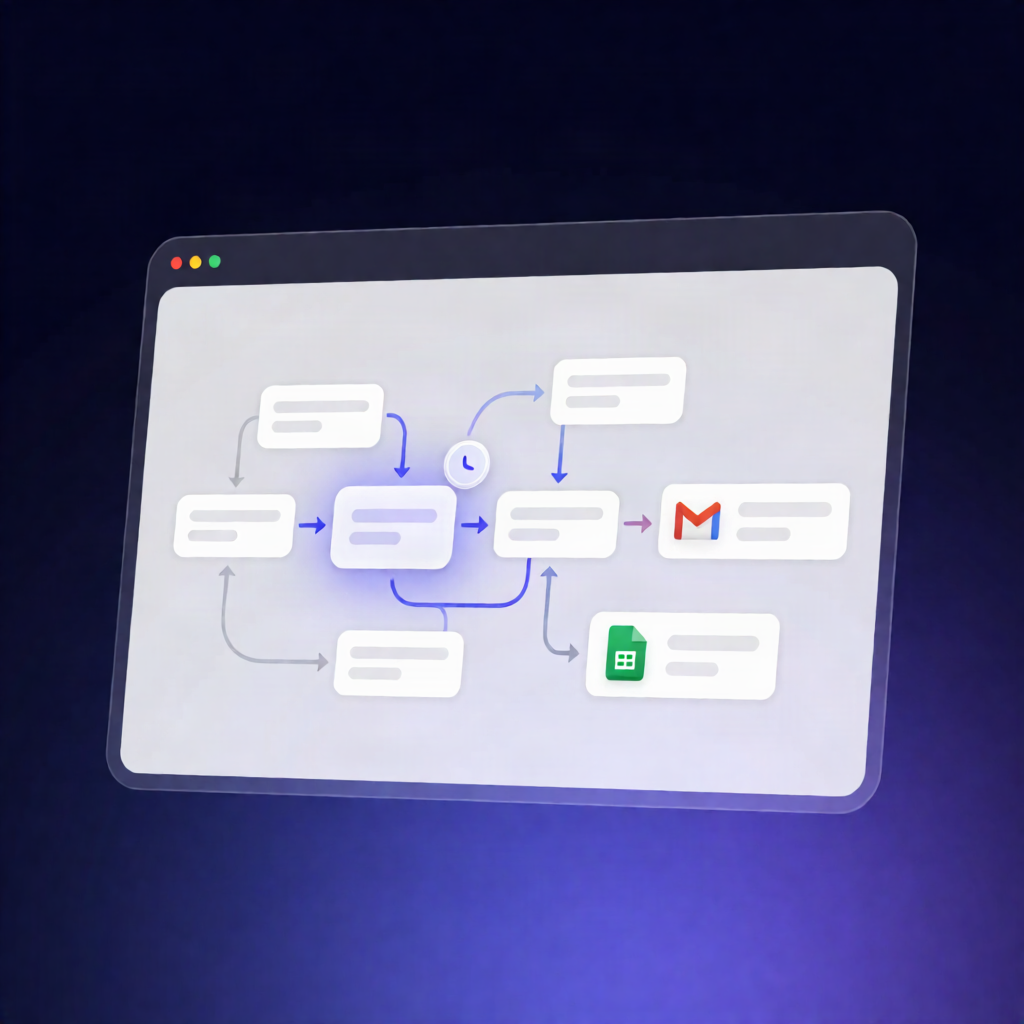
n8n Uptime Monitor: Gmail Alerts + Google Sheets Logging
n8n Uptime Monitor: Gmail Alerts + Google Sheets Logging
Regular price
£64.99
Regular price
£64.99
Sale price
Unit price
per
⬇
Instant Digital Download
∞
Unlimited Downloads
★
Lifetime Access in Your Account
Couldn't load pickup availability
🔥
128+ Sold
Popular with n8n builders
⚡
23 people viewing
High interest right now
✅
9 added today
Fast-moving digital product

n8n Uptime Monitor: Gmail Alerts + Google Sheets Logging
Regular price
£64.99
Regular price
£64.99
Sale price
Unit price
per
Automatically monitor your service uptime every 30 minutes—log results to Google Sheets and send Gmail alerts only when something changes
This n8n Uptime Monitor: Gmail Alerts + Google Sheets Logging workflow checks up to three service URLs on a schedule, records every health check in your Google Sheets “Health Log” tab, and sends Gmail outage/recovery notifications only when a service transitions between UP and DOWN.
What this workflow does
- Runs every 30 minutes and builds a per-service checklist from your configured service names and URLs (skipping any with blank/invalid URLs).
- Sends an HTTP GET request to each service with a 10-second timeout. Connection errors/timeouts are treated as DOWN.
- Evaluates status as UP or DOWN (marked DOWN if the request fails or returns a 5xx HTTP status).
- Reads the most recent status for each service from Google Sheets, then detects status changes (UP→DOWN for new outages, DOWN→UP for recoveries).
- Appends the current check to Google Sheets with: Service, URL, Status, HTTP Code, and Checked At.
- Sends Gmail alerts only on transitions—otherwise it logs silently and ends.
Use cases
- SaaS operators who need lightweight uptime monitoring without a full monitoring stack.
- Automation engineers who want reliable health logging and change-based notifications in n8n.
- Developers monitoring critical endpoints (APIs, webhooks, or internal services) with clear recovery notices.
Technical details
- Schedule: every 30 minutes.
- HTTP checks: HTTP Request node (HTTP GET) with a 10-second timeout; DOWN on errors/timeouts or 5xx.
- Decision logic: compares current status with the latest logged entry from the Sheets “Health Log” tab.
- Logging: Google Sheets (append current check to the Health Log tab).
- Notifications: Gmail (outage alerts + recovery notices only when status changes are detected).
- Workflow nodes used: if, set, code, gmail, http request, plus a sticky note for guidance.
Setup note: Create a Google Sheets tab named “Health Log” with headers: Service, URL, Status, HTTP Code, Checked At, and configure Google Sheets + Gmail OAuth2 credentials.