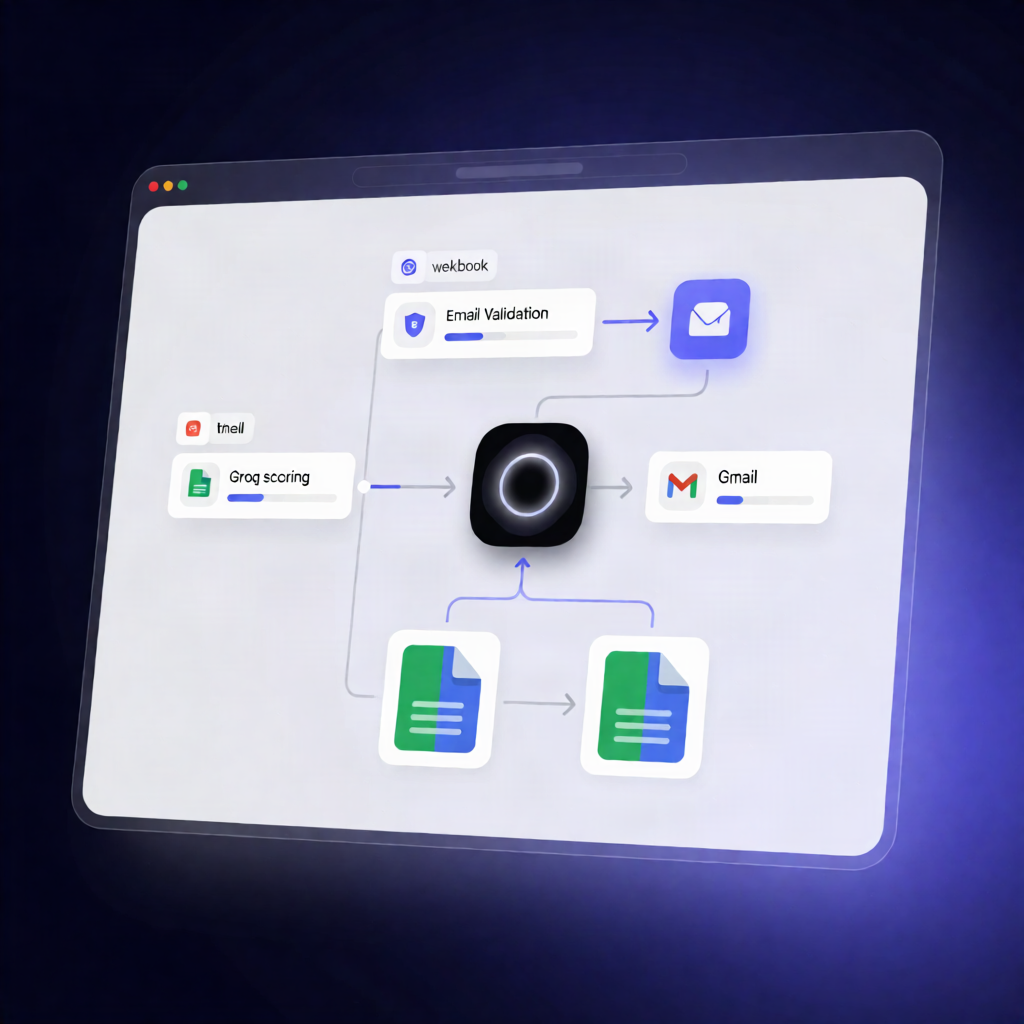
n8n Webhook Property Lead Scoring with Groq + Google Sheets
n8n Webhook Property Lead Scoring with Groq + Google Sheets
Regular price
£19.99
Regular price
£19.99
Sale price
Unit price
per
⬇
Instant Digital Download
∞
Unlimited Downloads
★
Lifetime Access in Your Account
Couldn't load pickup availability
🔥
128+ Sold
Popular with n8n builders
⚡
23 people viewing
High interest right now
✅
9 added today
Fast-moving digital product

n8n Webhook Property Lead Scoring with Groq + Google Sheets
Regular price
£19.99
Regular price
£19.99
Sale price
Unit price
per
Automatically score real estate (or property) leads from a webhook—then log and notify your agents
This n8n workflow accepts property enquiries via a Webhook, validates the submission, uses Groq to generate a 1–10 buying-intent score, and instantly saves the lead to the right Google Sheets tracker (Personal or Business) while emailing your team via Gmail.
What this workflow does
- Receives enquiry data with a POST request from your website contact form (expects details including at least name, email, and phone).
- Validates email: if the email address is missing, it logs the raw enquiry to the Incomplete Lead Google Sheets tab and returns HTTP 400.
- Classifies lead type: flattens the incoming payload and determines whether the lead is Personal or Business based on the email domain.
- Scores buying intent with Groq: sends lead details to the Groq Chat Completions API to produce a 1–10 score.
- Fallback for reliability: if the AI request fails, it uses a default score of 5.
- Upserts into Google Sheets: routes the lead to the Personal or Business path and upserts the record using email as the unique key.
- Notifies agents: sends a formatted lead alert email via Gmail including lead type and the AI score, then returns HTTP 200.
Use cases
- Property websites that need instant lead triage after form submissions.
- Teams who want AI-assisted lead scoring without manual review.
- Operations that maintain separate reporting tabs for Personal vs Business leads.
Technical details
- n8n nodes/integrations: Webhook, IF, Code, HTTP Request, Gmail, Google Sheets (tabs for Personal, Business, and Incomplete Lead), plus Sticky Note documentation.
- Credentials required: Groq API credential for Chat Completions, Google Sheets credentials, and Gmail credentials.