n8n Weekly TikTok Transcription to Google Sheets (Apify)
n8n Weekly TikTok Transcription to Google Sheets (Apify)
Regular price
£28.99
Regular price
£28.99
Sale price
Unit price
per
⬇
Instant Digital Download
∞
Unlimited Downloads
★
Lifetime Access in Your Account
Couldn't load pickup availability
🔥
128+ Sold
Popular with n8n builders
⚡
23 people viewing
High interest right now
✅
9 added today
Fast-moving digital product

n8n Weekly TikTok Transcription to Google Sheets (Apify)
Regular price
£28.99
Regular price
£28.99
Sale price
Unit price
per
Turn new TikTok videos into ready-to-analyze transcripts in Google Sheets—every week
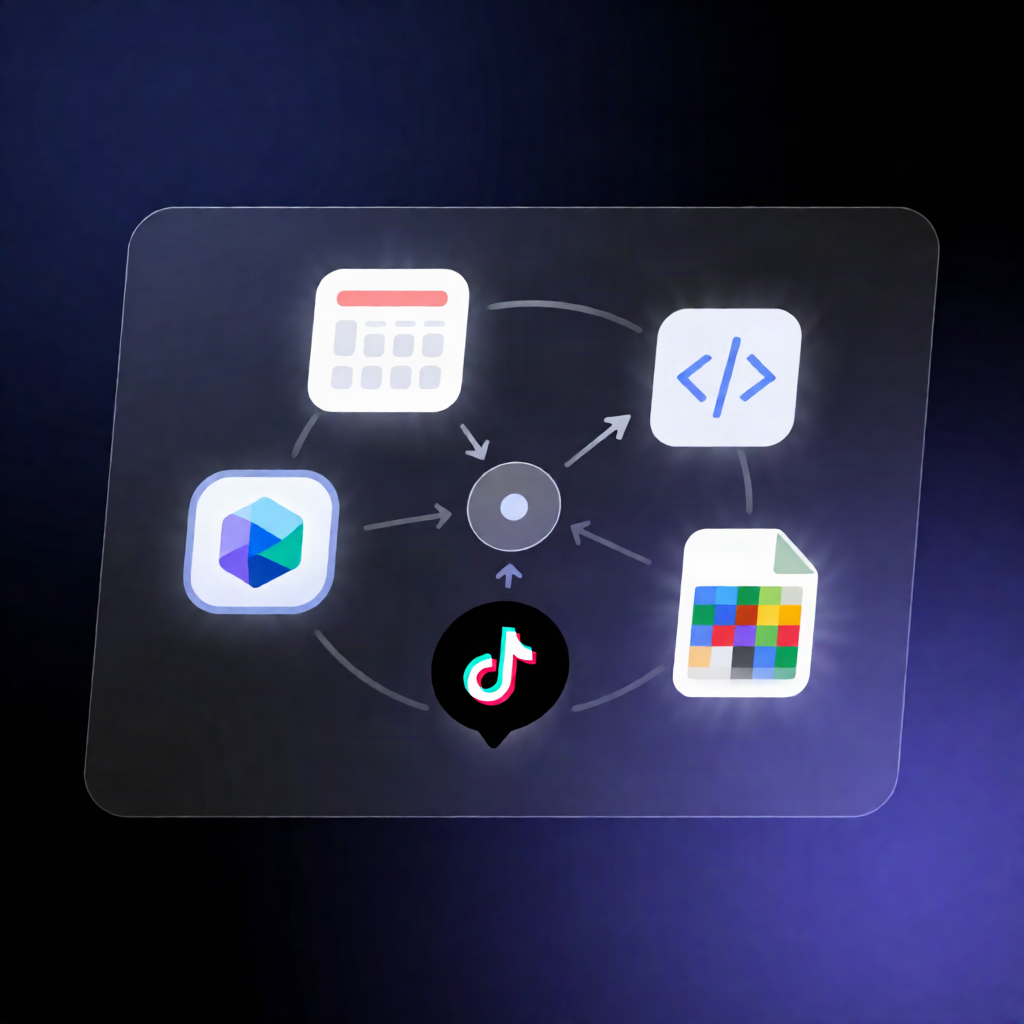
This n8n workflow automatically checks a specific TikTok account every Monday, transcribes the newest videos using Apify’s Video to Text Transcriber, and appends or updates one row per video in Google Sheets with key metrics, a hook sentence, and the full transcript.
What this workflow does
- Runs on a weekly schedule: it’s triggered every Monday morning.
- Targets a TikTok account by setting the account handle and a maxVideos limit (how many recent videos to check).
-
Fetches only new videos by calling Apify’s actor
fguiraud/video-to-text-transcriber, which returns speech-to-text transcripts. - Filters out unusable results by excluding videos without transcript text (for example, music-only clips).
- Writes spreadsheet-ready fields including: URL, post date, author, views, likes, comments, hook, transcript, and a transcribed date.
- Appends or updates rows by matching on the video URL (so the sheet stays consistent).
Use cases
- Content teams keep a searchable archive of TikTok scripts for weekly review and repurposing.
- SaaS operators track what competitors are saying by storing transcripts alongside engagement metrics.
- Automation engineers maintain a lightweight transcription pipeline from TikTok → Apify → Google Sheets.
Technical details
- Scheduling: n8n Schedule Trigger (every Monday).
-
Apify integration: HTTP Request with Authorization: Bearer <YOUR_APIFY_TOKEN> targeting
fguiraud/video-to-text-transcriber. - Google Sheets: writes/updates rows in your selected spreadsheet and sheet.
-
Expected columns (recommended):
url, posted, author, views, likes, comments, hook, transcript, transcribedOnwith url unique for matching updates.
To set up, create an Apify token, configure the HTTP Header Auth credential, connect Google Sheets, define the sheet columns, and test once manually (starting with maxVideos = 3) before activating. Keep maxVideos at 20 or less as you expand coverage.