n8n WhatsApp Business Auto-Reply Router FAQ & Catalog
n8n WhatsApp Business Auto-Reply Router FAQ & Catalog
Regular price
£30.99
Regular price
£30.99
Sale price
Unit price
per
⬇
Instant Digital Download
∞
Unlimited Downloads
★
Lifetime Access in Your Account
Couldn't load pickup availability
🔥
128+ Sold
Popular with n8n builders
⚡
23 people viewing
High interest right now
✅
9 added today
Fast-moving digital product

n8n WhatsApp Business Auto-Reply Router FAQ & Catalog
Regular price
£30.99
Regular price
£30.99
Sale price
Unit price
per
Automatically route WhatsApp questions to the right reply—hours, catalog/prices, or location
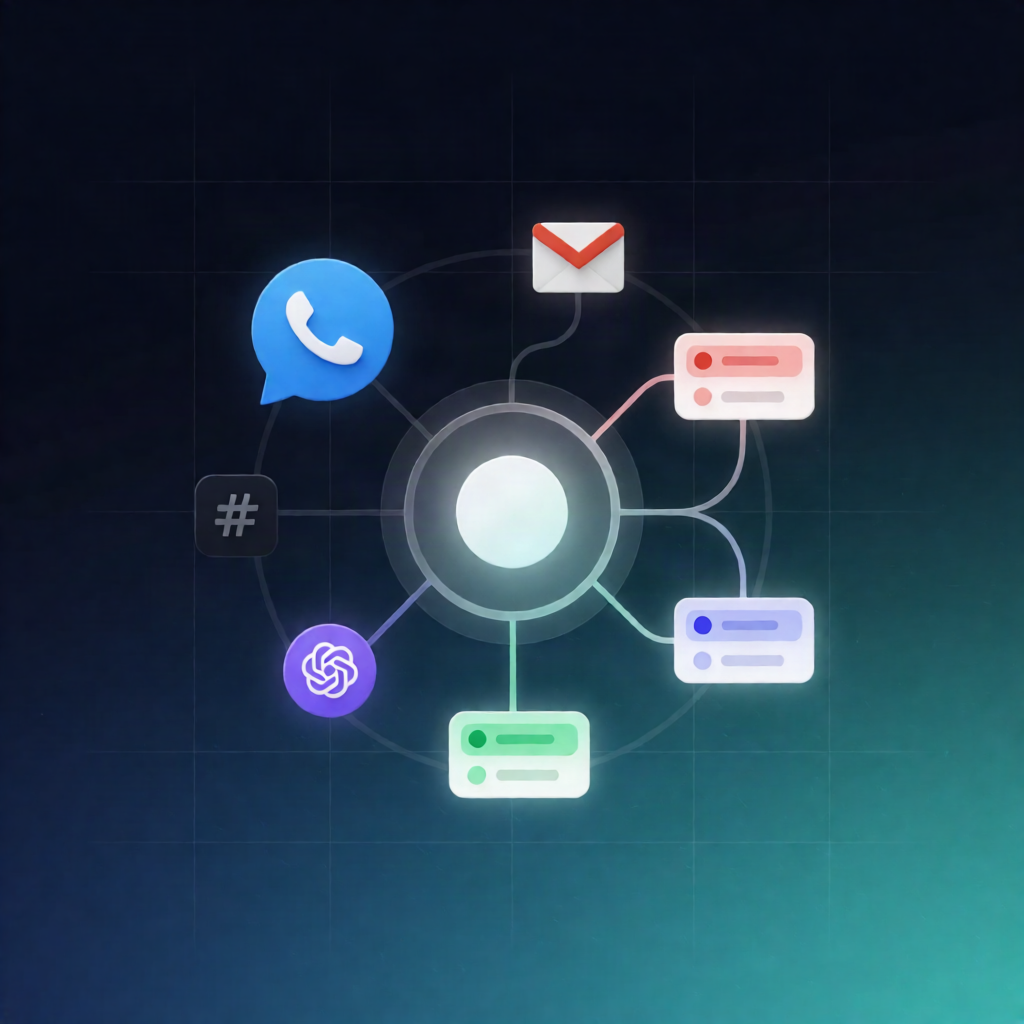
The n8n WhatsApp Business Auto-Reply Router FAQ & Catalog workflow listens to incoming messages on WhatsApp Business Cloud API, detects what your customer is asking about, and sends the correct predefined answer instantly—opening hours, catalog/prices, location, or a helpful fallback question.
What this workflow does
Built for fast WhatsApp FAQ handling, this automation works end-to-end inside n8n:
- Receives WhatsApp messages via the WhatsApp Business Cloud API trigger.
- Reads the incoming text and extracts the sender’s phone number.
- Classifies the request using keyword matching into one of four topics: horario (opening hours), catalogo (catalog/prices), ubicacion (location), or otro (anything else).
- Routes to the matching reply path using an n8n switch-based routing approach.
-
Replies with your predefined message for:
- horario: sends your opening hours
- catalogo: sends your catalog/prices or a link
- ubicacion: sends your address or a Google Maps link
- otro: sends a general message asking what the user needs
Use cases
- A customer asks “What time do you open?” — you reply with opening hours automatically.
- A user requests “prices” or “catalog” — you send catalog/pricing information or a link.
- Someone asks “Where are you located?” — you respond with your address or a Google Maps link.
- Unrecognized questions — you follow up with a friendly “how can we help?” message.
Technical details
- WhatsApp Business Cloud API trigger for incoming messages
- Code node for text handling and classification support
- Switch node to route between horario / catalogo / ubicacion / otro
- WhatsApp send-message steps to deliver the predefined replies
Setup highlights: connect your WhatsApp Business Cloud API credential in n8n, configure your Meta webhook URL using the workflow’s trigger webhook, enable message updates, replace REEMPLAZA_CON_TU_PHONE_NUMBER_ID, and customize the response texts.