n8n WhatsApp Cloud API Appointment Reminder Webhook Workflow
n8n WhatsApp Cloud API Appointment Reminder Webhook Workflow
Regular price
£39.99
Regular price
£39.99
Sale price
Unit price
per
⬇
Instant Digital Download
∞
Unlimited Downloads
★
Lifetime Access in Your Account
Couldn't load pickup availability
🔥
128+ Sold
Popular with n8n builders
⚡
23 people viewing
High interest right now
✅
9 added today
Fast-moving digital product

n8n WhatsApp Cloud API Appointment Reminder Webhook Workflow
Regular price
£39.99
Regular price
£39.99
Sale price
Unit price
per
Automated WhatsApp Appointment Reminders—Triggered by Webhooks
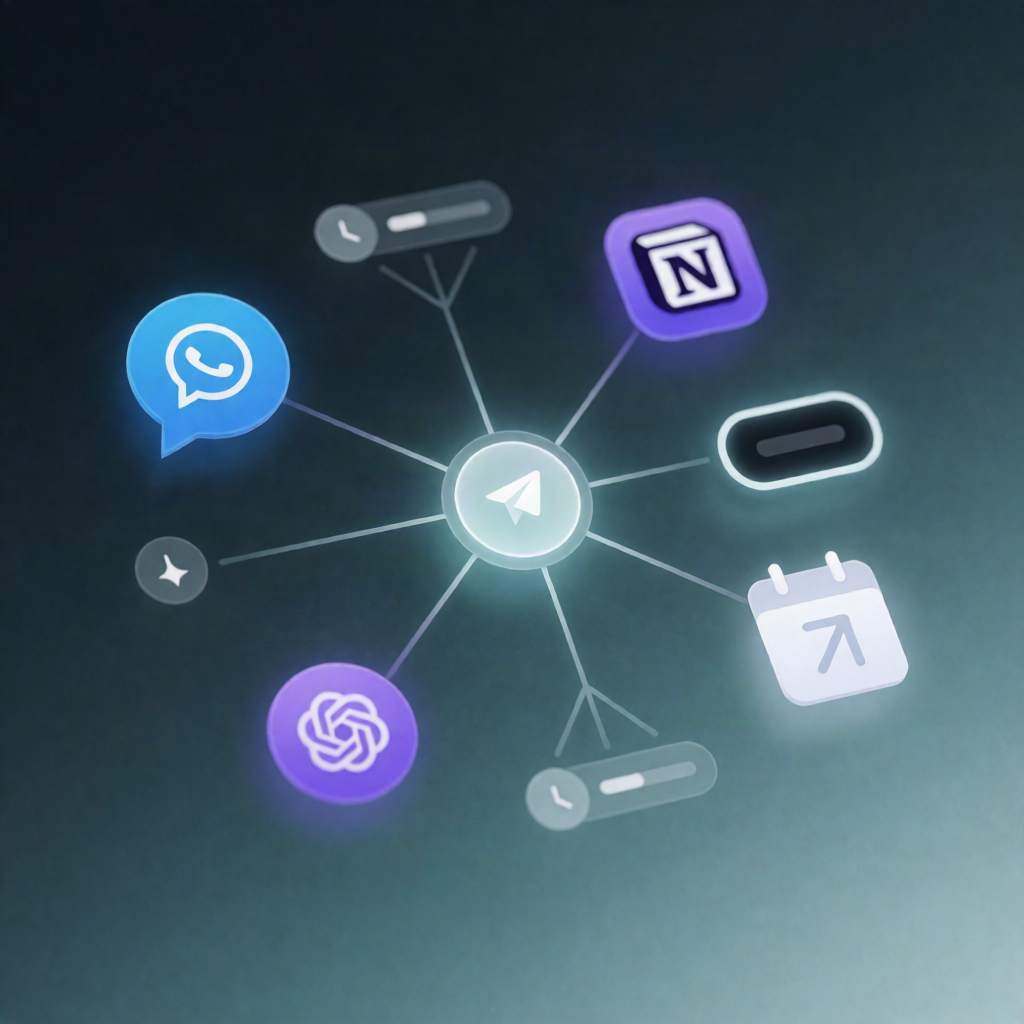
Send WhatsApp appointment reminders automatically with an n8n webhook workflow that notifies attendees 24 hours and 2 hours before their appointment start time using the WhatsApp Cloud API (Meta Graph API).
What this workflow does
-
Receives appointment details via a POST webhook request, including:
attendeeName-
attendeePhoneE164(E.164 phone number) -
startTime(appointment start timestamp) -
whatsappPhoneNumberId(your WhatsApp sender ID)
- Normalizes the payload into structured customer and appointment fields used by the reminder messages.
- Waits until 24 hours before the appointment start time, then sends a WhatsApp text reminder through the Meta Graph API.
- Waits until 2 hours before the appointment start time, then sends a final WhatsApp text reminder via the Meta Graph API.
Use cases
- Clinics and dental practices sending no-hassle reminders for upcoming appointments.
- Consulting and coaching teams reducing missed sessions with timely WhatsApp nudges.
- SaaS appointment scheduling that posts data from Cal.com, Calendly, or a custom form into n8n to trigger reminders.
Technical details
-
n8n nodes used:
webhook,set,wait,http request, and asticky notefor workflow guidance. - WhatsApp integration: uses the WhatsApp Cloud API (Meta Graph API) to send text messages.
-
Authentication: configure an HTTP Header credential with
Authorization: Bearer <TOKEN>and select it on both WhatsApp send requests. - Required setup: create a Meta for Developers WhatsApp Cloud API app, then provide your WhatsApp Phone Number ID and permanent access token.
-
Webhook integration: copy the workflow webhook URL and POST the required fields (
attendeeName,attendeePhoneE164,startTime,whatsappPhoneNumberId) from your scheduling system.