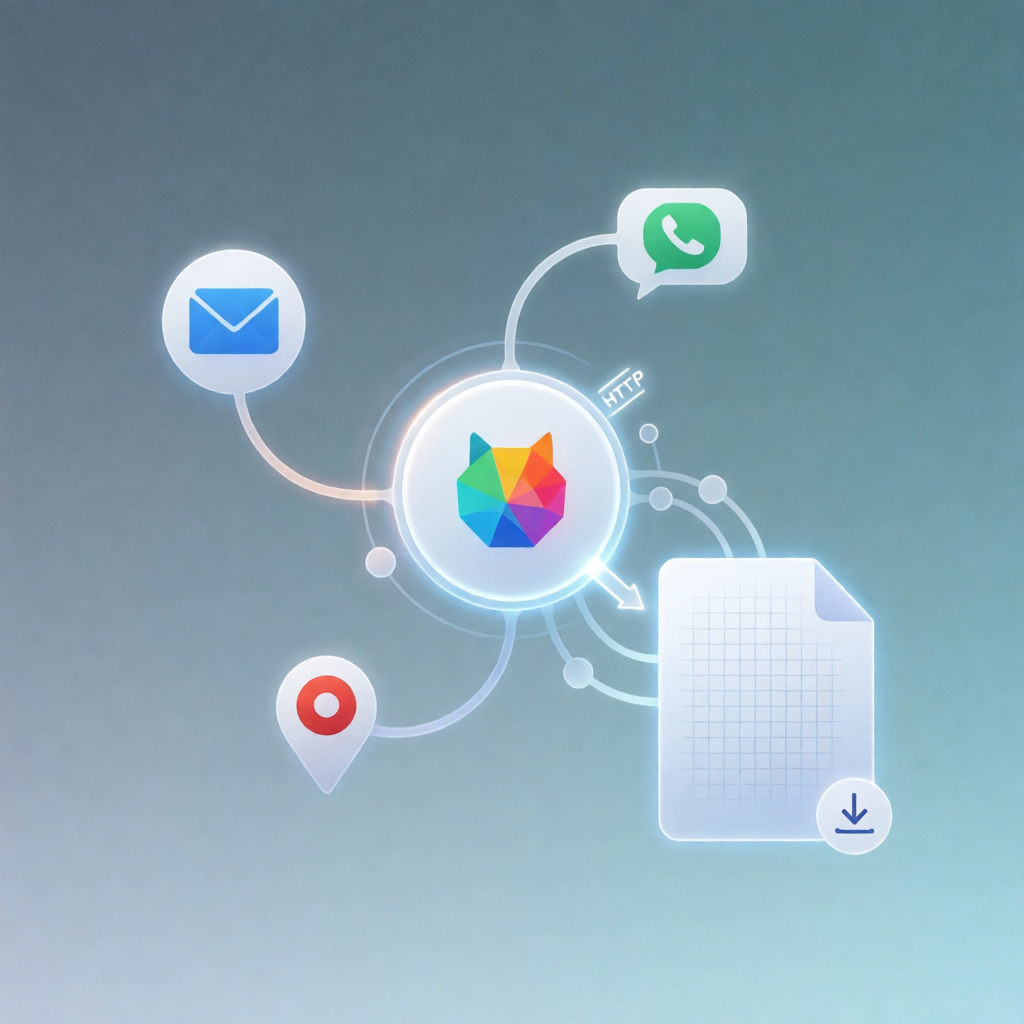
n8n Workflow: Apify Google Maps Scrape to CSV Leads
n8n Workflow: Apify Google Maps Scrape to CSV Leads
Regular price
£53.99
Regular price
£53.99
Sale price
Unit price
per
⬇
Instant Digital Download
∞
Unlimited Downloads
★
Lifetime Access in Your Account
Couldn't load pickup availability
🔥
128+ Sold
Popular with n8n builders
⚡
23 people viewing
High interest right now
✅
9 added today
Fast-moving digital product

n8n Workflow: Apify Google Maps Scrape to CSV Leads
Regular price
£53.99
Regular price
£53.99
Sale price
Unit price
per
Turn a Google Maps search into a CSV lead list—automatically
This n8n workflow takes a Google Maps search URL and lead filters from an n8n form, scrapes matching businesses using Apify’s Google Places crawler, then returns a downloadable google-maps-leads.csv file with standardized lead details.
What this workflow does
- Collects inputs via an n8n form: a Google Maps search URL, desired lead count, and optional lead filters.
- Scrapes Google Places with Apify: sends the search URL and filters to Apify’s compass~crawler-google-places actor.
- Extracts and standardizes lead fields, including business name, category, rating, reviews, phone, website, email, and location details.
- Builds a clean lead list and converts it into a CSV file named google-maps-leads.csv.
- Delivers the CSV download on the form completion page.
Use cases
- Local lead generation: collect leads for a specific niche by sharing a Google Maps search link and minimum rating.
- Sales prospecting: generate outreach-ready CSVs that include phone, website, and email when available.
- Marketing lists: build segmented datasets by filtering for businesses with a website and skipping permanently closed places.
- Ops at scale: run repeatable batches by changing lead count and filters through the n8n form.
Technical details
- Apify integration via an Apify API token (free Apify account supported; free tier includes monthly credits).
- HTTP Request node calling Apify’s compass~crawler-google-places actor using the selected Apify credential.
- Form + Form Trigger to capture the Google Maps URL and filters.
- “Build lead list” + Convert to file to standardize fields and generate google-maps-leads.csv.
Setup & customization
Create an Apify account, generate a Personal API token, add it as an n8n Apify credential, then select it in the HTTP request for compass~crawler-google-places. Customize filters (minimum rating, only businesses with a website, skip permanently-closed places), adjust leads per run, and add/remove output columns in the “Build lead list” node.