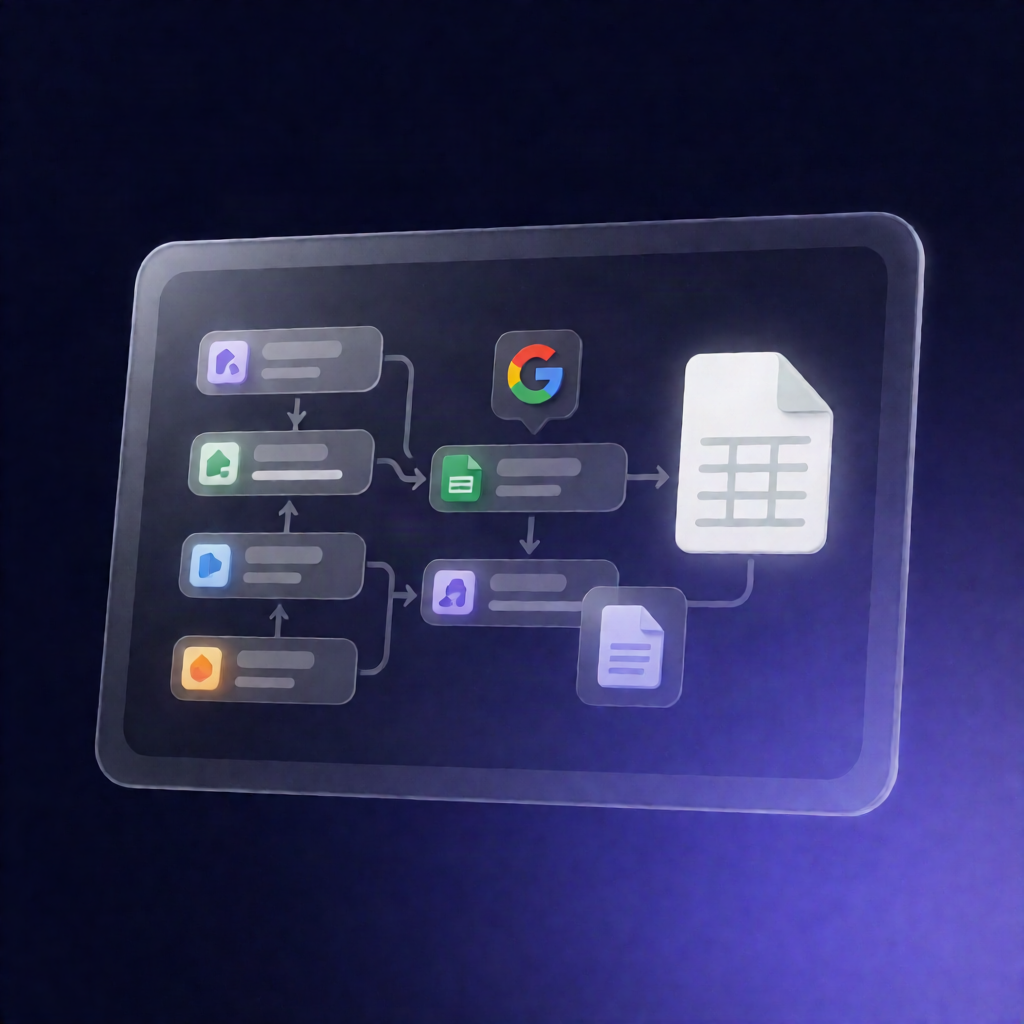
n8n Workflow: Apify Web Scraping to Google Sheets Leads
n8n Workflow: Apify Web Scraping to Google Sheets Leads
Regular price
£34.99
Regular price
£34.99
Sale price
Unit price
per
⬇
Instant Digital Download
∞
Unlimited Downloads
★
Lifetime Access in Your Account
Couldn't load pickup availability
🔥
128+ Sold
Popular with n8n builders
⚡
23 people viewing
High interest right now
✅
9 added today
Fast-moving digital product

n8n Workflow: Apify Web Scraping to Google Sheets Leads
Regular price
£34.99
Regular price
£34.99
Sale price
Unit price
per
Scrape business leads with Apify and automatically load them into Google Sheets
This n8n workflow uses Apify’s Google Places scraping to collect business listings (for any industry and location) and then cleans, structures, and saves the results directly to Google Sheets—ready for lead generation, research, and sales outreach.
What this workflow does
- Trigger: Start manually or on a schedule.
- Apify configuration: Set scraping parameters such as `industry`, `location`, and the data fields you want from each listing.
- Run the scraping job: Executes the Apify scraping execution.
- Data processing: Cleans and structures the raw output so it fits a consistent format.
- Delay built in: A built-in delay ensures scraping completes before data collection begins.
- Storage: Automatically organizes and writes the results into Google Sheets.
Use cases
- Sales teams: Generate targeted leads for restaurants, contractors, retailers, and more—by city/region and industry.
- Marketers: Build lead lists for campaigns using customizable Google Places search parameters.
- Researchers: Compile structured business listing datasets for market studies and competitor research.
- Automation engineers & SaaS operators: Reuse a flexible template where parameters can be adjusted per request.
Technical details
- Apify source: Uses crawler-google-places (Google Maps scraper) by Compass: https://apify.com/compass/crawler-google-places
- n8n nodes / tech stack: Manual trigger (for ready-to-use execution), HTTP Request, Google Sheets, plus utility nodes such as wait and flow helpers like split out and sticky note.
- Apify integration: Configure your Apify API token via Apify Settings → Integrations → API token, then paste the Apify “Get Run URL” endpoint into n8n.
If you need an n8n workflow for Apify web scraping to Google Sheets, this template is designed to be flexible, parameter-driven, and ready for lead generation.