n8n Workflow: Approve DCIM Power Overage via Gmail + Sheets + OpenAI
n8n Workflow: Approve DCIM Power Overage via Gmail + Sheets + OpenAI
Regular price
£55.99
Regular price
£55.99
Sale price
Unit price
per
⬇
Instant Digital Download
∞
Unlimited Downloads
★
Lifetime Access in Your Account
Couldn't load pickup availability
🔥
128+ Sold
Popular with n8n builders
⚡
23 people viewing
High interest right now
✅
9 added today
Fast-moving digital product

n8n Workflow: Approve DCIM Power Overage via Gmail + Sheets + OpenAI
Regular price
£55.99
Regular price
£55.99
Sale price
Unit price
per
Automatically approve DCIM power overage charges—powered by Gmail, Google Sheets, and OpenAI
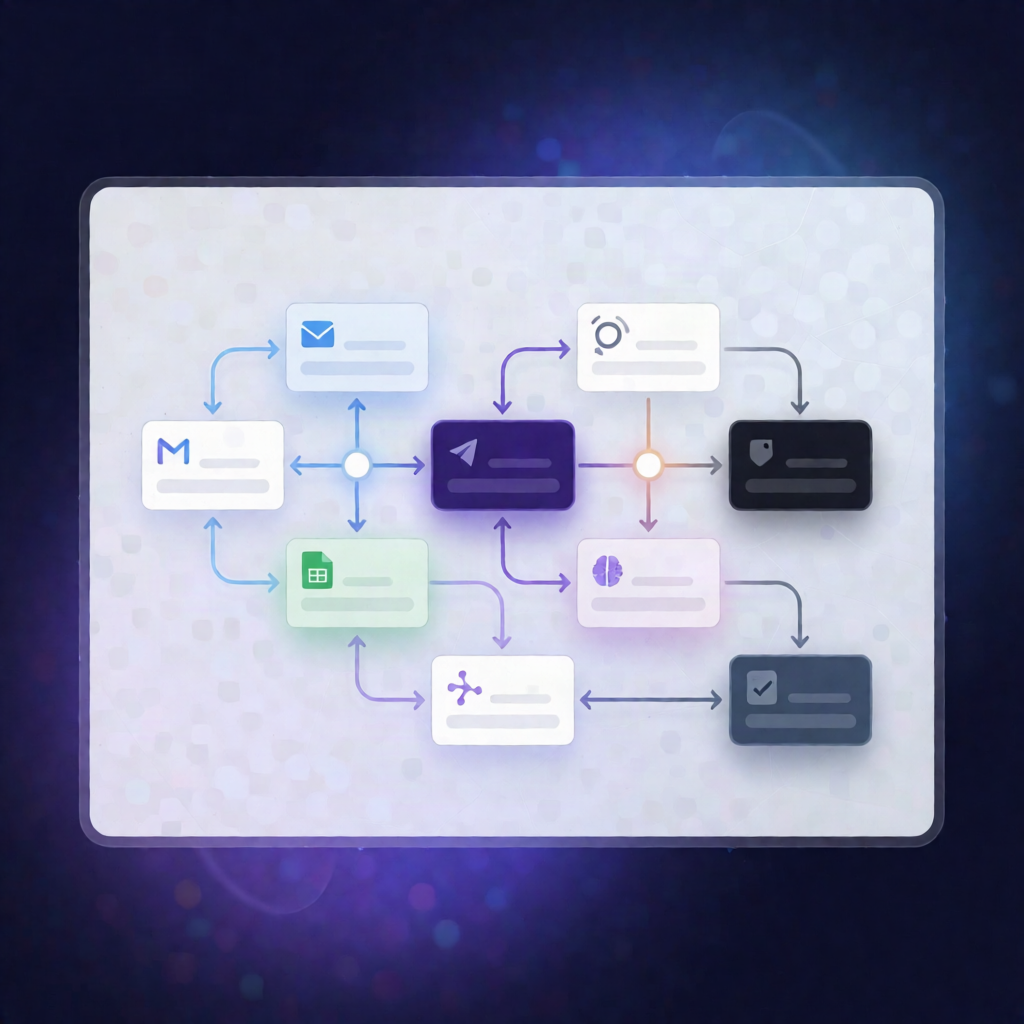
This n8n workflow receives DCIM rack power alerts, calculates tiered kW overage charges from your Google Sheets contract allocations, drafts a factual invoice line-item explanation with OpenAI, and sends it to an ops manager for approval via Gmail—before posting the final charge to your billing API and logging outcomes to Sheets, Data Tables, and Telegram.
What this workflow does
-
Receives DCIM power alerts via a webhook
POST(path:/dcim-power-alert) containingcustomerId,rackId, and measured power usage. - Looks up contracted kW allocation in Google Sheets (the Colocation Contract Ledger spreadsheet).
- Calculates overage by determining overage kW, applying a 5% grace band, then computing a tiered overage amount and rate.
- Handles non-billable usage by recording a no-charge outcome and continuing centralized logging.
- Generates a charge explanation with OpenAI for factual invoice line-item wording when usage is billable.
- Routes for approval in Gmail with approve/edit/reject options sent to an ops manager.
- Applies the final decision: on approval, posts the charge to the billing API; on edit, applies the override amount; on rejection, logs a waiver and emails the customer that no charge applies.
- Logs every outcome to an n8n Data Table and a Google Sheets ledger, and notifies finance via Telegram.
Use cases
- Colocation and data center teams automating power overage billing workflows from DCIM alerts.
- SaaS operators standardizing invoicing logic with tiered pricing and a grace threshold.
- Automation engineers implementing an approval gate for billing changes using Gmail.
Technical details
- Webhook ingestion + payload normalization (n8n nodes: if, set, code, merge, switch).
- Google Sheets integration for kW allocation lookup and ledger logging.
- OpenAI for drafting factual invoice line-item explanations.
- Gmail for approval workflows (approve/edit/reject).
- Billing API posting after approval/edit, with final logging to Data Tables and Telegram.
Setup tip: Configure your DCIM/power monitoring system to send POST alerts to the workflow’s webhook URL at /dcim-power-alert, and add Google Sheets OAuth credentials for the “Colocation Contract Ledger” spreadsheet.