n8n Workflow: Archive Discord Attachments to Google Drive
n8n Workflow: Archive Discord Attachments to Google Drive
Regular price
£36.99
Regular price
£36.99
Sale price
Unit price
per
⬇
Instant Digital Download
∞
Unlimited Downloads
★
Lifetime Access in Your Account
Couldn't load pickup availability
🔥
128+ Sold
Popular with n8n builders
⚡
23 people viewing
High interest right now
✅
9 added today
Fast-moving digital product

n8n Workflow: Archive Discord Attachments to Google Drive
Regular price
£36.99
Regular price
£36.99
Sale price
Unit price
per
Auto-archive Discord attachments to Google Drive (with an always-up-to-date log)
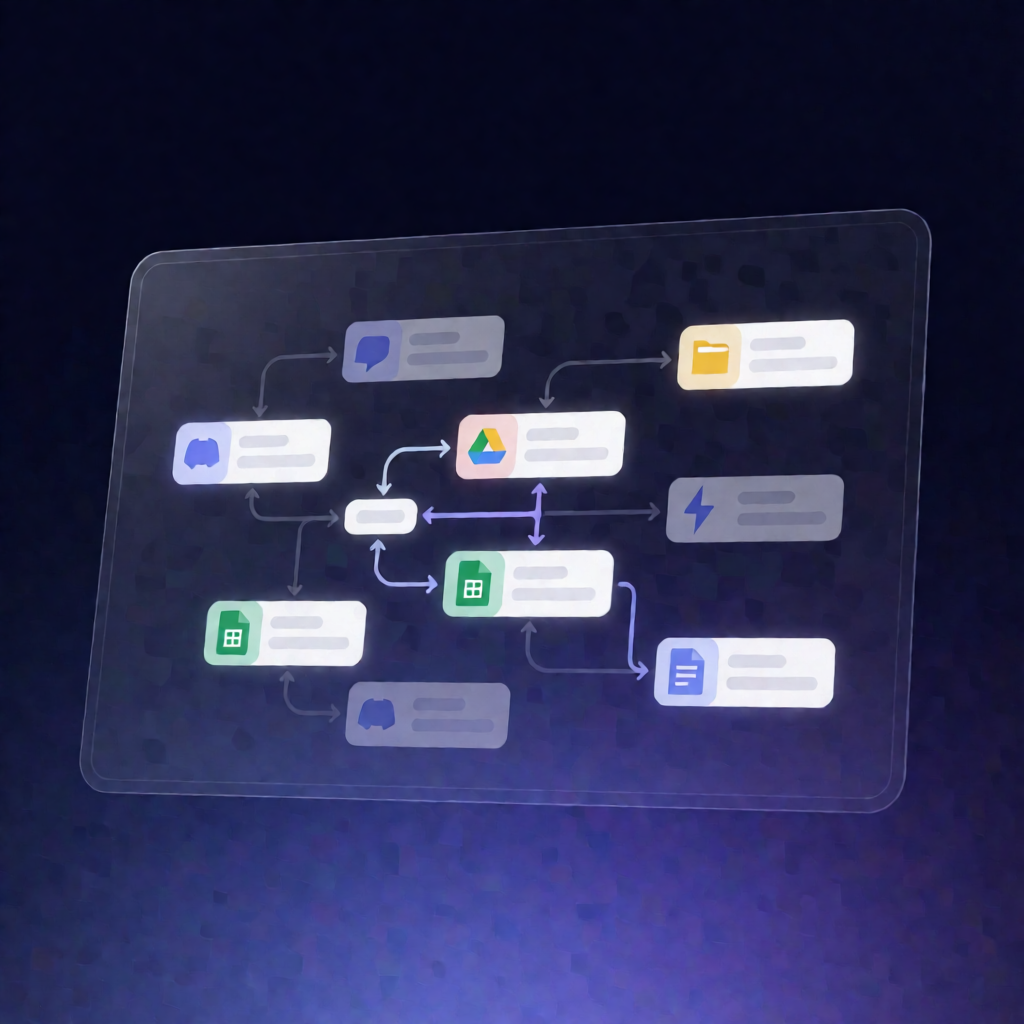
This n8n workflow runs daily to find new Discord message attachments in your chosen channels, downloads them, uploads them into a dated Google Drive folder, and records everything in Google Sheets—so you don’t lose attachments when Discord CDN links expire.
What this workflow does
- Runs on a daily schedule to keep your archives current.
- Uses Google Sheets as a watermark: reads the “Archive Log” tab to find the most recent Posted At timestamp (or uses a configurable lookback window on the first run).
- Fetches recent messages per configured Discord channel ID and keeps only attachments posted after the watermark.
- Prevents oversized downloads: filters out attachments larger than your configured maximum size before downloading.
- Organizes files in Google Drive: creates a Google Drive folder named with the run date under your selected parent folder.
- Downloads, uploads, and names files: downloads each attachment from its Discord URL, uploads it to the dated folder, and uses a message-ID-prefixed filename.
- Appends a detailed archive record to Google Sheets: logs poster, timestamp, message link, attachment metadata, plus the Drive link/file ID for each item.
Use cases
- Preserve files shared in Discord communities (designs, PDFs, images) for long-term access.
- Archive support attachments from internal Discord channels to reduce knowledge loss.
- Compliance-friendly recordkeeping for SaaS teams that rely on Discord for file sharing.
- Reduce broken links by proactively storing Discord attachments in Google Drive.
Technical details
-
n8n nodes / components:
set,code,filter,discord, plus Google Drive and Google Sheets integrations. - Discord setup: bot needs permissions to read message history and enable the MESSAGE CONTENT privileged intent.
- Google integrations: uses Google Drive OAuth2 for folder/file uploads and Google Sheets OAuth2 to maintain the “Archive Log” tab.