n8n Workflow: Auto Create Hiring Videos from Google Sheets with Zvid
n8n Workflow: Auto Create Hiring Videos from Google Sheets with Zvid
Regular price
£37.99
Regular price
£37.99
Sale price
Unit price
per
⬇
Instant Digital Download
∞
Unlimited Downloads
★
Lifetime Access in Your Account
Couldn't load pickup availability
🔥
128+ Sold
Popular with n8n builders
⚡
23 people viewing
High interest right now
✅
9 added today
Fast-moving digital product

n8n Workflow: Auto Create Hiring Videos from Google Sheets with Zvid
Regular price
£37.99
Regular price
£37.99
Sale price
Unit price
per
Auto-generate “We’re Hiring” videos from Google Sheets using Zvid (via n8n)
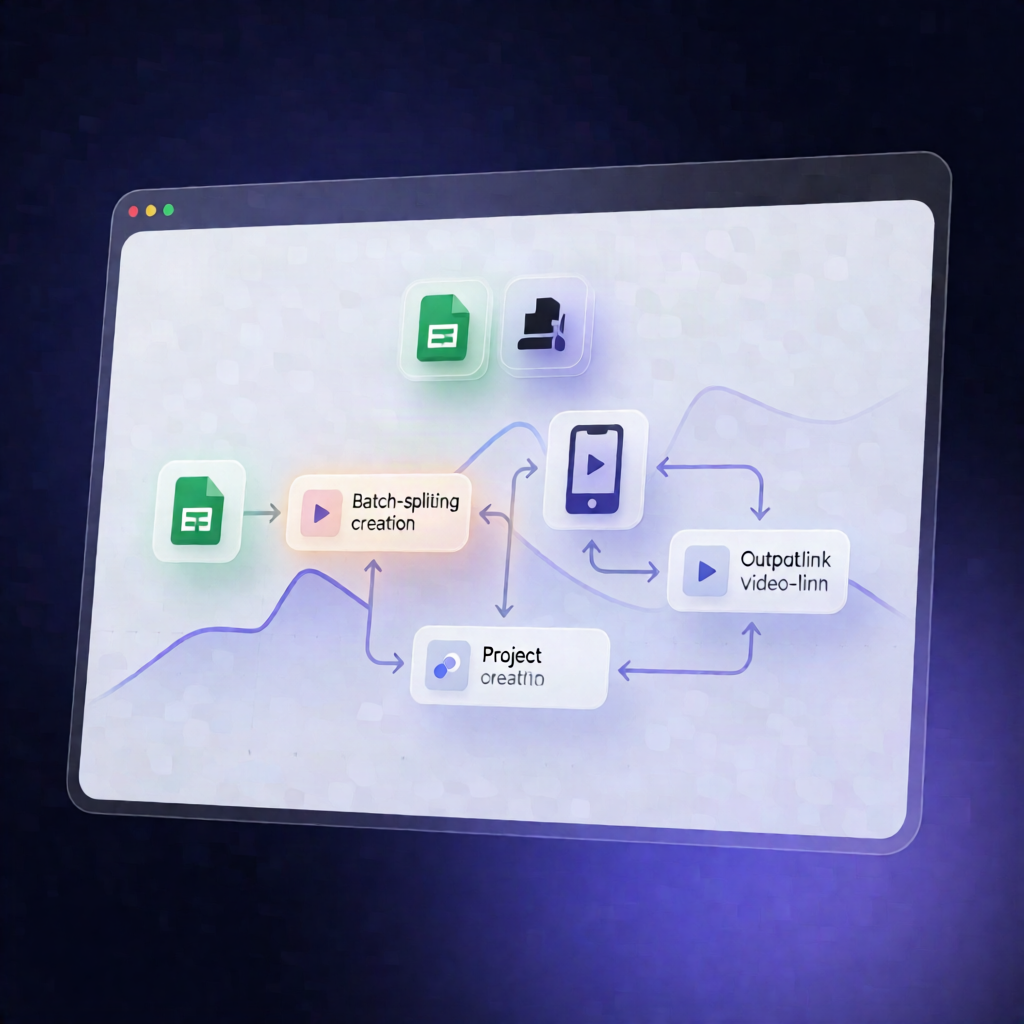
Turn every new job opening in your Google Sheets into a ready-to-share, branded vertical hiring video—automatically. This n8n workflow creates a Zvid project per role, renders it, and writes the final VideoUrl back to the matching spreadsheet row.
What this workflow does
Built for daily hiring pipelines, it works like this:
- Runs daily at 9am (or can be started manually) and loads your company branding and rendering settings.
- Checks the optional soundtrack once per run so an unreachable or oversized audio file doesn’t break rendering—music is omitted when needed.
- Reads job openings from Google Sheets and selects rows where Role and ApplyUrl are filled while VideoUrl is empty, capped by maxPerRun.
- Generates a Zvid project JSON for each selected opening (including role details, perks, salary, branding, and media) and validates it to capture warnings and a credit estimate.
-
Renders with Zvid (default
dryRun=false) by submitting a render job, polling until completion or timeout, and retrieving the final URL. - Updates the Google Sheets row with the resulting VideoUrl and outputs a run summary (optionally including a download for review).
Use cases
- SaaS teams posting new roles frequently and needing consistent recruiting video assets.
- Automation engineers building an always-updating hiring content system without manual video edits.
- Operations teams managing multiple openings and validating each render before publishing.
Technical details
-
n8n automation workflow using nodes:
if,set,code,wait, and Zvid (with a Zvid-specific node set). - Requires installation of @zvid/n8n-nodes-zvid via n8n Settings → Community nodes (workspace owner/admin may need to install).
- Note on drafts: in the published npm v0.1.8, keeping
dryRun=falseis recommended because the Project → Create operation is not exposed there.