n8n Workflow: Auto Generate Branded Social Images from Google Sheets
n8n Workflow: Auto Generate Branded Social Images from Google Sheets
Regular price
£5.99
Regular price
£5.99
Sale price
Unit price
per
⬇
Instant Digital Download
∞
Unlimited Downloads
★
Lifetime Access in Your Account
Couldn't load pickup availability
🔥
128+ Sold
Popular with n8n builders
⚡
23 people viewing
High interest right now
✅
9 added today
Fast-moving digital product

n8n Workflow: Auto Generate Branded Social Images from Google Sheets
Regular price
£5.99
Regular price
£5.99
Sale price
Unit price
per
Auto-generate branded social image PNGs from your Google Sheets topics—powered by n8n + OpenAI + Polotno
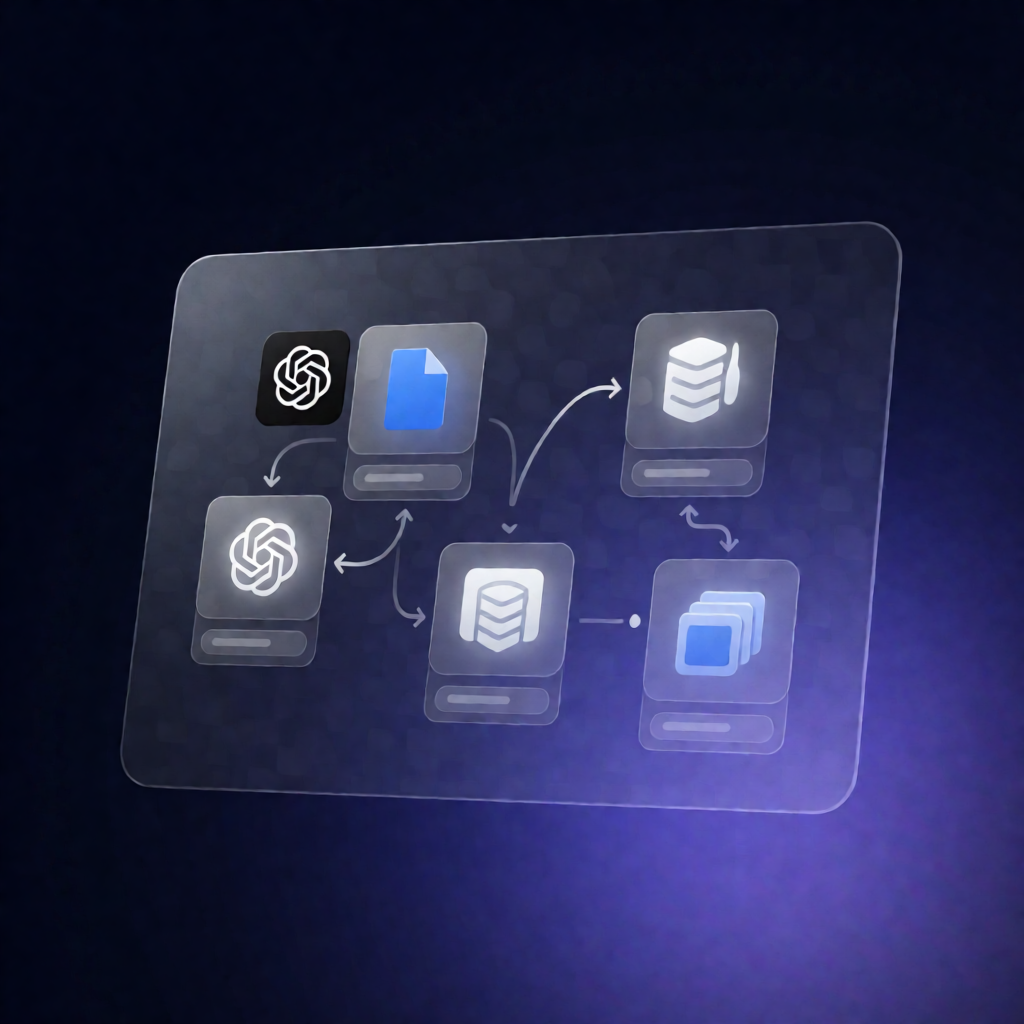
This n8n workflow reads unprocessed topics from a Google Sheets content calendar, generates a headline and subheadline with OpenAI, renders a branded PNG using the Polotno Images API, and writes the resulting image URL back to the same row—automatically (daily at 8am) or on demand.
What this workflow does
- Triggers manually or on a schedule: runs on demand or every morning at 8am.
- Pulls only the right rows: reads your Google Sheets rows and keeps items where Topic is filled and Generated Image is empty.
- Generates copy with OpenAI: sends each Topic to OpenAI and expects a strict JSON response containing a headline and subheadline.
- Renders a branded PNG via Polotno: calls the Polotno Images API to render a PNG from your template, injecting the generated copy (and an optional source image URL as a dynamic field).
- Verifies render success: checks that the Polotno render completed successfully.
- Writes results back to Google Sheets: updates the originating row with the returned image URL, or records the failed row number and error message for troubleshooting.
Use cases
- Populate a weekly content calendar with topics and automatically produce branded social assets.
- Batch-generate images for SaaS marketing posts without manual copywriting or design work.
- Use a consistent Polotno template to keep brand styling uniform across all generated graphics.
Technical details
- Google Sheets integration: reads from a specified spreadsheet/sheet and updates rows (requires columns like Topic, Image URL, and Generated Image, plus row number for updates).
- OpenAI integration: generates headline + subheadline from each topic (e.g., model such as gpt-4o-mini).
- Polotno Images API: renders a branded PNG from a Polotno Studio template ID using HTTP Request with Authorization: Bearer <your_polotno_key>.
- Workflow logic / nodes: uses if, set, code, filter, sticky note, and http request.