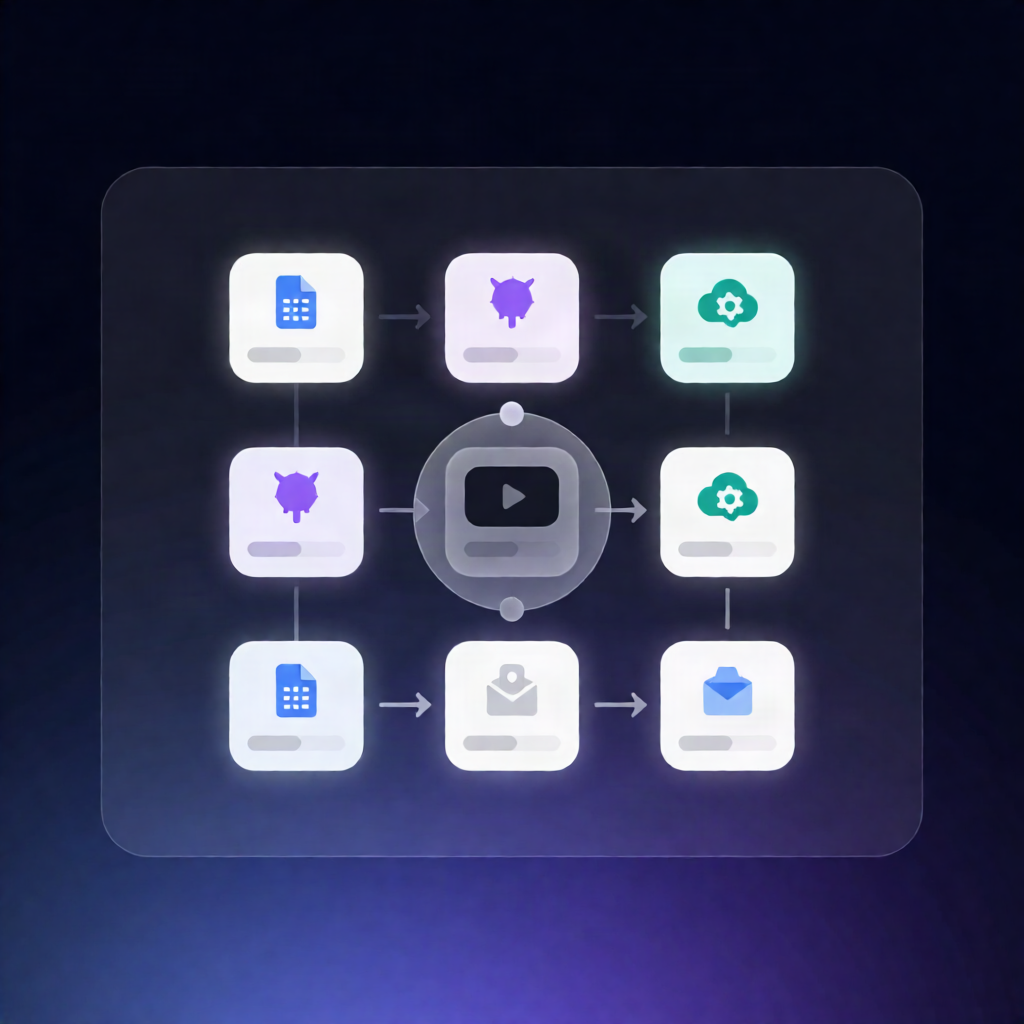
n8n Workflow: Auto No-Show Rebooking Video via Google Sheets + Zvid
n8n Workflow: Auto No-Show Rebooking Video via Google Sheets + Zvid
Regular price
£42.99
Regular price
£42.99
Sale price
Unit price
per
⬇
Instant Digital Download
∞
Unlimited Downloads
★
Lifetime Access in Your Account
Couldn't load pickup availability
🔥
128+ Sold
Popular with n8n builders
⚡
23 people viewing
High interest right now
✅
9 added today
Fast-moving digital product

n8n Workflow: Auto No-Show Rebooking Video via Google Sheets + Zvid
Regular price
£42.99
Regular price
£42.99
Sale price
Unit price
per
Turn every recorded no-show into an automatic rebooking video (no manual editing)
This n8n workflow generates a personalized rebooking video from a Google Sheets no-show entry (or a webhook record), renders it with Zvid, and optionally emails the result. It’s designed to automate the “make a rebooking message look professional” step—without you touching video software.
What this workflow does
- Runs manually, on a schedule, or when your attendance system posts a no-show (sheet mode) or triggers a webhook.
- Loads presenter, branding, and rebooking settings from a shared Config.
- Selects a pending Google Sheets row (sheet mode) or normalizes the incoming webhook record.
- Optionally checks for music and can finish without rendering when no record is available.
- Builds a vertical video using native Zvid nodes, then validates the output.
- For dryRun=true, returns a draft and quote; otherwise it renders, polls for completion, and produces the MP4.
- Optionally emails the link, updates/responds, and provides a preview of the completed MP4.
Use cases
- Your attendance system flags no-shows in Google Sheets—auto-generate a rebooking video with the attendee’s first name.
- Webhook-based pipelines (e.g., SaaS scheduling tools) send no-show details—render and return a rebooking MP4.
- SaaS operators test rendering safely using dryRun=true before spending Zvid render credits.
Technical details
- Integrations: Google Sheets or webhook, email send, and Zvid.
- Setup includes installing @zvid/n8n-nodes-zvid, creating a Zvid API credential (Base URL: https://api.zvid.io), and selecting it on each Zvid node.
- Required sheet headers include FirstName and EventName; leave Status empty.
- Webhook payload supports inviteeFirstName, eventName, optional inviteeEmail, originalTime, and rebookUrl. Configure SMTP before enabling email sending.