n8n Workflow: Claude Review Replies to Gmail Approval
n8n Workflow: Claude Review Replies to Gmail Approval
Regular price
£54.99
Regular price
£54.99
Sale price
Unit price
per
⬇
Instant Digital Download
∞
Unlimited Downloads
★
Lifetime Access in Your Account
Couldn't load pickup availability
🔥
128+ Sold
Popular with n8n builders
⚡
23 people viewing
High interest right now
✅
9 added today
Fast-moving digital product

n8n Workflow: Claude Review Replies to Gmail Approval
Regular price
£54.99
Regular price
£54.99
Sale price
Unit price
per
Get Claude-powered review replies sent to Gmail for approval—automatically
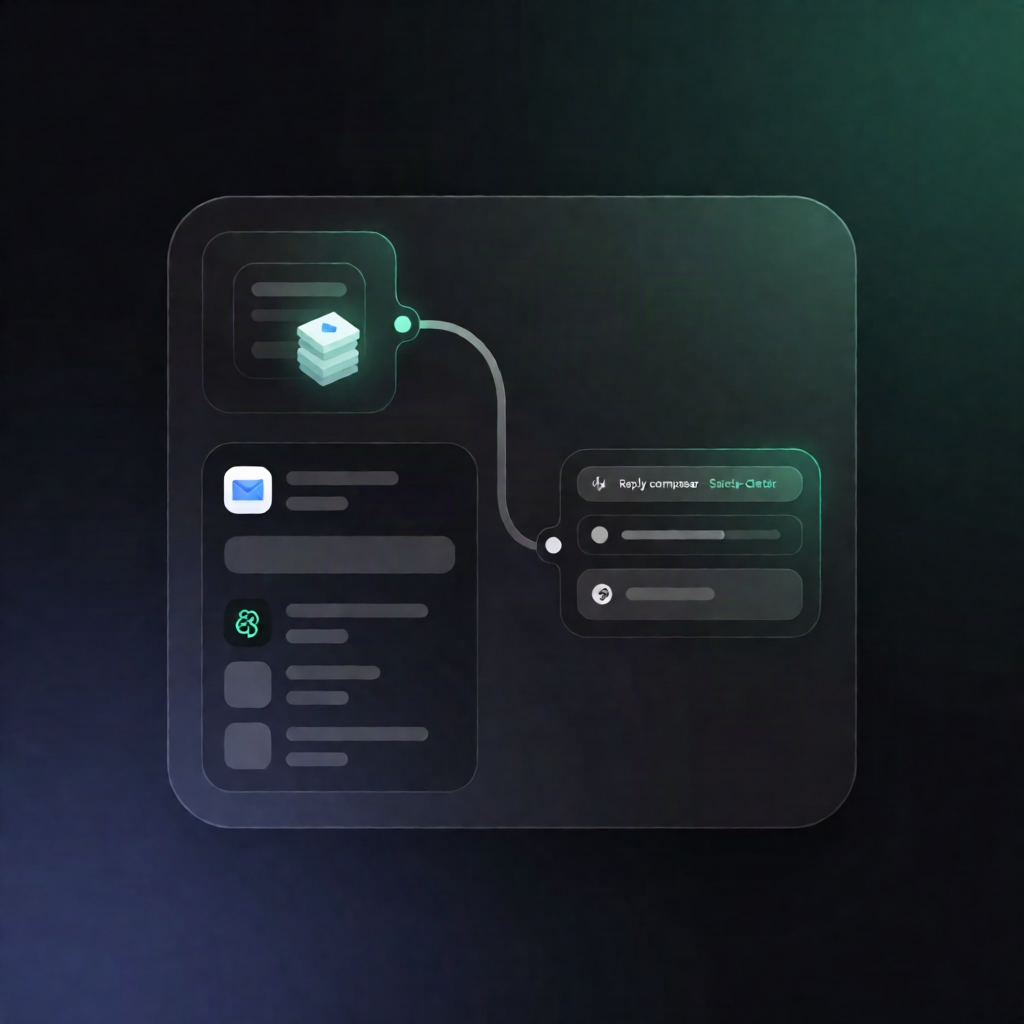
This n8n workflow captures customer reviews via a webhook, uses Anthropic Claude to draft a short public reply in the review’s language, runs basic safety checks, and emails the review plus the suggested response to Gmail for human approval.
What this workflow does
- Receives review data via a webhook POST request (e.g., author, rating, and review text).
- Builds a structured prompt from your business Settings and the incoming review, ensuring the review content is treated as data, not instructions.
- Generates a public reply with Claude using the Anthropic Messages API (Claude), tailored to the review’s language.
-
Runs basic safety checks on the drafted reply:
- Enforces a maximum word limit.
- Scans for blocked “compensation” phrases.
- Flags numbers that appear to be dates or amounts.
-
Sends an approval email through Gmail including:
- the original review
- the suggested reply
- any check alerts for your review
Use cases
- Queueing Google/Yelp-style review responses for moderation before publishing.
- Reducing manual work for SaaS and e-commerce teams that receive frequent customer feedback.
- Ensuring consistent tone and compliance (word limits, compensation wording, and risky numbers) before replies go live.
Technical details
- Nodes / tech stack: webhook, set, code, HTTP request, sticky note, gmail.
-
Integrations:
- Anthropic via the Messages API (Claude).
- Gmail with OAuth2 to send approval emails.
- Setup requirements: add Anthropic API credentials, add Gmail OAuth2, update Settings (business name, signature, approval email address, maximum word limit, Claude model name, and your site link), then configure the webhook URL in your review source (or test with curl).
Perfect for n8n users who want AI-assisted review replies with a human approval step and lightweight safety screening—without guessing or oversharing.