n8n Workflow: Clean & Deduplicate Supplier Data w/ Groq
n8n Workflow: Clean & Deduplicate Supplier Data w/ Groq
Regular price
£29.99
Regular price
£29.99
Sale price
Unit price
per
⬇
Instant Digital Download
∞
Unlimited Downloads
★
Lifetime Access in Your Account
Couldn't load pickup availability
🔥
128+ Sold
Popular with n8n builders
⚡
23 people viewing
High interest right now
✅
9 added today
Fast-moving digital product

n8n Workflow: Clean & Deduplicate Supplier Data w/ Groq
Regular price
£29.99
Regular price
£29.99
Sale price
Unit price
per
Automatically clean and deduplicate your supplier master data with n8n + Groq
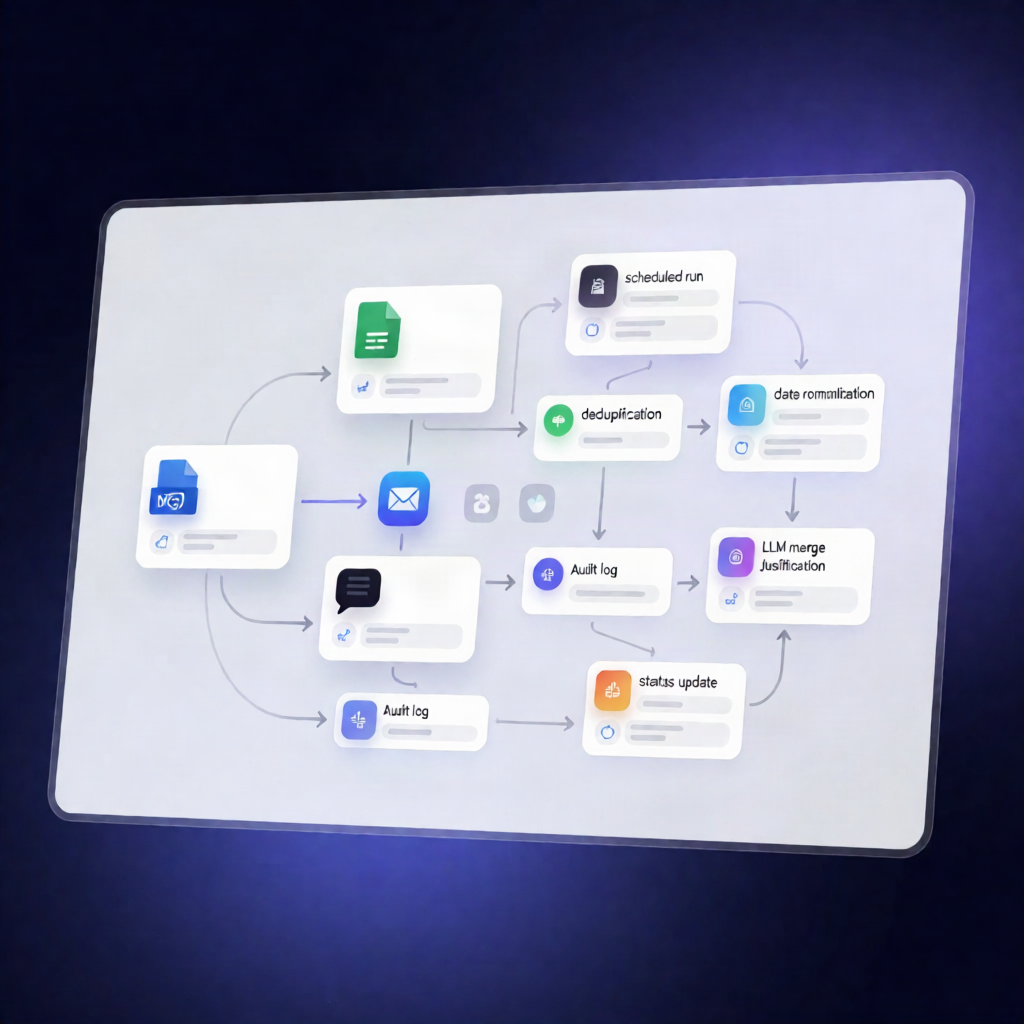
This scheduled n8n workflow scans supplier and item master data in Google Sheets, detects duplicate suppliers, uses Groq (via a LangChain agent) to generate a short merge justification, and then updates your sheets with an auditable MASTER/MERGED/ACTIVE status—plus an email alert for recorded auto-merges.
What this workflow does
- Runs daily on a schedule and reads supplier and item master data from your connected Google Sheets.
- Combines and normalizes data by standardizing supplier names into a lowercase, trimmed field and removing exact duplicates based on the normalized name.
- Detects potential duplicate suppliers by comparing supplier pairs using custom matching rules, producing a confidence score.
- Filters to high-confidence matches and sends the candidate pair details to Groq to generate a short merge justification.
- Creates an auto-merge record, appends a merge audit entry to a designated Google Sheets audit tab, and generates a supplier status mapping (MASTER/MERGED/ACTIVE).
- Updates Google Sheets with merge status and master-supplier references for the full supplier list.
- Sends a Gmail notification whenever an auto-merge is recorded.
Use cases
- Keep supplier records consistent when multiple entries exist due to spelling differences (e.g., punctuation or casing changes).
- Reduce duplicate supplier IDs in a SaaS ops workflow by automatically reconciling masters and merges.
- Operational audits: maintain a clear, sheet-based merge log for governance and review.
Technical details
- Schedule: daily run
- Data source: Google Sheets (supplier, item, and audit tabs)
- Logic nodes: if, set, code
- LLM integration: Groq via a LangChain agent
- Notifications: Gmail merge alert emails
- Notes: sticky note elements included for workflow clarity
Setup requirements
- Connect Google Sheets credentials and configure the correct spreadsheet and sheet tabs.
- Ensure your supplier sheet has columns such as supplier_name, merge_status, and master_supplier, and that your audit sheet contains the defined audit column(s).