n8n Workflow: Collect Customer Feedback, Analyze with Claude, Email via Gmail
n8n Workflow: Collect Customer Feedback, Analyze with Claude, Email via Gmail
Regular price
£65.99
Regular price
£65.99
Sale price
Unit price
per
⬇
Instant Digital Download
∞
Unlimited Downloads
★
Lifetime Access in Your Account
Couldn't load pickup availability
🔥
128+ Sold
Popular with n8n builders
⚡
23 people viewing
High interest right now
✅
9 added today
Fast-moving digital product

n8n Workflow: Collect Customer Feedback, Analyze with Claude, Email via Gmail
Regular price
£65.99
Regular price
£65.99
Sale price
Unit price
per
Turn customer feedback into actionable insights—automatically
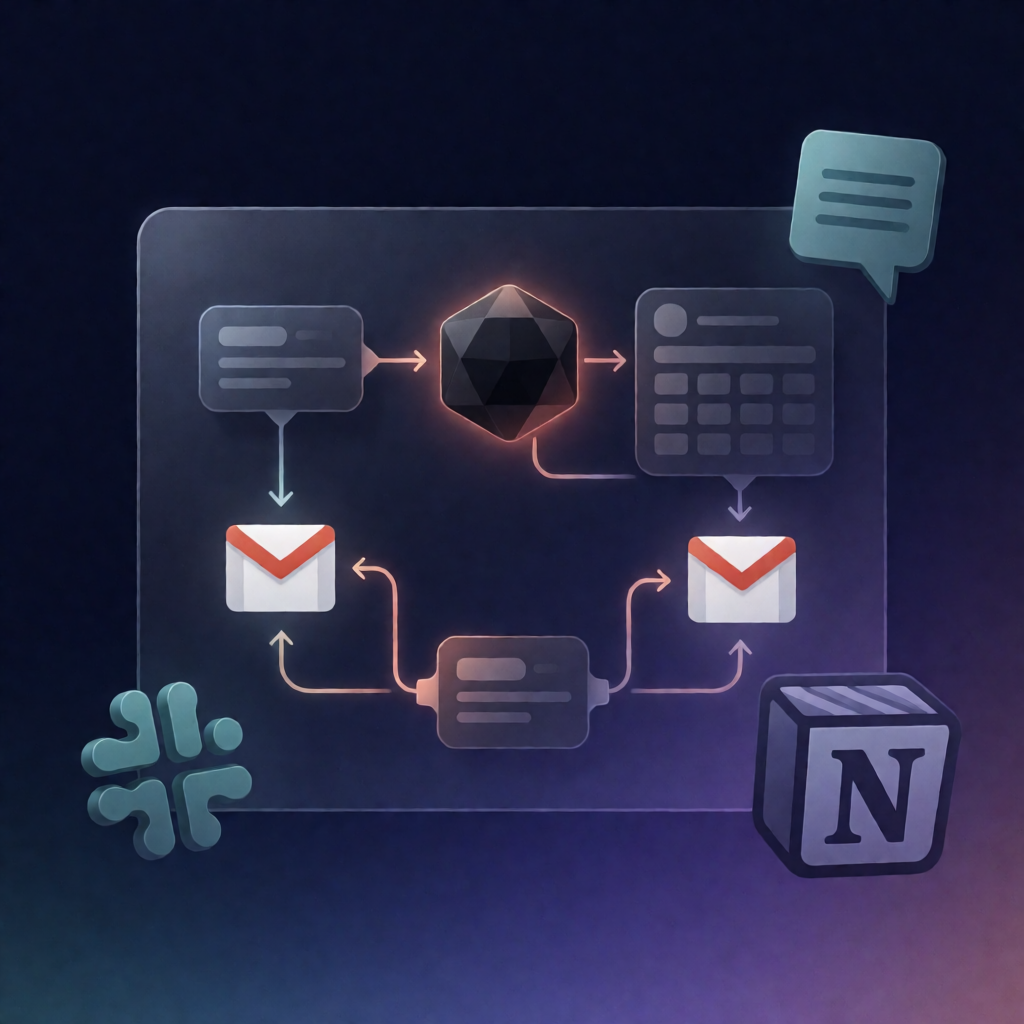
This n8n workflow collects customer feedback from an n8n Form, analyzes sentiment and key themes with Claude (Anthropic), logs everything for Voice-of-Customer tracking, and sends a Gmail acknowledgement to the customer. If the sentiment is negative, it also emails an internal owner alert via Gmail.
What this workflow does
- Receives feedback submissions from an n8n Form (name, email, rating, and written feedback).
- Normalizes inputs and converts the rating into a 1–5 numeric value.
-
Analyzes with Claude to classify sentiment, category, priority, themes, and generate:
- a one-sentence summary
- an internal note
- an HTML acknowledgement email
- Shapes the AI output into a single record with timestamps and an action label (logged, testimonial-flagged, or owner-alerted).
- Logs feedback + analysis to an n8n Data Table (e.g., customer_feedback_log).
- Sends the customer acknowledgement via Gmail.
- Owner alert on negative sentiment: if sentiment is negative, sends an internal email (via Gmail) including the summary, themes, and a suggested action; otherwise it ends without an alert.
Use cases
- Capture real-time SaaS feedback and respond immediately with a branded acknowledgement email.
- Track customer sentiment trends in a Voice-of-Customer log for support and product teams.
- Escalate negative feedback to an internal inbox for faster triage and follow-up.
Technical details
- Nodes/stack: set, no op, switch, gmail, data table, sticky note
- Integrations: Anthropic Claude credential for AI analysis; Gmail OAuth2 for emailing customers and alerts
- Setup steps: configure Claude and Gmail credentials; set the owner-alert recipient (e.g., you@company.com); use or create the customer_feedback_log Data Table.