n8n Workflow: Detect Notion Contract Violations in Google Sheets
n8n Workflow: Detect Notion Contract Violations in Google Sheets
Regular price
£21.99
Regular price
£21.99
Sale price
Unit price
per
⬇
Instant Digital Download
∞
Unlimited Downloads
★
Lifetime Access in Your Account
Couldn't load pickup availability
🔥
128+ Sold
Popular with n8n builders
⚡
23 people viewing
High interest right now
✅
9 added today
Fast-moving digital product

n8n Workflow: Detect Notion Contract Violations in Google Sheets
Regular price
£21.99
Regular price
£21.99
Sale price
Unit price
per
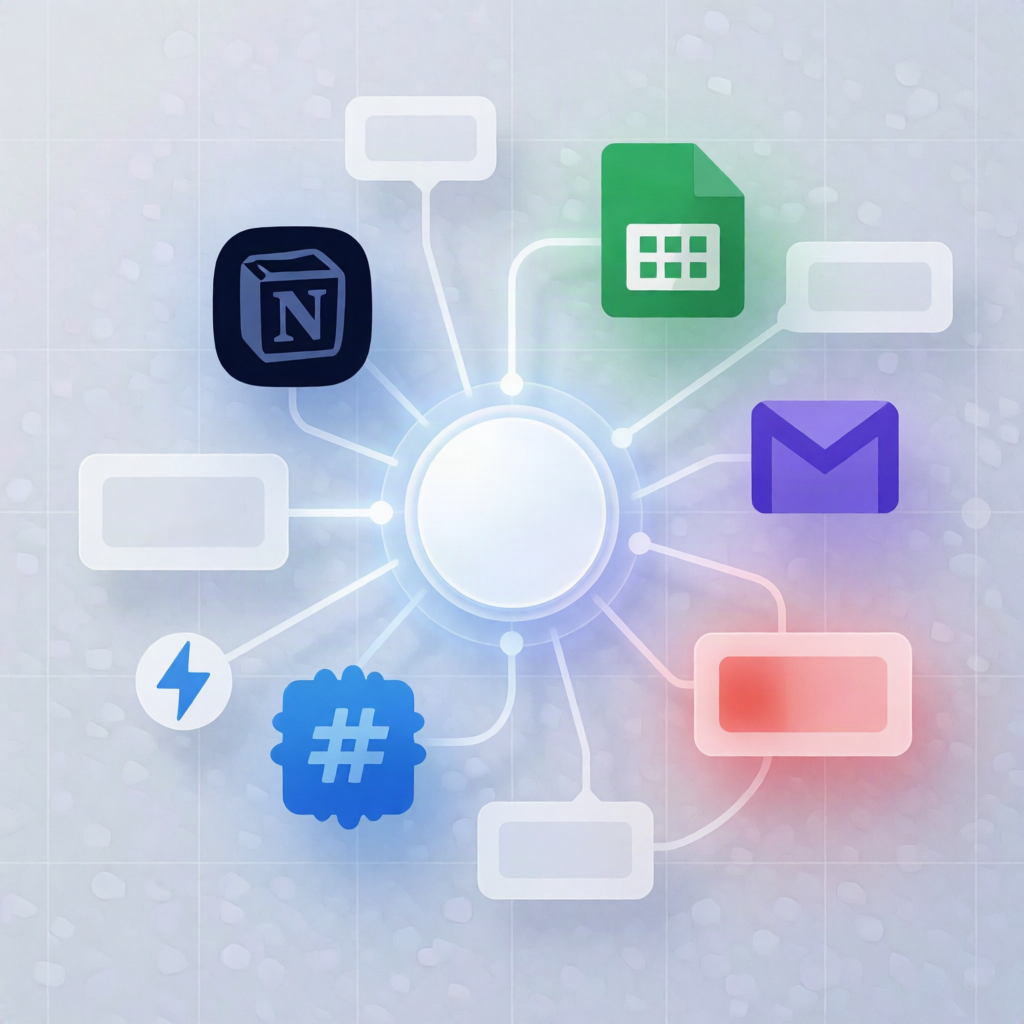
Catch Notion contract violations in Google Sheets—automatically
This n8n workflow runs daily to compare procurement transactions in Google Sheets against active contract terms stored in Notion. It detects pricing, SLA, and volume violations, calculates per-transaction “leakage,” and uses Groq Chat to generate structured corrective recommendations—then logs everything back to your Google Sheets audit trail.
What this workflow does
- Runs on a schedule every day at 6:00 AM.
- Fetches active contracts from a selected Notion database (including SKU, agreed price, SLA days, volume threshold, contract ID, and an Active status).
- Pulls recent procurement transactions from Google Sheets and matches each transaction to the corresponding contract SKU.
- Detects violations for pricing overcharges, SLA breaches, volume threshold issues, or transactions with missing contracts—while calculating per-transaction leakage.
- Audits compliant records by appending compliant transactions to a dedicated Google Sheets tab for tracking.
- Evaluates violation impact by loading historical violation logs from Google Sheets, computing vendor/SKU recurrence counts, and totaling cumulative leakage.
- Generates AI recommendations for each current violation via Groq Chat, producing a structured impact assessment, urgency, and corrective recommendation.
- Logs results to the Google Sheets “Violation Logs” audit sheet, including violation details, calculated leakage, and the AI recommendation.
Use cases
- Procurement teams want daily, automated checks for contract compliance across vendors and SKUs.
- SaaS operators monitor SLA and volume compliance and need measurable financial leakage estimates.
- Automation engineers deploy an n8n workflow for audit-ready reporting and AI-assisted remediation.
Technical details
- n8n nodes/tools: if, set, code, Notion, Sticky Note, Google Sheets.
- Integrations: Notion (contract terms) + Google Sheets (transactions, audit tabs, “Violation Logs”).
- AI step: Groq Chat to create structured impact assessments and corrective recommendations.
Setup requirements
- Add Notion credentials and select your contract database.
- Add Google Sheets credentials and configure the spreadsheet and sheet tabs used for transaction input and audit logging.