n8n Workflow: Export 1688 Data to CSV via Apify UnitBytes
n8n Workflow: Export 1688 Data to CSV via Apify UnitBytes
Regular price
£25.99
Regular price
£25.99
Sale price
Unit price
per
⬇
Instant Digital Download
∞
Unlimited Downloads
★
Lifetime Access in Your Account
Couldn't load pickup availability
🔥
128+ Sold
Popular with n8n builders
⚡
23 people viewing
High interest right now
✅
9 added today
Fast-moving digital product

n8n Workflow: Export 1688 Data to CSV via Apify UnitBytes
Regular price
£25.99
Regular price
£25.99
Sale price
Unit price
per
Automate 1688 wholesale scraping: export UnitBytes results to CSV with n8n
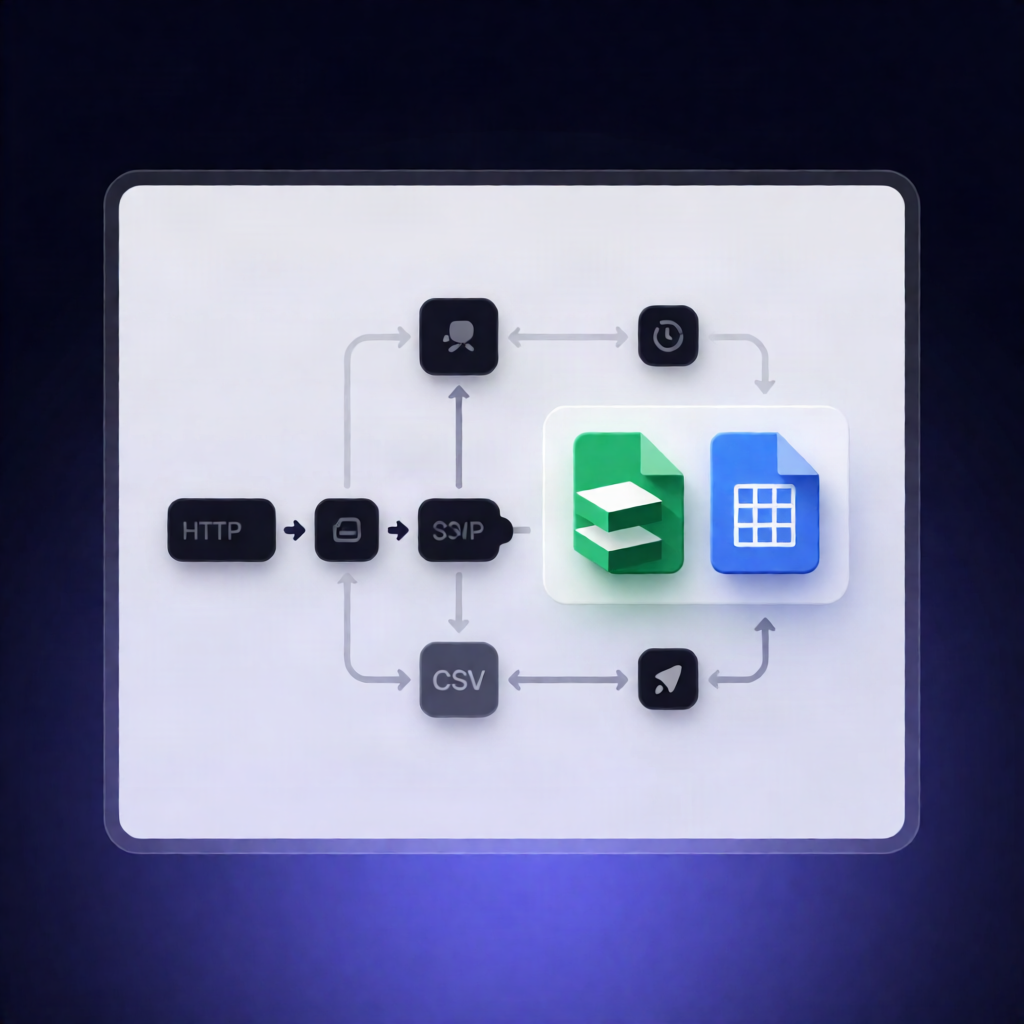
This n8n workflow runs daily to scrape 1688.com listings using the UnitBytes 1688 Scraper on Apify, normalizes key fields, and exports the results to a ready-to-use CSV file (ideal for Google Sheets or Airtable).
What this workflow does
- Schedules a run every 24 hours using a Schedule Trigger.
- Sets your Apify API token and configures the actor input (including search queries, max items, detail level, and proxy settings as part of the actor input).
- Calls the UnitBytes 1688 Scraper actor on Apify via the run-sync endpoint to fetch scraped dataset items in JSON.
- Normalizes each returned record into a flat structure with fields such as id, offerId, url, title, page, and position.
- Converts the normalized results into a CSV file named 1688-scraper-dataset-export.csv.
Use cases
- Keep an up-to-date list of 1688 offers for product research and competitive monitoring.
- Feed scraped wholesale data into Google Sheets or Airtable by adding the appropriate n8n node after the CSV export.
- Build a repeatable pipeline for 1688 data exports without manually running scrapers.
Technical details
- Schedule Trigger (runs every 24 hours)
- Set (stores YOUR_APIFY_API_TOKEN and actor input)
- HTTP Request (calls Apify run-sync endpoint for the UnitBytes 1688 Scraper)
- Convert to File (outputs 1688-scraper-dataset-export.csv)
- Sticky Note (workflow documentation)
Requirements: Add your YOUR_APIFY_API_TOKEN in the input step, then adjust actor input parameters (queries, maxItems, detailLevel, proxyConfiguration) to match your scraping needs.