n8n Workflow: Extract Event Listings to Google Sheets
n8n Workflow: Extract Event Listings to Google Sheets
Regular price
£16.99
Regular price
£16.99
Sale price
Unit price
per
⬇
Instant Digital Download
∞
Unlimited Downloads
★
Lifetime Access in Your Account
Couldn't load pickup availability
🔥
128+ Sold
Popular with n8n builders
⚡
23 people viewing
High interest right now
✅
9 added today
Fast-moving digital product

n8n Workflow: Extract Event Listings to Google Sheets
Regular price
£16.99
Regular price
£16.99
Sale price
Unit price
per
Automatically turn event listing URLs into clean, deduplicated Google Sheets rows
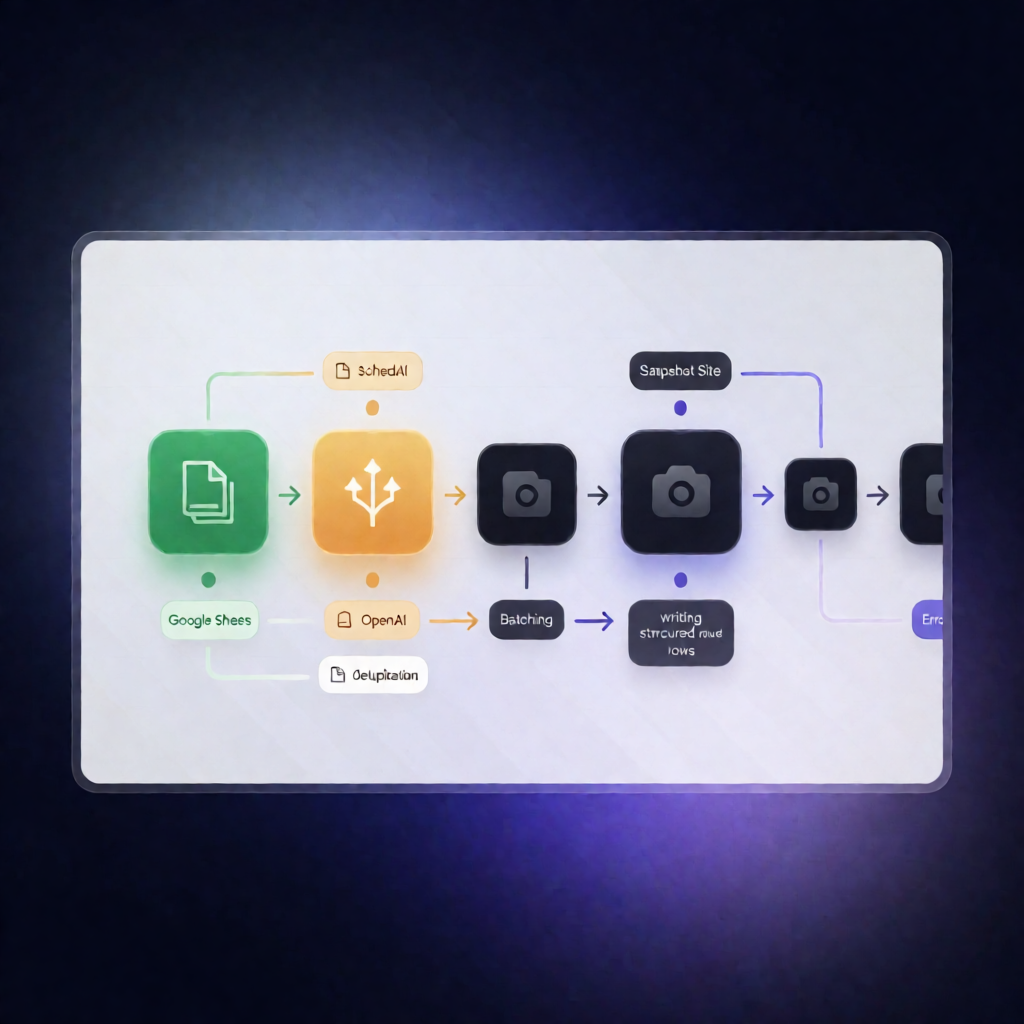
This n8n workflow extracts structured event details from event page URLs stored in Google Sheets—using Snapshot Site to capture fully rendered HTML and OpenAI’s Information Extractor to parse event data—then writes results back to a dedicated Events sheet daily. Capture and extraction errors are logged to an Extraction Errors tab so your pipeline keeps running.
What this workflow does
- Runs on a schedule every day at 10:00 AM (UTC) via an n8n schedule trigger.
- Reads input URLs one at a time from the Event Sources tab in your Google Sheets spreadsheet.
- Captures fully rendered pages with Snapshot Site to retrieve the complete HTML for each event URL.
- Handles capture/API errors by routing failures into an error log flow (instead of stopping the whole run).
- Cleans the captured HTML by removing scripts, styles, SVG, and excess whitespace before extraction.
- Extracts event data with OpenAI using n8n’s Information Extractor (OpenAI chat model), producing an array of event objects (e.g., name, dates, venue, registration URL).
- Splits and writes events into the Events sheet as individual rows, deduplicating by registrationUrl via append/update behavior.
- Logs extraction/capture errors (url, message, occurredAt) to the Extraction Errors sheet and continues processing remaining sources.
Use cases
- Maintain an always-up-to-date event database by feeding new listing URLs into Google Sheets.
- For SaaS operators: centralize partner or community events with deduplication by registrationUrl.
- For automation engineers: a resilient event extraction workflow that logs failures without interrupting the daily run.
Technical details
- Nodes/logic: schedule trigger, if, set, code, no op, split out, and sticky note.
- Snapshot Site: community node n8n-nodes-snapshot-site with Snapshot Site credentials.
- Google Sheets: OAuth2 connection for reading from Event Sources and writing to Events and Extraction Errors.
- OpenAI: OpenAI API credential for the Information Extractor’s chat model connection.
Setup requirements
Install n8n-nodes-snapshot-site, add Snapshot Site credentials, configure Google Sheets OAuth2 and spreadsheet ID/URL, and provide an OpenAI API credential for the Information Extractor.