n8n Workflow: Fill PDF Forms from New Google Sheets Rows
n8n Workflow: Fill PDF Forms from New Google Sheets Rows
Regular price
£41.99
Regular price
£41.99
Sale price
Unit price
per
⬇
Instant Digital Download
∞
Unlimited Downloads
★
Lifetime Access in Your Account
Couldn't load pickup availability
🔥
128+ Sold
Popular with n8n builders
⚡
23 people viewing
High interest right now
✅
9 added today
Fast-moving digital product

n8n Workflow: Fill PDF Forms from New Google Sheets Rows
Regular price
£41.99
Regular price
£41.99
Sale price
Unit price
per
Automatically fill PDF forms from every new Google Sheets row—then store the completed PDF in Google Drive
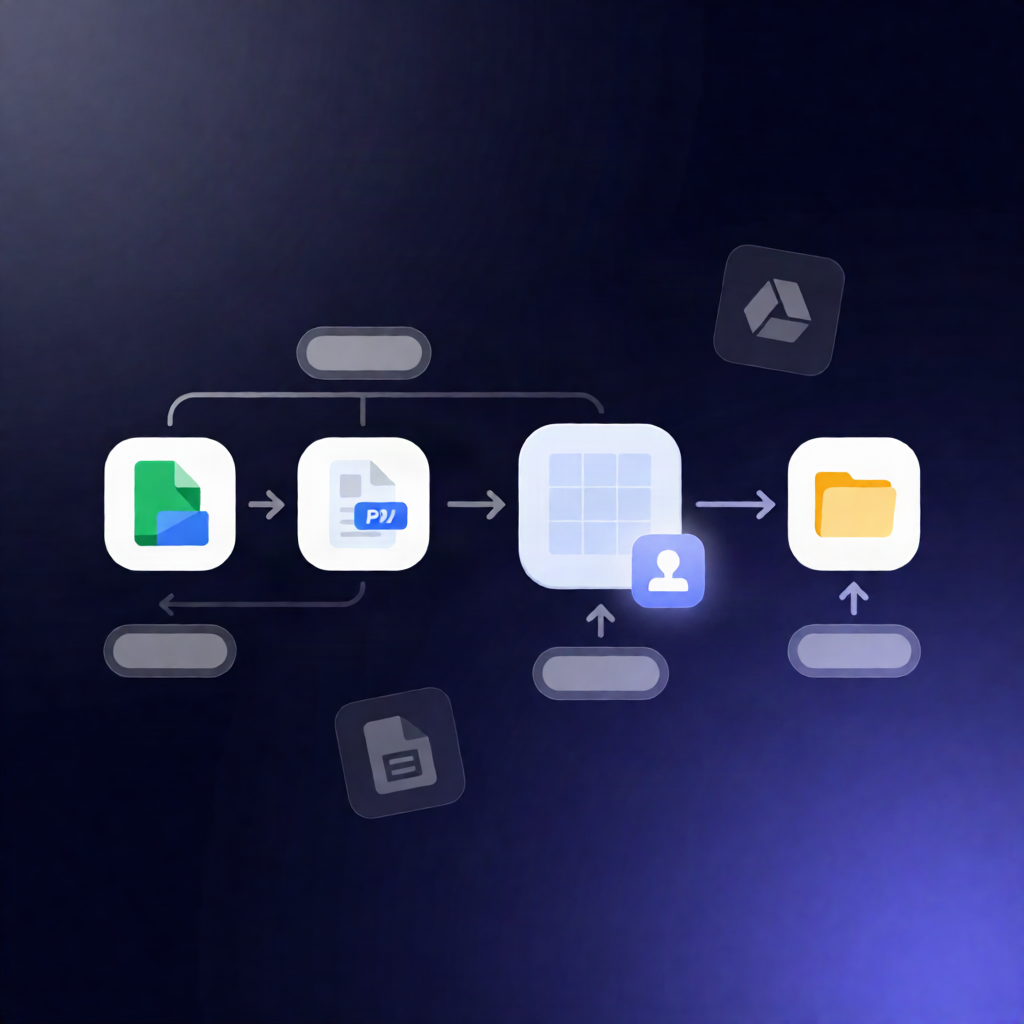
This n8n workflow watches your Google Sheets for new entries, fills a blank PDF template with the row’s values using JustFill, flattens the result, and uploads the finished PDF back to a specified Google Drive folder.
What this workflow does
-
Triggers on new rows in a specific Google Sheets worksheet (by spreadsheet document ID and sheet
gid). - Downloads a blank PDF template from Google Drive using the provided Google Drive file ID.
-
Populates PDF form fields via the community node
n8n-nodes-justfill, mapping Google Sheets columns to the PDF’s named form fields and flattening the output. - Uploads the filled PDF to your chosen Google Drive folder using the generated filename.
Use cases
- Application intake: when a user submits a form, a new row appears in Google Sheets and a finalized PDF is generated automatically.
- HR and onboarding: create consistent, completed documents (e.g., employee details) from a centralized sheet.
- Sales and partner paperwork: convert spreadsheet-driven leads into filled PDF documents stored per record in Drive.
Technical details
-
n8n trigger: Google Sheets “new row” trigger (worksheet configured via document ID and
gid). -
JustFill integration: community node
n8n-nodes-justfillwith a JustFill API credential. - Field mapping: JustFill requires keys that match your PDF form field names (use JustFill’s “List Fields” to confirm them) and Google Sheets headers (example headers include Full Name, Company, Email, Phone, Date).
- Storage: Google Drive download of the blank template and upload of the flattened filled PDF to a target folder.
Ideal for n8n users, automation engineers, and SaaS operators who need reliable PDF form automation tied directly to Google Sheets data.