n8n Workflow: Fix WordPress noindex with Google Sheets
n8n Workflow: Fix WordPress noindex with Google Sheets
Regular price
£11.99
Regular price
£11.99
Sale price
Unit price
per
⬇
Instant Digital Download
∞
Unlimited Downloads
★
Lifetime Access in Your Account
Couldn't load pickup availability
🔥
128+ Sold
Popular with n8n builders
⚡
23 people viewing
High interest right now
✅
9 added today
Fast-moving digital product

n8n Workflow: Fix WordPress noindex with Google Sheets
Regular price
£11.99
Regular price
£11.99
Sale price
Unit price
per
Automatically fix WordPress “noindex” pages using Google Sheets + RankMath (via n8n)
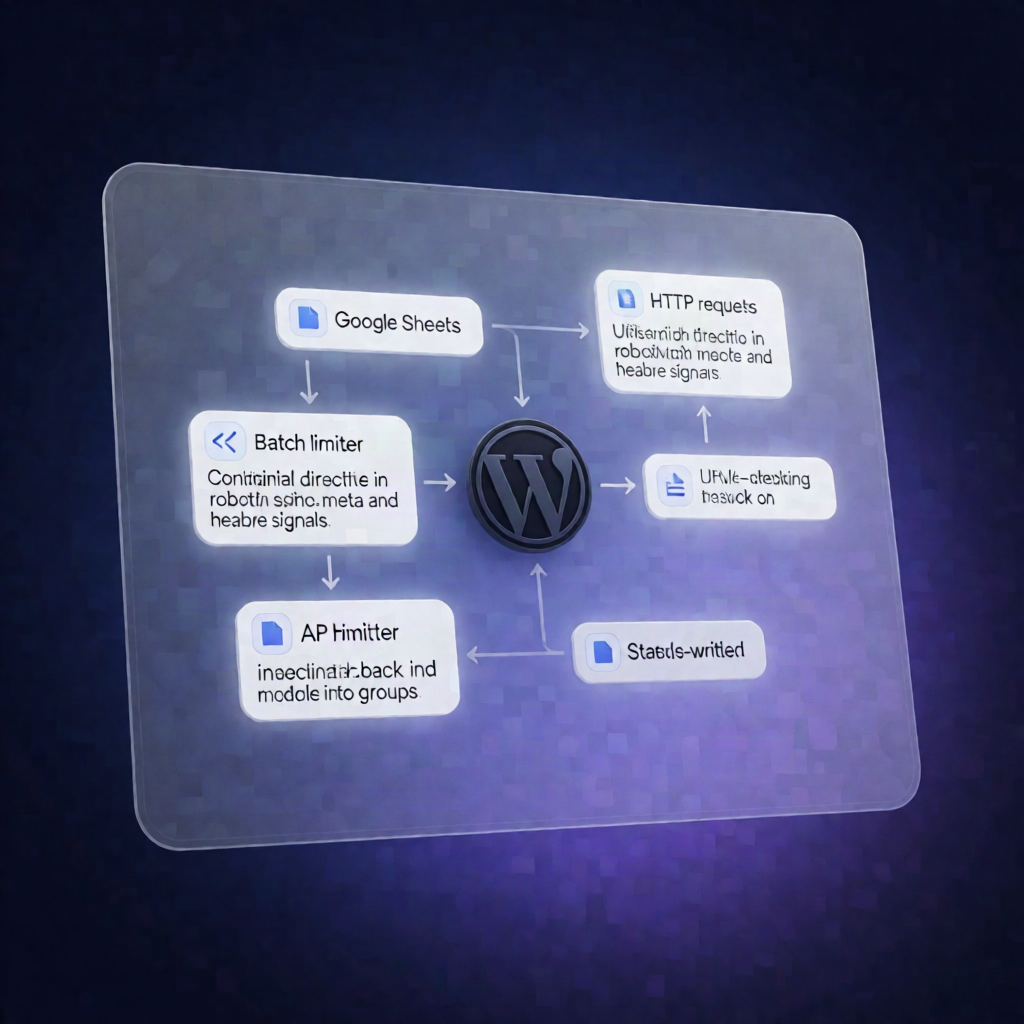
This n8n workflow checks every URL you list in Google Sheets for noindex directives (in both the HTML meta robots and the X-Robots-Tag header). When a page needs indexing, it updates RankMath’s WordPress REST API to switch robots settings back to index—and writes the results straight back to your sheet.
What this workflow does
- Reads URLs from Google Sheets: Starts manually, loads URL rows from the “All URLs” tab, and processes only rows matching the configured filter.
- Detects noindex signals: Fetches each page over HTTP and parses both meta robots and X-Robots-Tag values.
- Updates sheet status: Writes detected robots status back to the sheet (e.g., NOINDEX, INDEX, noindex via header, no meta robots found, or an HTTP error).
- Targets rows marked “Needs index”: After the check, it reads rows where the Note column equals Needs index.
- Builds the new robots value: Extracts the underlying WordPress post/term object ID from headers or page markup, then prepares a robots value that replaces noindex with index.
- Updates WordPress via RankMath: Calls the RankMath WordPress REST endpoint updateMeta to apply the change, recording API errors when no valid object ID is found.
- Final reporting: Writes INDEX or error statuses back to Google Sheets.
Use cases
- Recover SEO traffic after accidental noindex settings in WordPress.
- Audit large URL lists and bulk-fix indexing using n8n and RankMath.
- Ongoing SEO hygiene for SaaS operators managing many pages/terms.
Technical details
- Google Sheets: Tab “All URLs” with columns exactly: URL, Robots Tag, Note.
- HTTP Request: Fetches pages and inspects HTML + headers.
- Nodes used: if, code, limit, sticky note, http request, google sheets.
- RankMath integration: Uses the WordPress REST API updateMeta to switch robots from noindex to index.
Setup tip: Add your Google Sheets credential in n8n and replace YOUR_GOOGLE_SHEET_ID in the Google Sheets nodes.